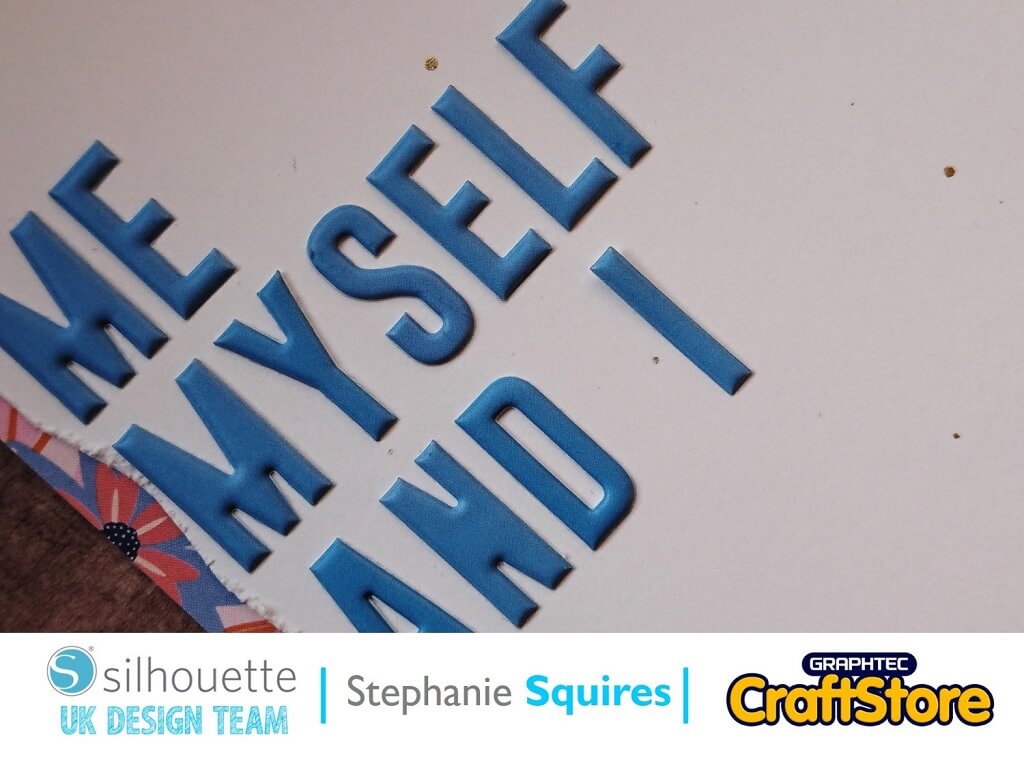
Me Myself & I | Stephanie Squires | Silhouette UK Blog
Me Myself & I | Stephanie Squires | Silhouette UK BlogScrapbooking With Steph | Flower Layout Hello and welcome to this weeks blog post! As you have no doubt grown…
PLEASE NOTE THAT THE OFFICE WILL BE CLOSED FROM 12PM FRIDAY 20TH DECEMBER 2024 AND WILL RE-OPEN ON THURSDAY 2ND JANUARY 2025
ORDERS FOR DELIVERY PRIOR TO CHRISTMAS WILL NEED TO BE SUBMITTED BY 2.30PM ON THURSDAY 19THDECEMBER 2024.
ORDERS RECEIVED AFTER THIS TIME AND DATE WILL BE DESPATCHED ON THURSDAY 2ND JANUARY 2025.
Merry Christmas & A Happy New Year to all our customers. Thank you for your continued support.

Hi all!
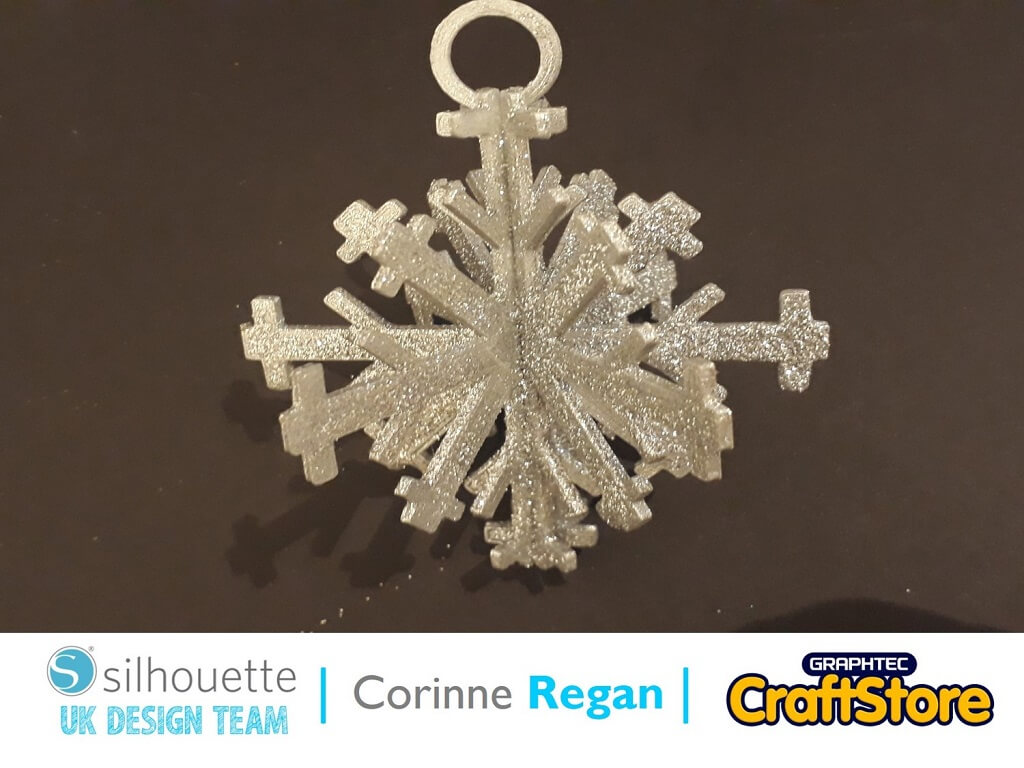
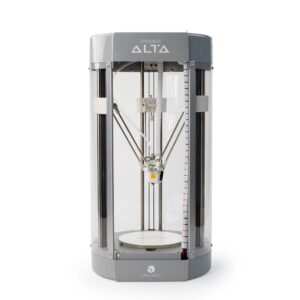
With the festive season fast approaching I decided to make a snowflake Christmas tree decoration using my Silhouette Alta 3D Printer!
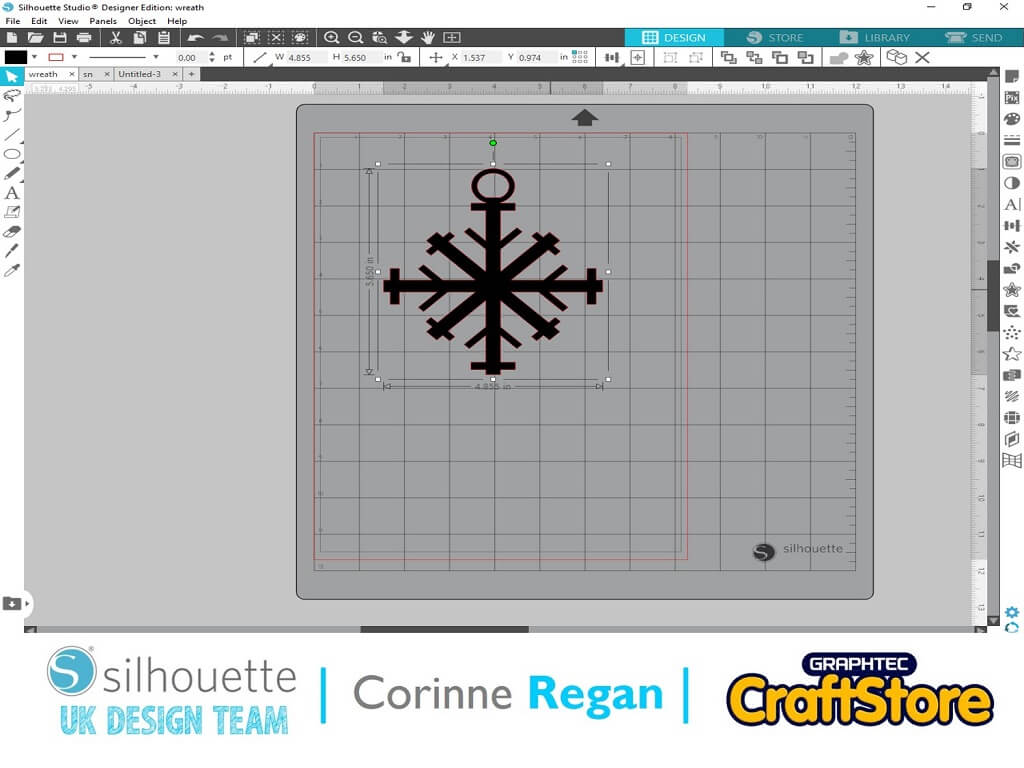
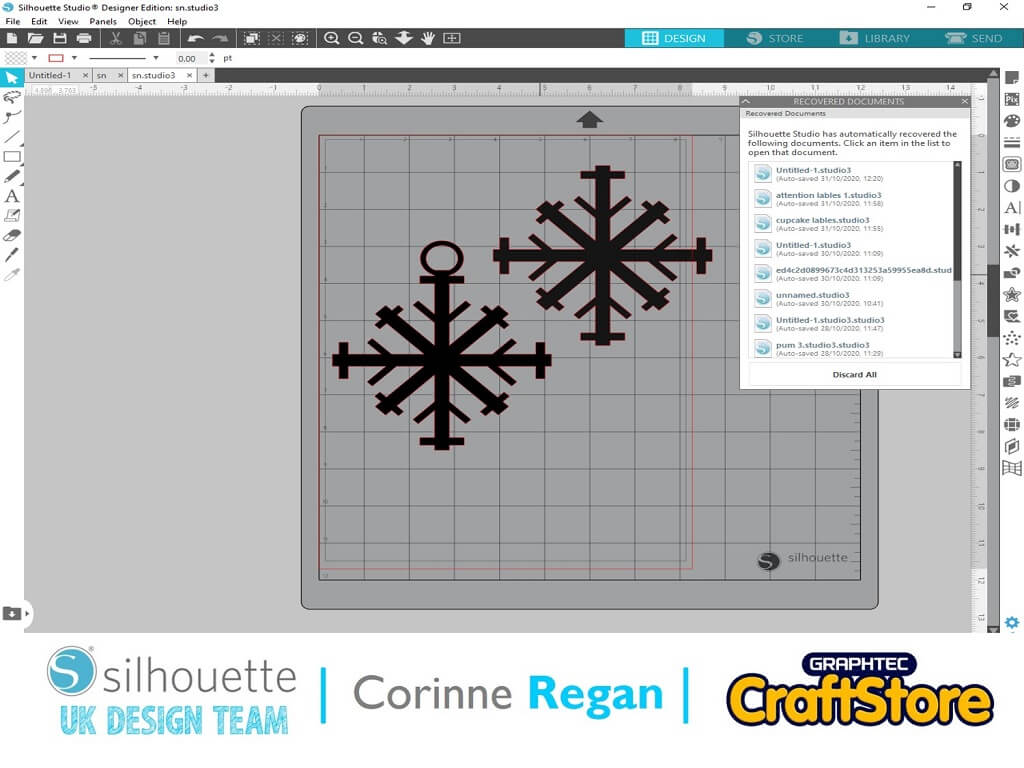
First, I brought my design onto the mat and duplicated it.
I added a circle to one of the shapes and then welded the circle to that shape.
Next, I saved the design to my software so I could take them both into my Alta software.
I imported the shape into the Alta software one at a time.
For the one without the circle welded to it I used the knife tool to cut it in half and I printed it twice so I had 4 halves and one whole piece.
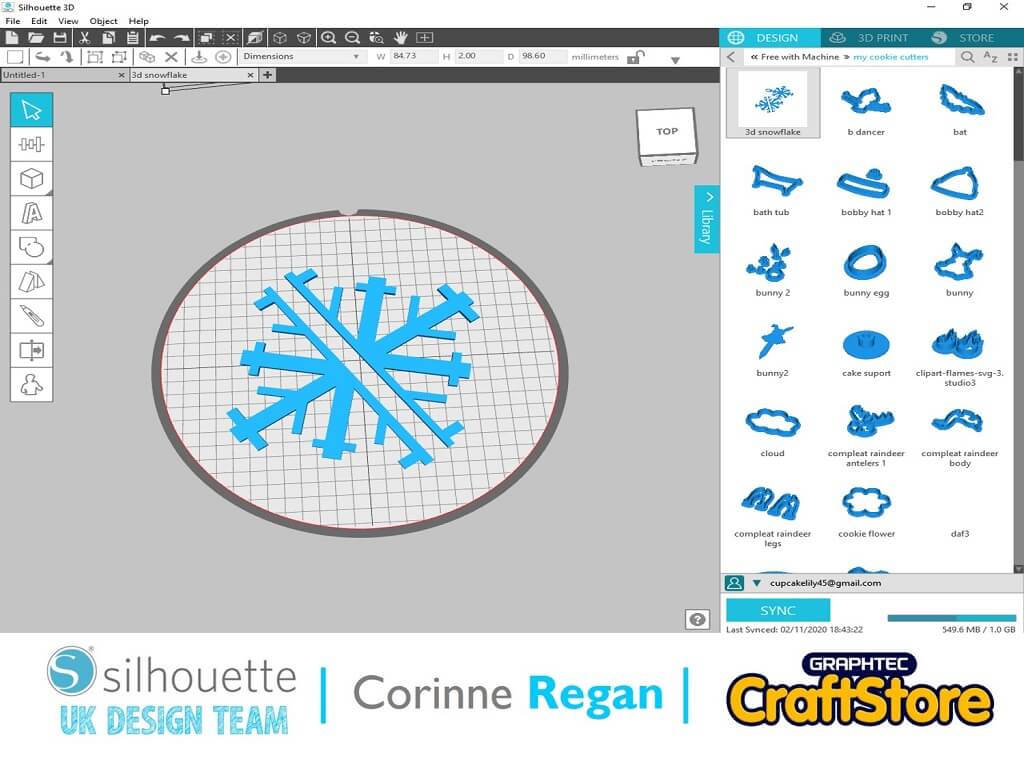
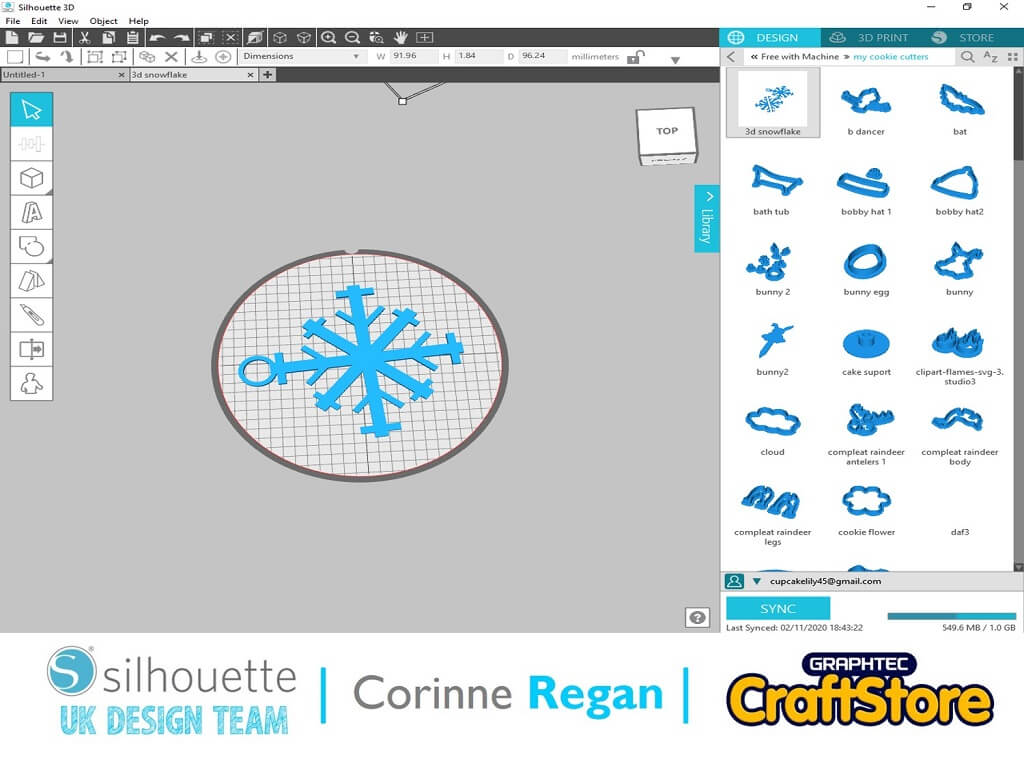
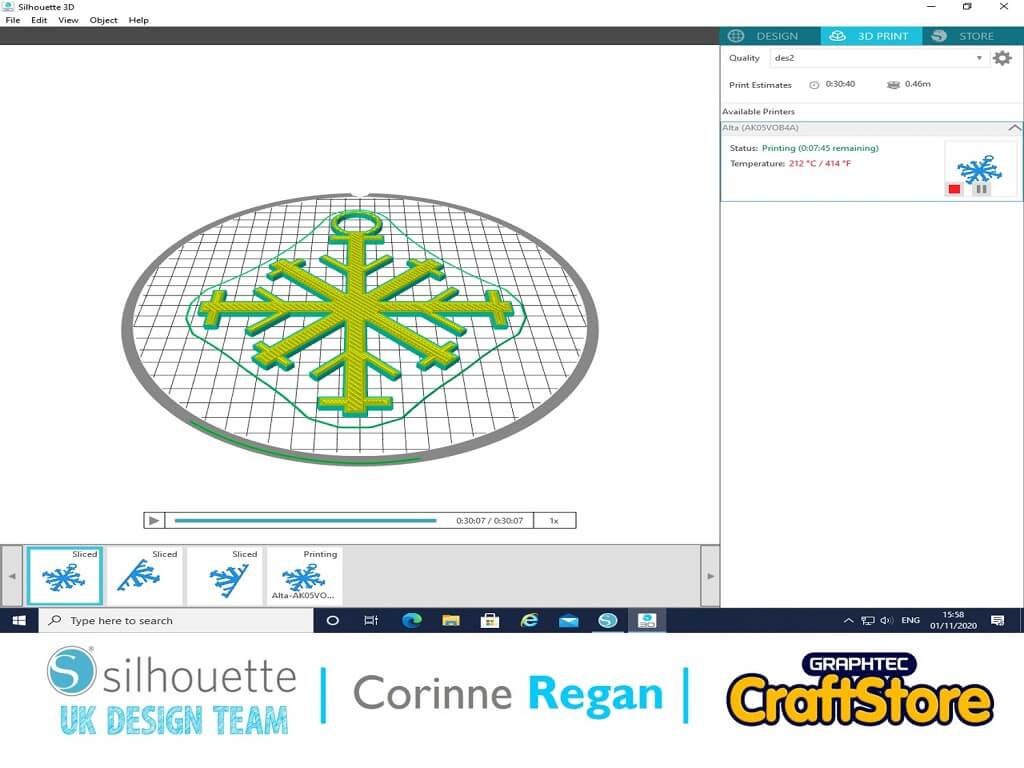
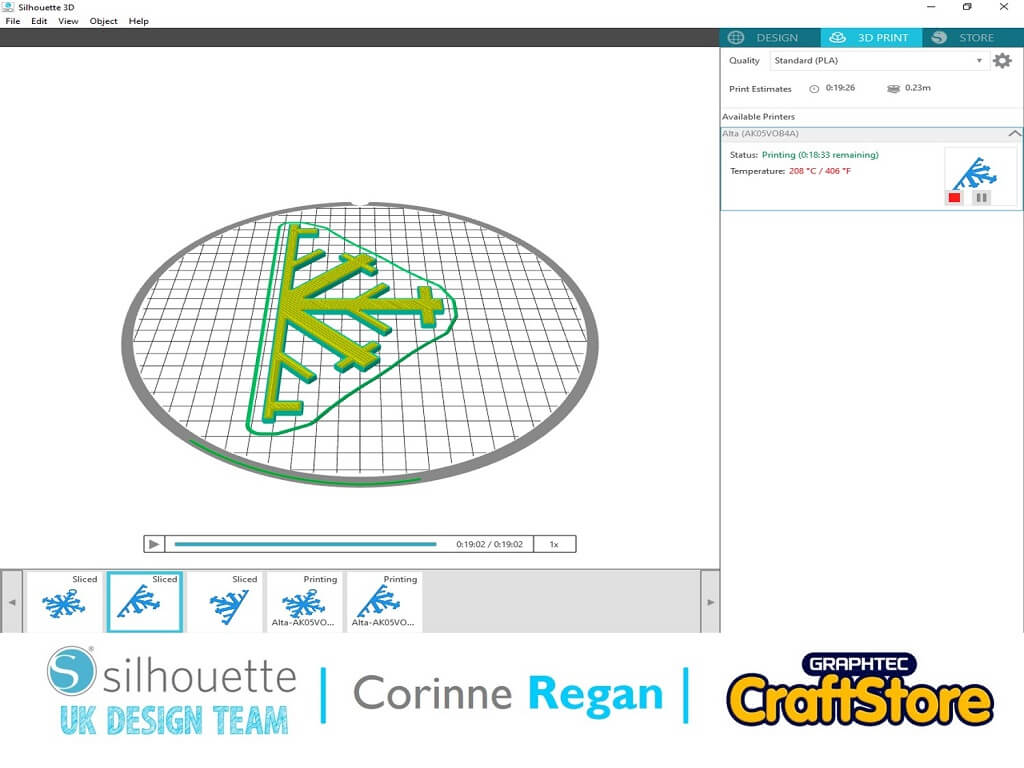
These are the shapes when they are printing out.
I printed them out as an extrusion.
Here are all my separate shape pieces ready to fit together.
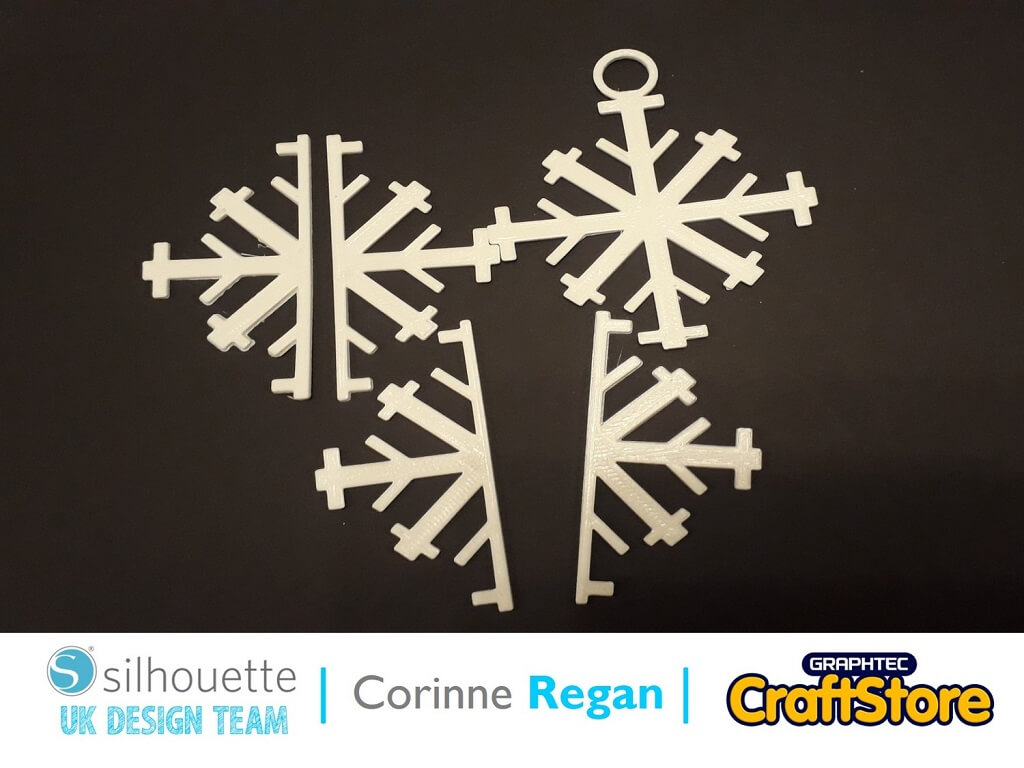
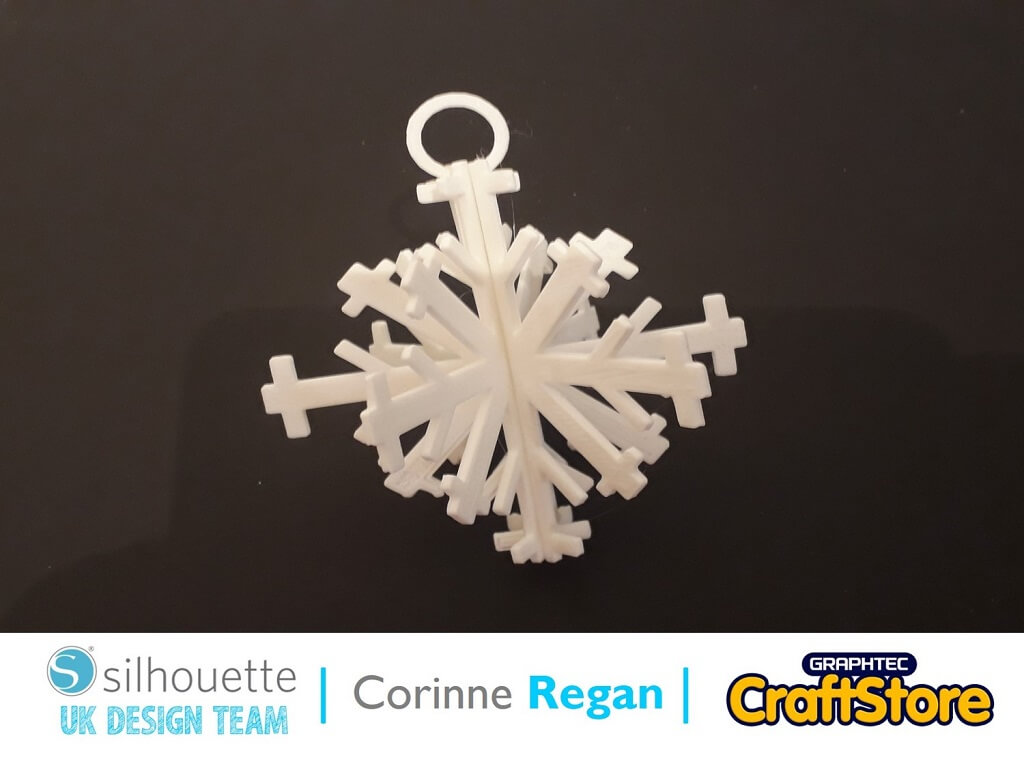
I used a hot glue gun to fix the snowflake pieces into place.
Then I sprayed it silver with aerosol paint.
Next while the paint was still wet, I covered it in silver glitter and left it to dry.
I am really pleased at the finished product it is very easy to make, it looks pretty and is super sparkly!
– Corinne Regan –
• Design Used: Snowflake
Design Store Artist: Silhouette
Design ID: 71446 > Download