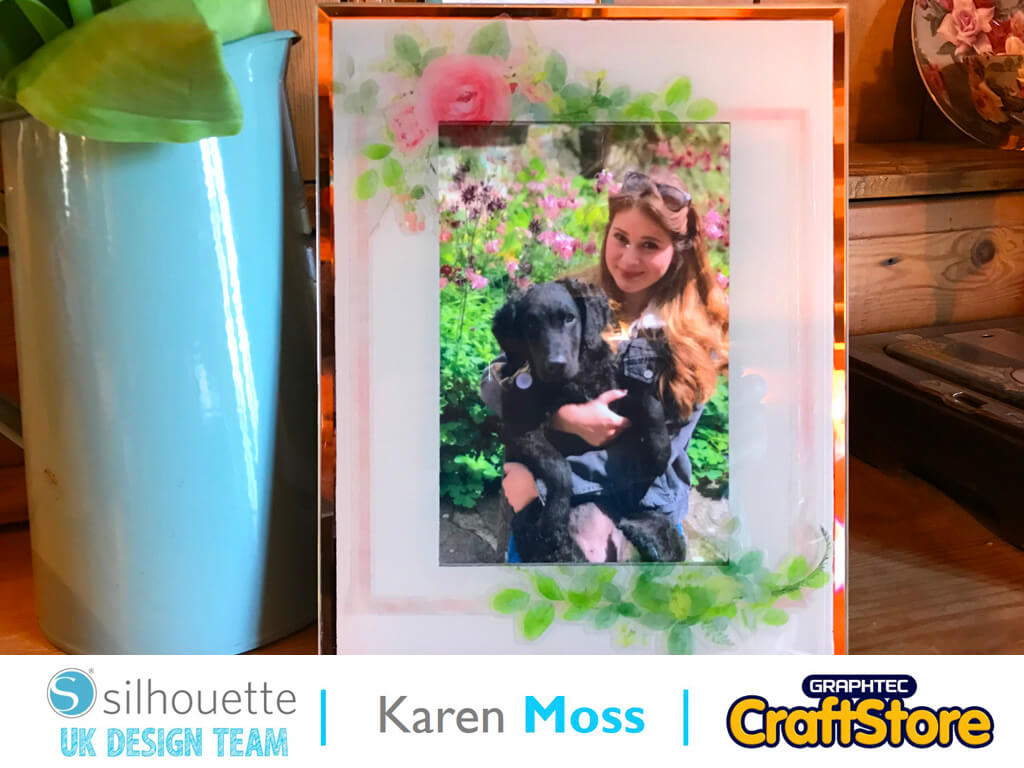
Window Cling Photo Frame | Karen Moss | Silhouette UK Blog
Window Cling Photo Frame | Karen Moss | Silhouette UK BlogWindow Cling Photo Frame | Silhouette Window Cling This week we are using Window Cling for our projects and I…
PLEASE NOTE THAT THE OFFICE WILL BE CLOSED FROM 12PM FRIDAY 20TH DECEMBER 2024 AND WILL RE-OPEN ON THURSDAY 2ND JANUARY 2025
ORDERS FOR DELIVERY PRIOR TO CHRISTMAS WILL NEED TO BE SUBMITTED BY 2.30PM ON THURSDAY 19THDECEMBER 2024.
ORDERS RECEIVED AFTER THIS TIME AND DATE WILL BE DESPATCHED ON THURSDAY 2ND JANUARY 2025.
Merry Christmas & A Happy New Year to all our customers. Thank you for your continued support.

Hi it’s Cheryl here again.
Well it’s January and the weather is miserable so why not get out your craft machine out and get creating.
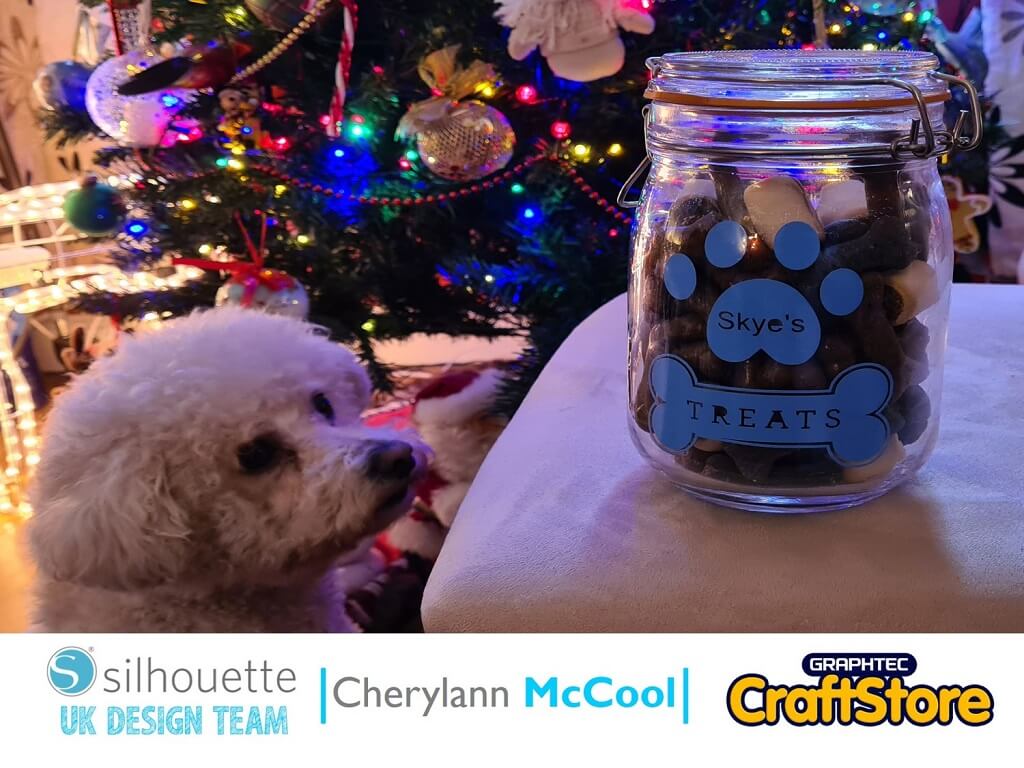
If you have a pet this can be adapted for many things but a Treat Jar always goes down well no matter where you are or what you are doing.
So come join me in making this gift for my dog.
• Silhouette Oracal 651 Premium Vinyl
• Jar or Tub
• Transfer Tape
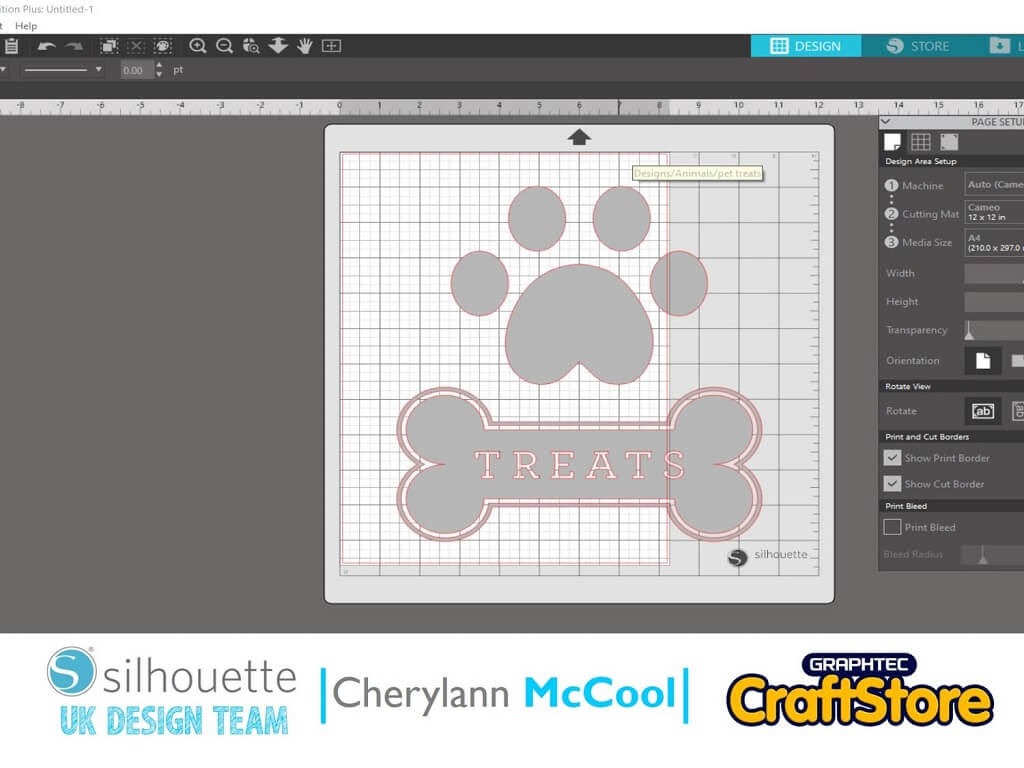
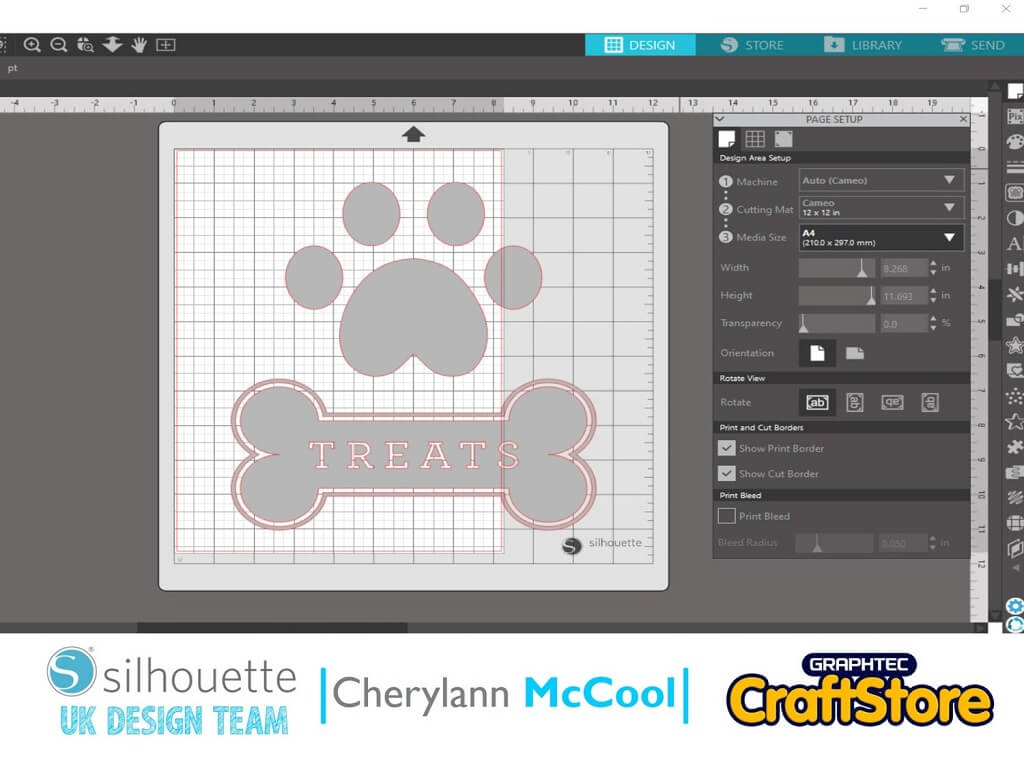
In your software open your file in the design space and look at the page setup box.
Make sure you check your file will fit on the mat that shows on the screen, if it is larger then change the Media Size.
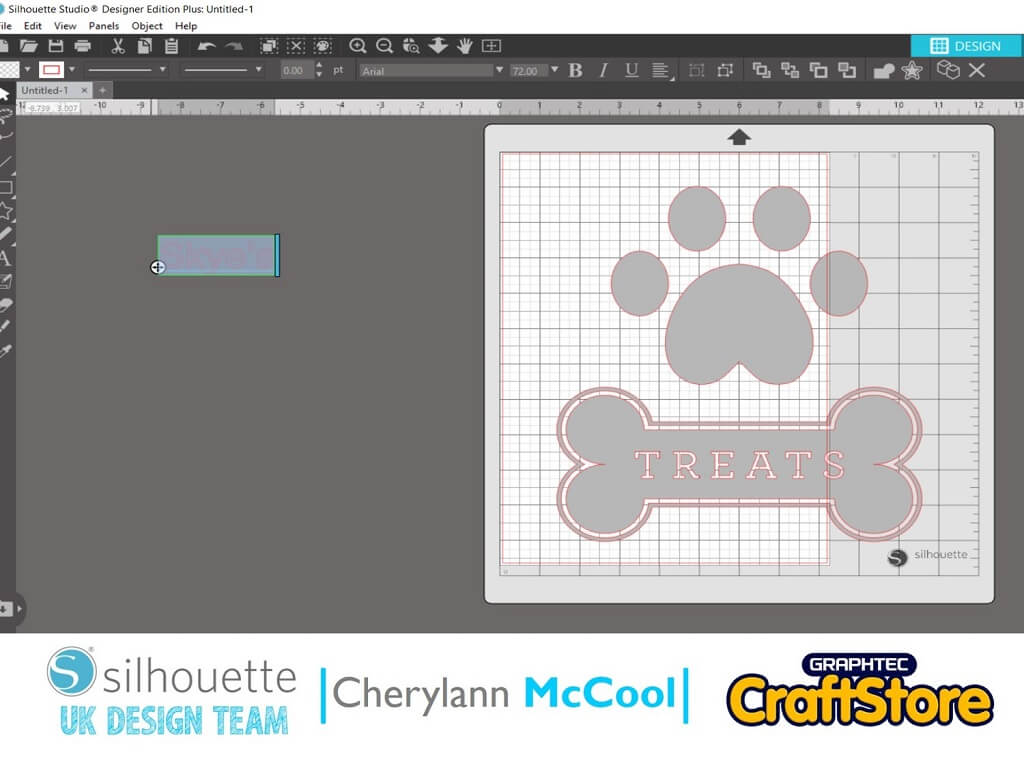
Now to add your pets name.
Use the text tool on the left hand side and type in the name
Now, highlight the text box and go and choose the text font to suit your image.
Now you want to move your text on to your image.
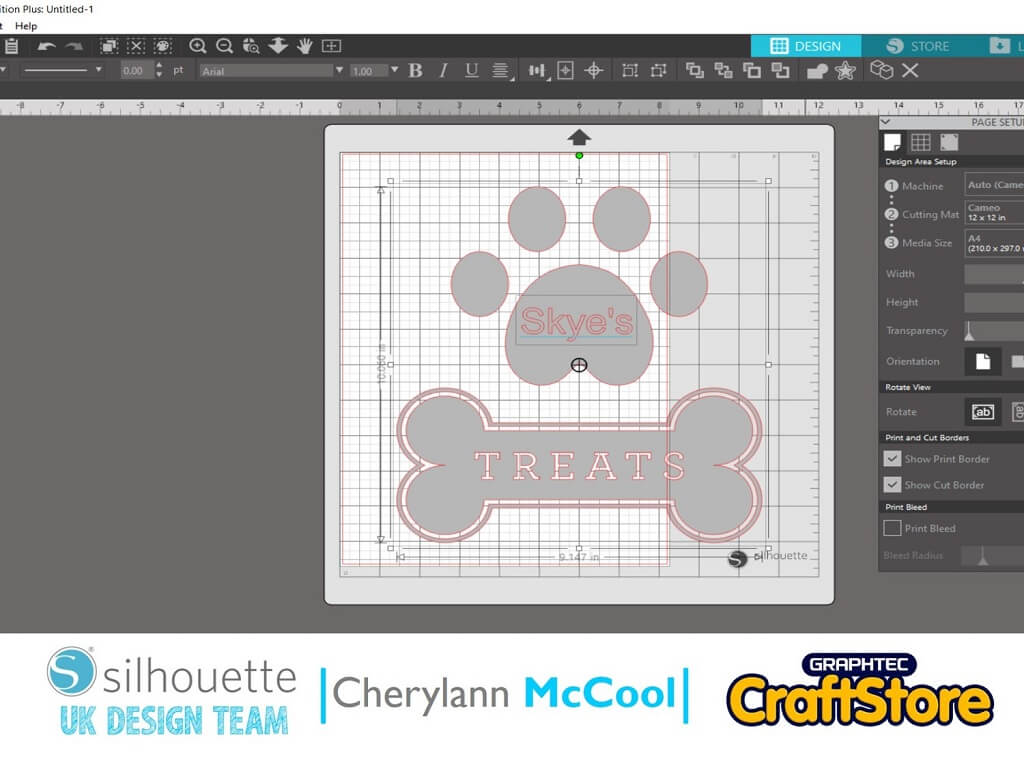
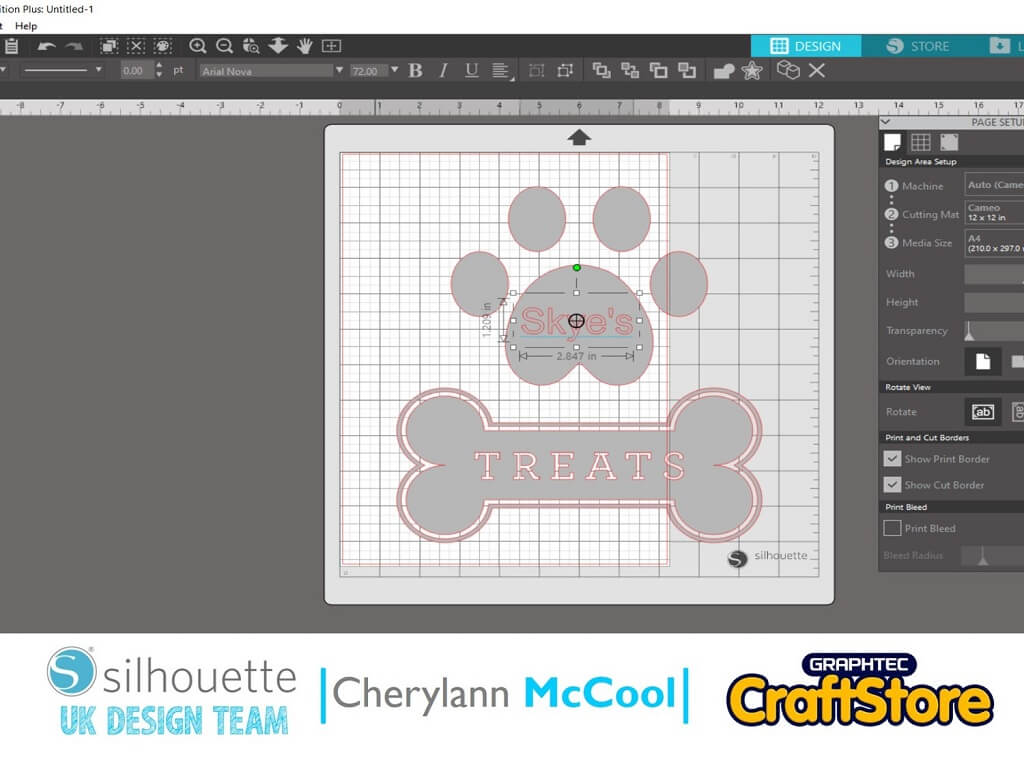
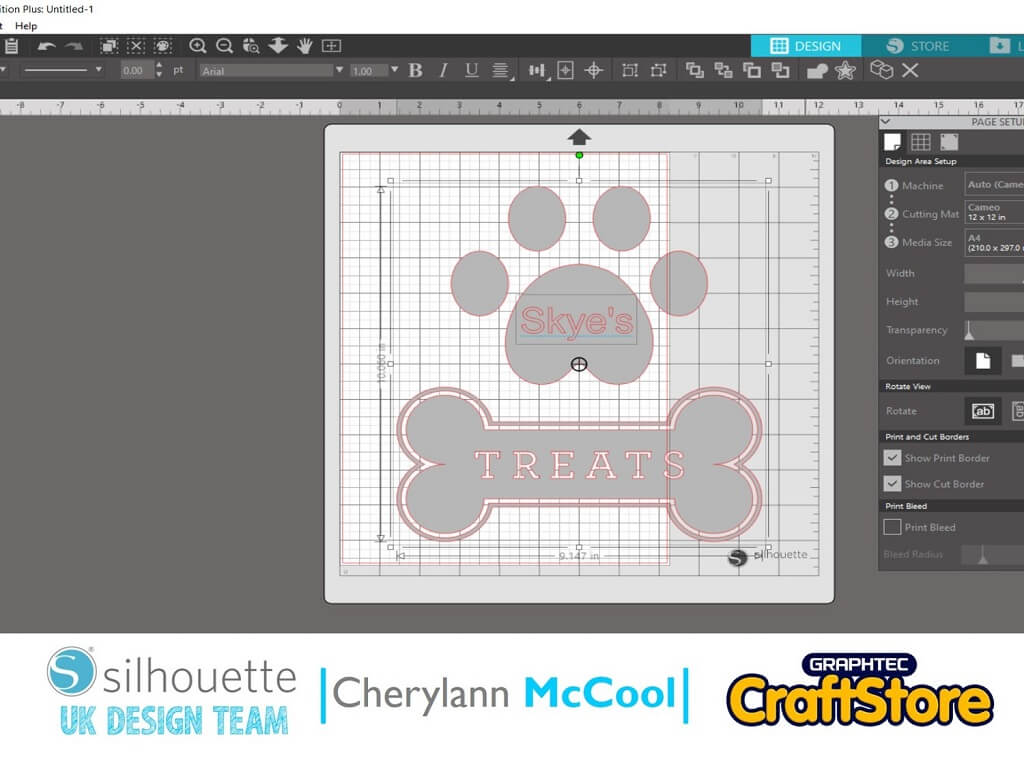
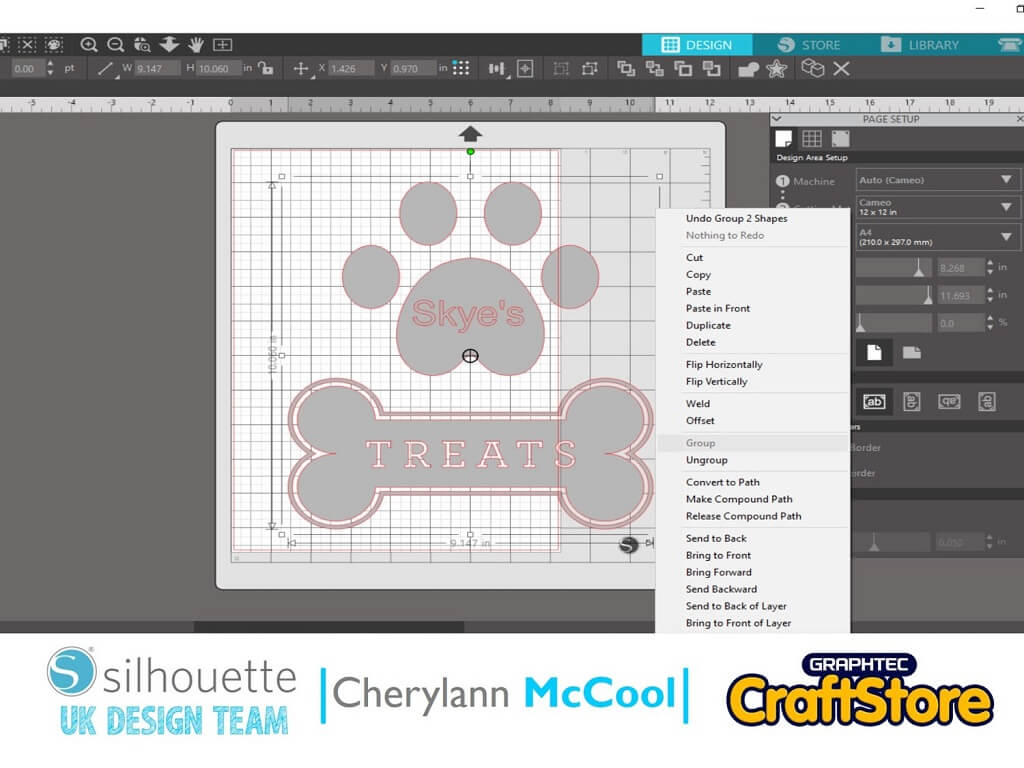
Before you start cutting I would recommend that you right click on the mouse to get the box around your image.
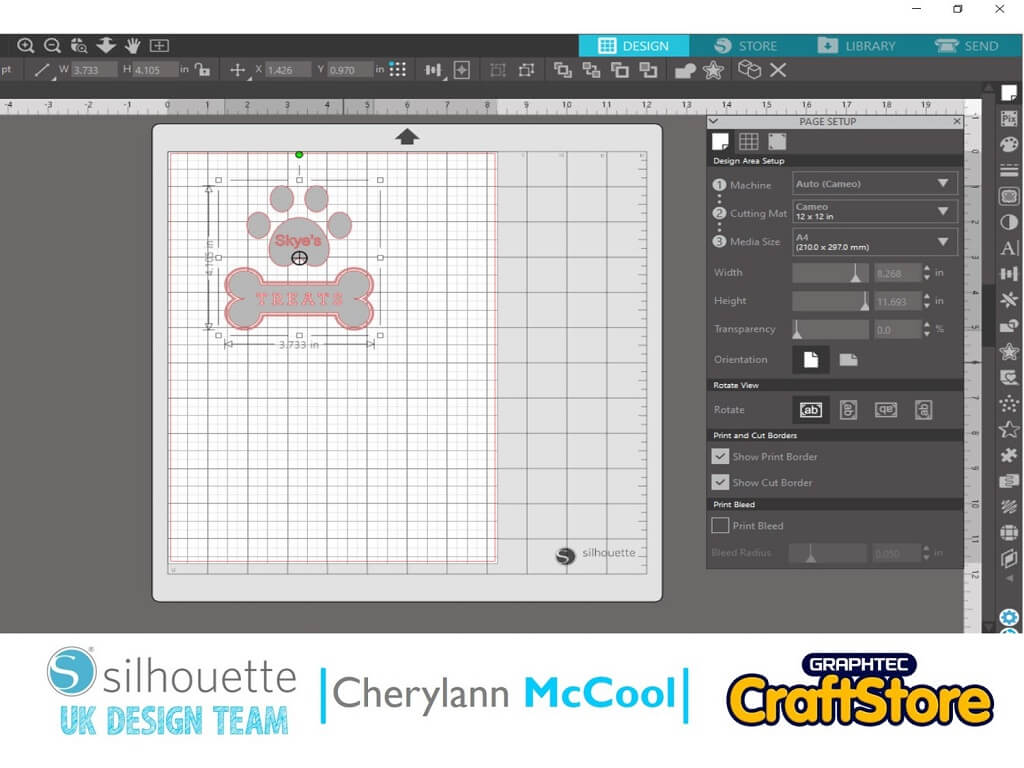
Right click the mouse and choose group and then enter and if you try to move your image you will see that your text now moves with the image.
Now put your image back on the mat and if happy then hit the send button.
Now before you hit send at the bottom of this screen you want to cut enough vinyl and lay it on your mat.
Then you want to select your material from the material dropdown and you will see the figures move at the blade and if you are happy then press send.
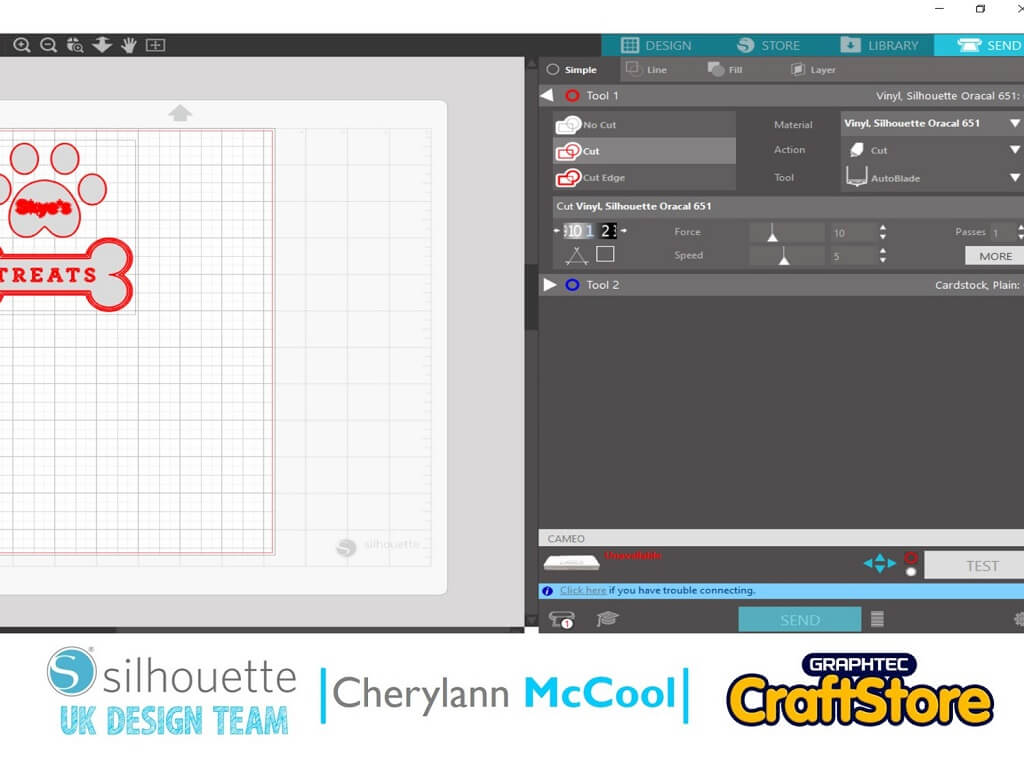
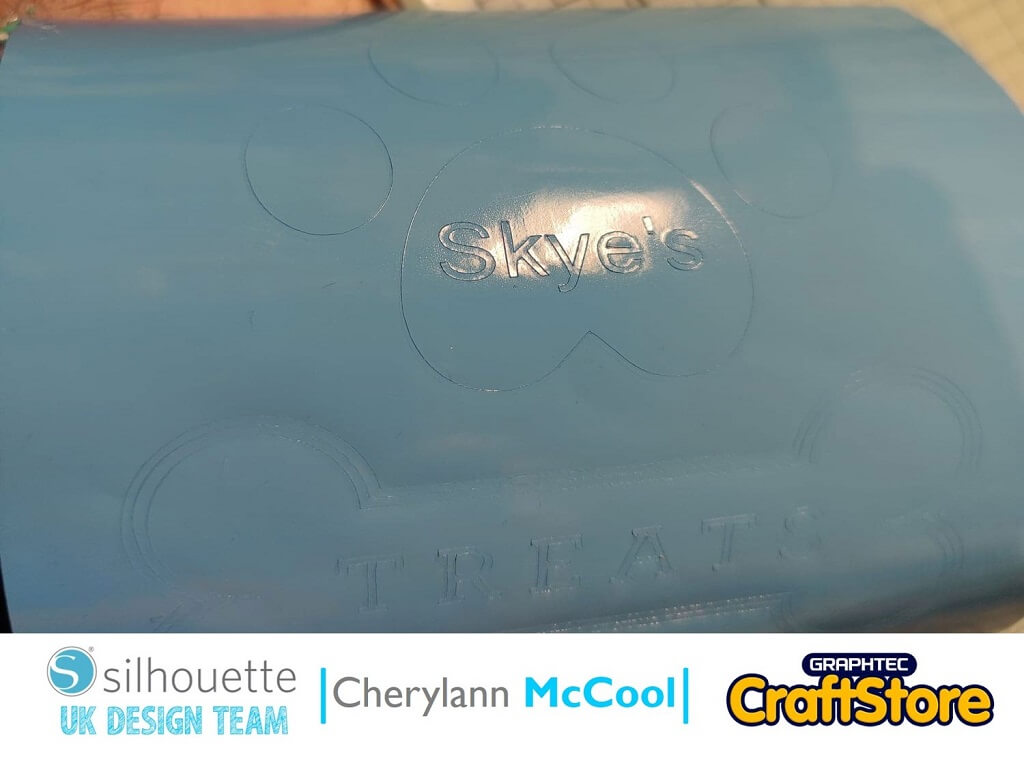
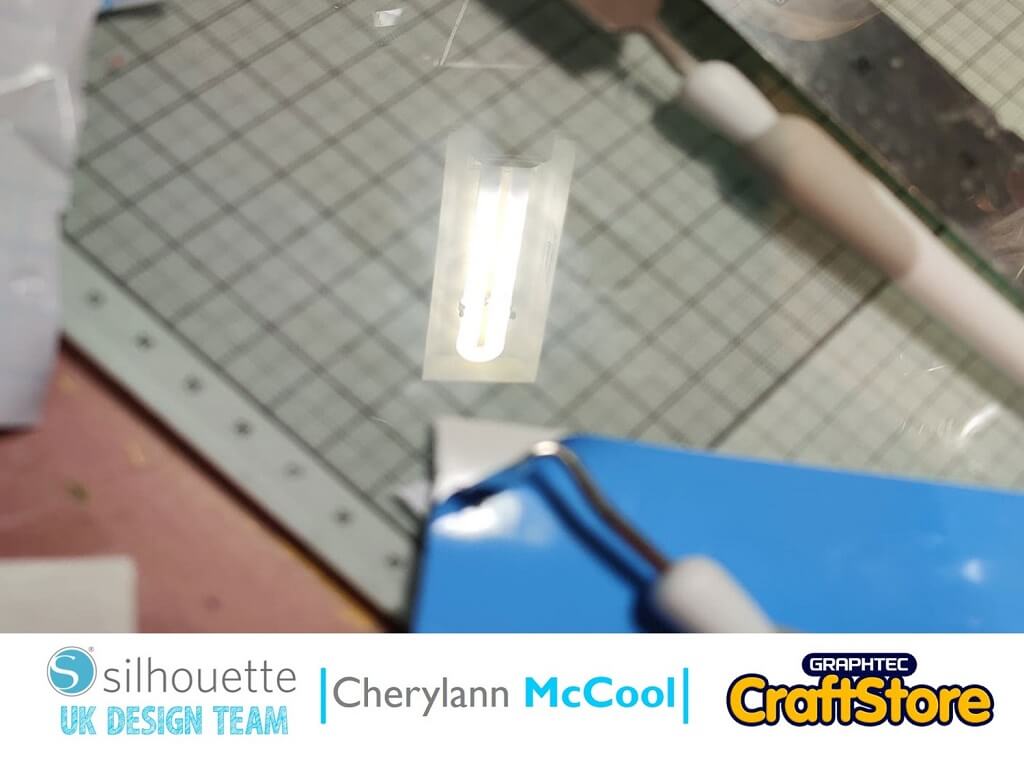
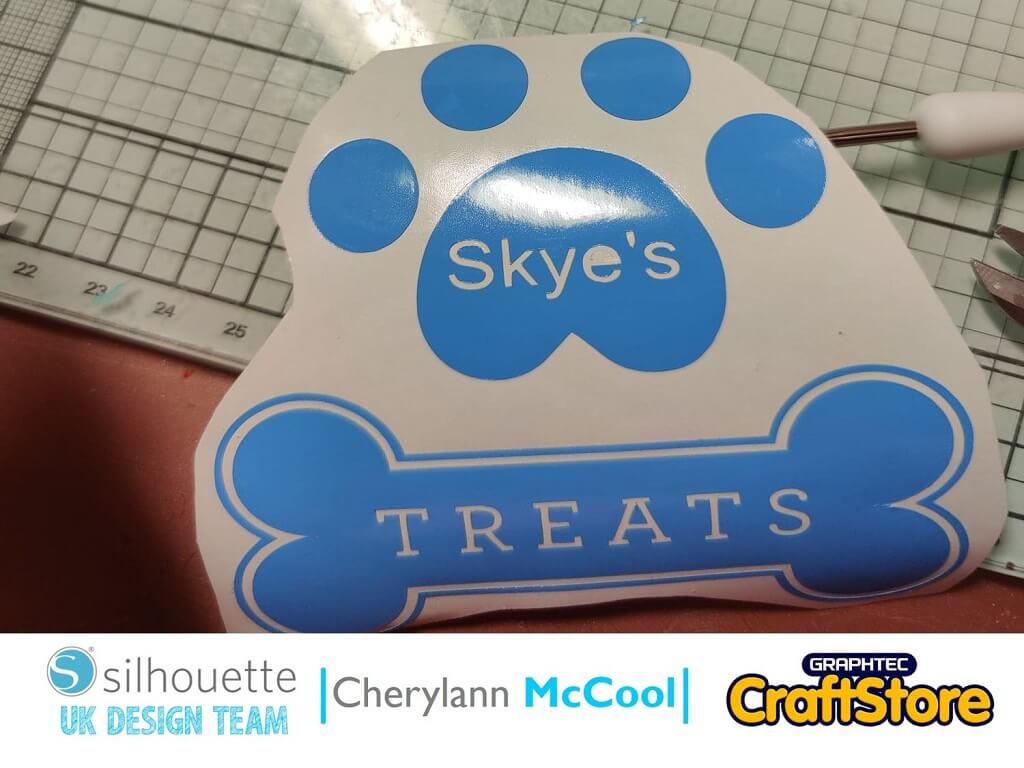
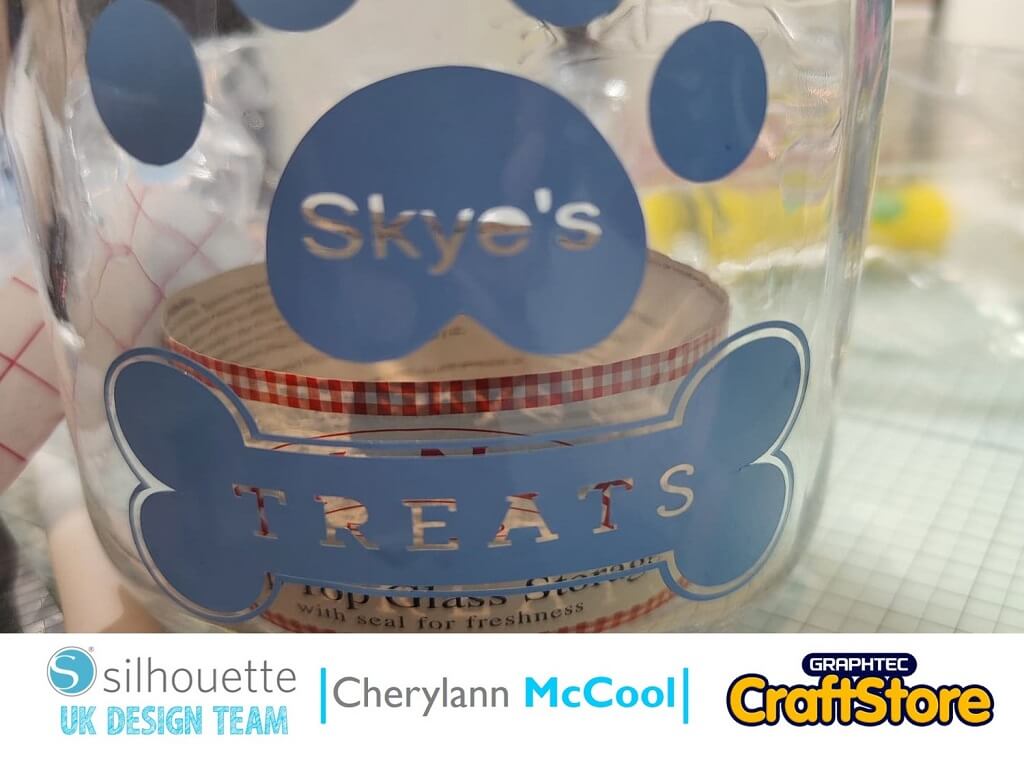
Once cut, you want to weed away the excess vinyl with your weeding tool until you are left with your image.
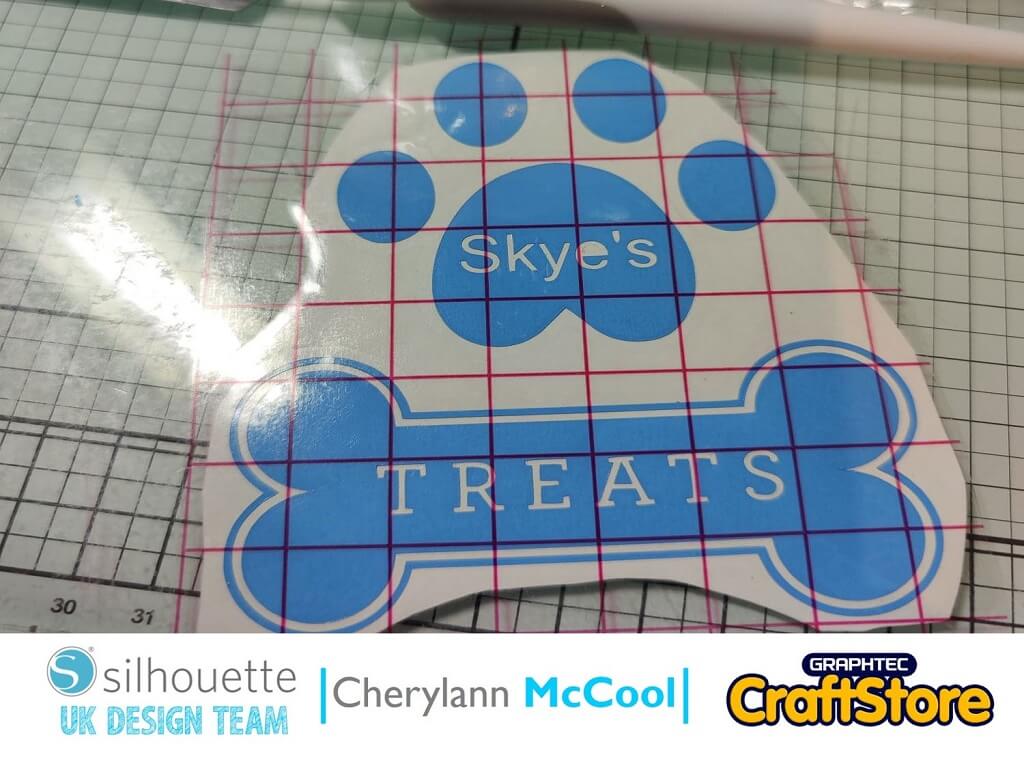
Now, you want to cut your transfer tape slightly bigger than your image and apply it on top of your design, ideally using a scraper to remove any air bubbles.
Once you have applied the transfer tape, peel the backing off your vinyl, lay it on your jar and rub it to make sure it adheres and then you can peel the transfer tape off and all that’s left to do is fill the jar and treat your pet.
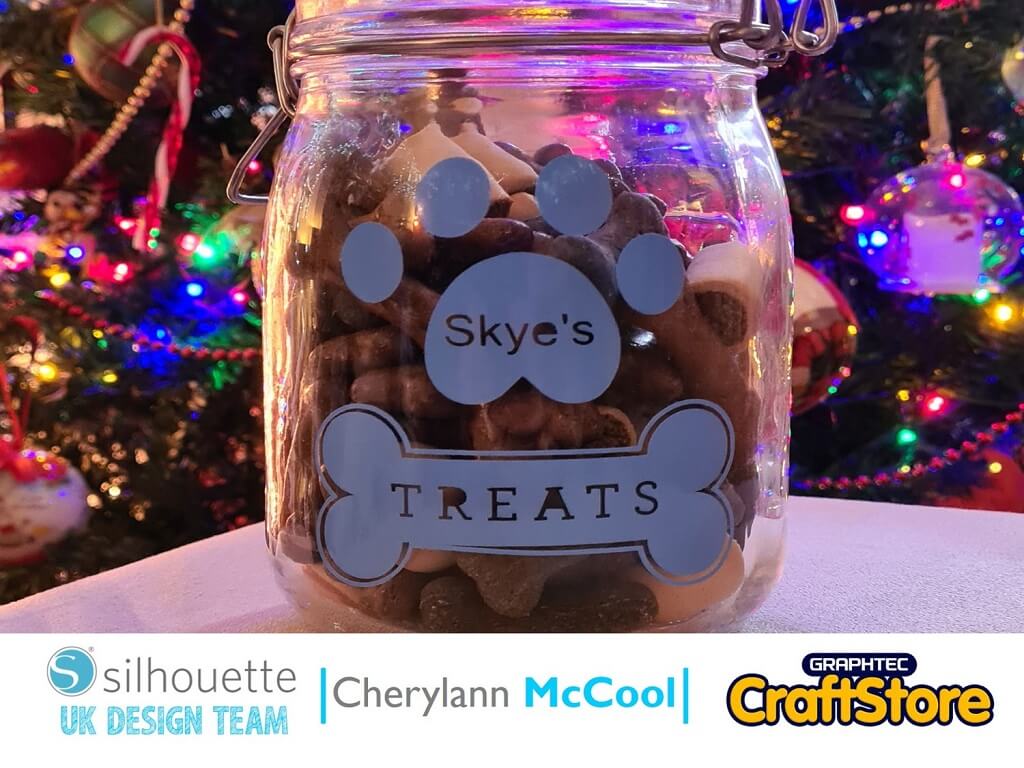
I absolutely loved this project it was so easy and so quick to make for my gorgeous wee dog Skye.
He loves getting something from it and it holds more than you would think.
Next time it’s time to get ready for all the love that is coming.
Well that’s me folks, you will hear from me again in a few weeks.
Bye for now!
– Cherylann McCool xx –
• Design Used: Pet Treats
Design Store Artist: Silhouette
Design ID: 306576 > Download