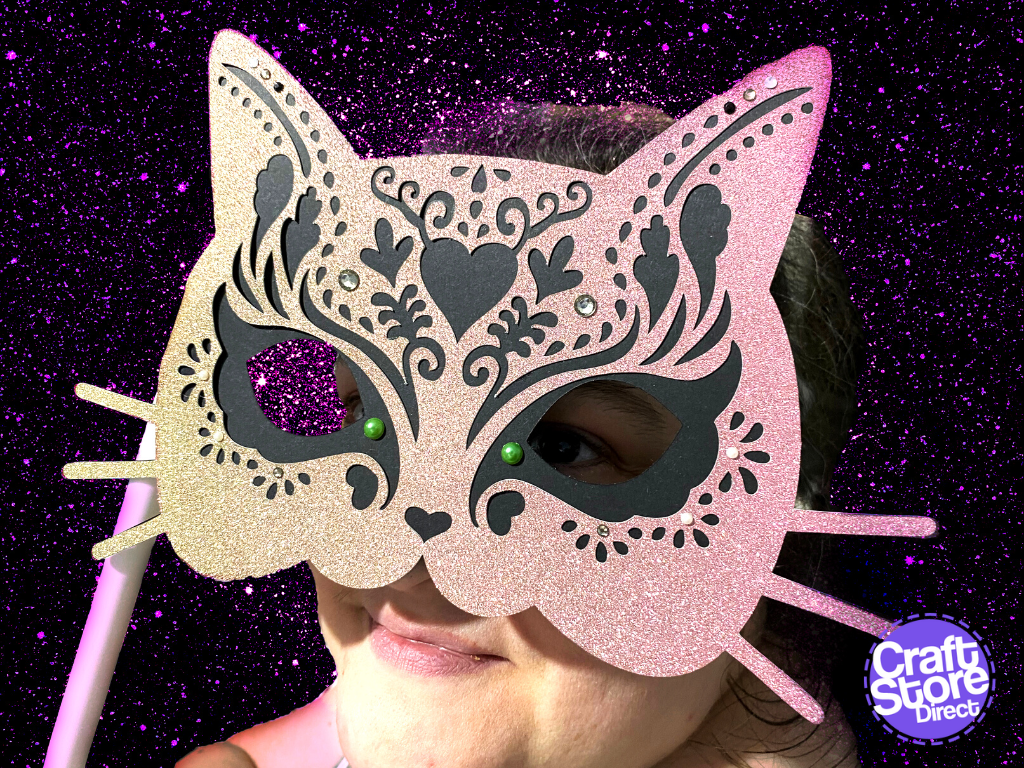
How To: Create A Halloween Cat Mask Photo Prop With Brother ScanNCut
Get Halloween Ready by using the brand-new Brother App, Artspira The brief for this project was to create something to wear for Halloween and, originally I was going to break…
PLEASE NOTE THAT THE OFFICE WILL BE CLOSED FROM 12PM FRIDAY 20TH DECEMBER 2024 AND WILL RE-OPEN ON THURSDAY 2ND JANUARY 2025
ORDERS FOR DELIVERY PRIOR TO CHRISTMAS WILL NEED TO BE SUBMITTED BY 2.30PM ON THURSDAY 19THDECEMBER 2024.
ORDERS RECEIVED AFTER THIS TIME AND DATE WILL BE DESPATCHED ON THURSDAY 2ND JANUARY 2025.
Merry Christmas & A Happy New Year to all our customers. Thank you for your continued support.

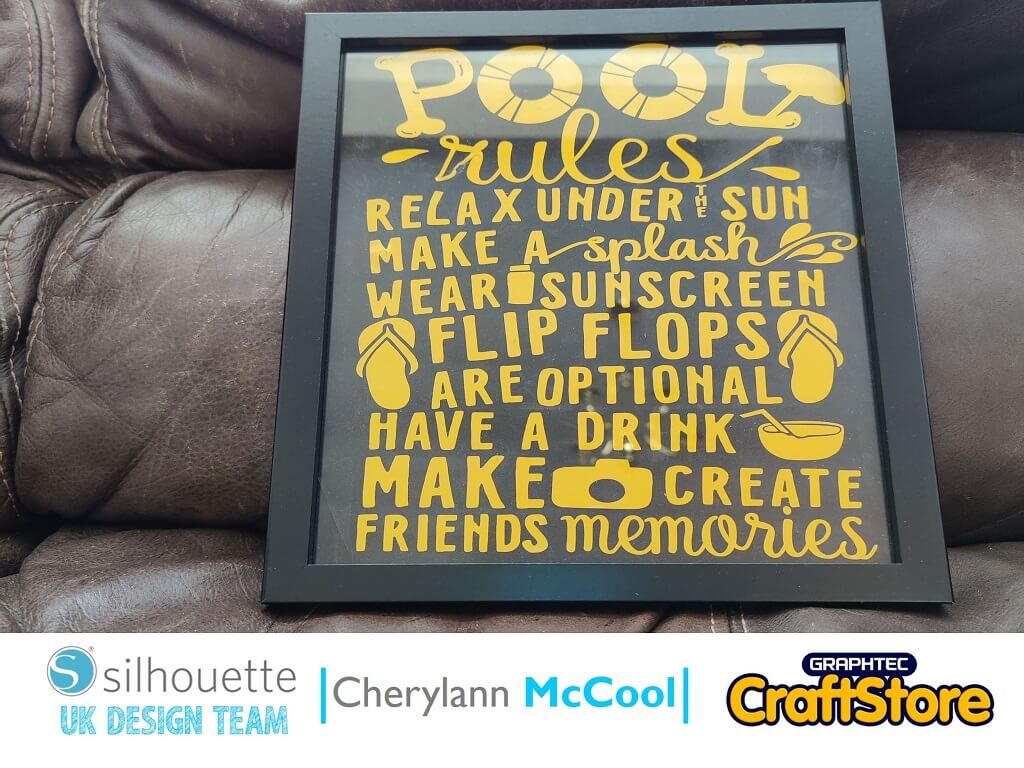
Hi it’s me Cheryl here again.
Summer is finally here and people are planning their holidays especially staycations like I’m doing which I think is the safest way to holiday this year.
Well, let’s take a look at this week’s project and it’s perfect to get you in the holiday mood especially if spending time by a pool, so let’s go and start crafting.
• Oracal 651 Vinyl
• Blank Photo Frame
• Glitter Paper
• Transfer Tape
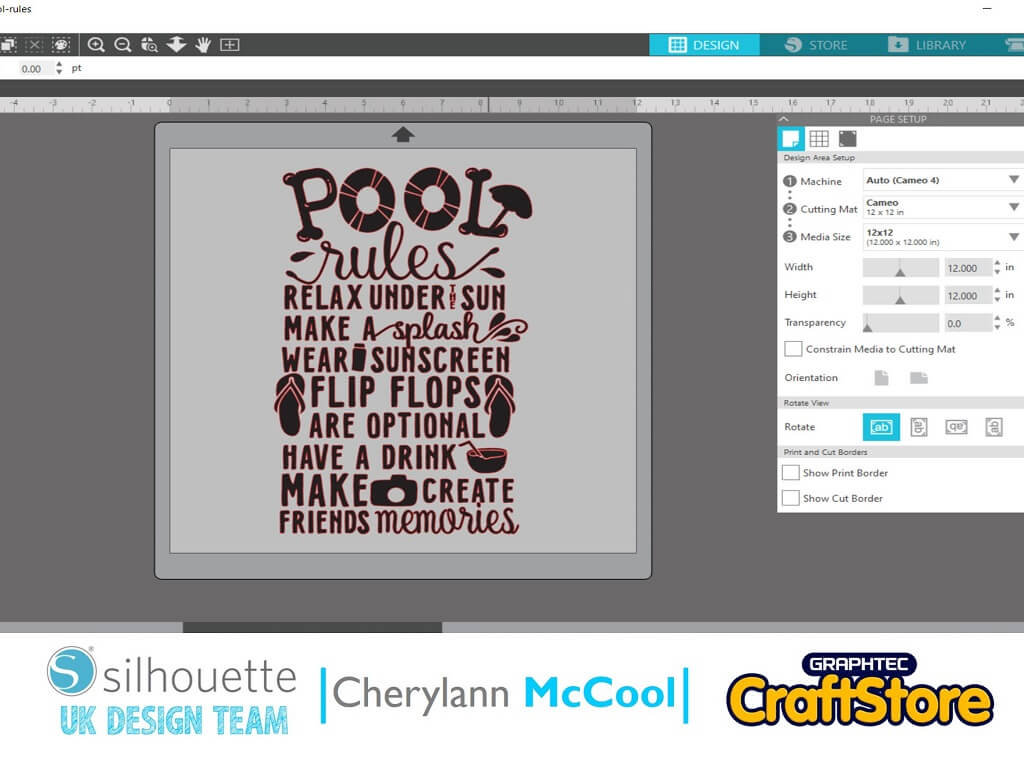
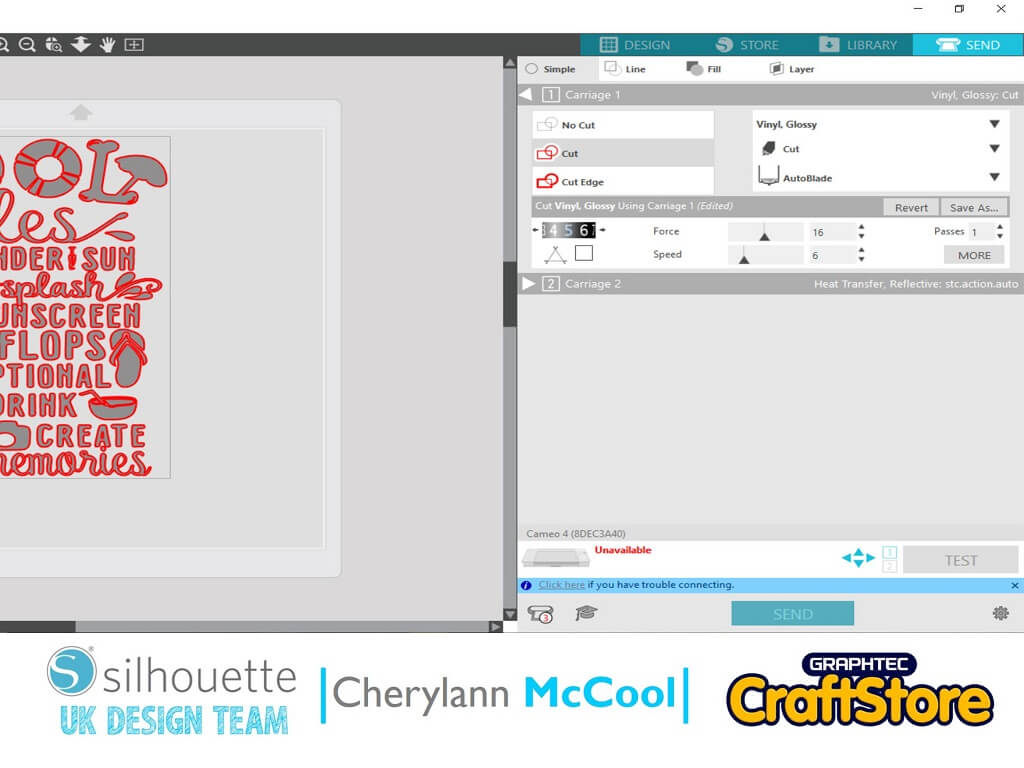
In your software open your file in the design space and you will see that your file appears on the virtual cutting mat.
Now you have to decide on the size of mat you will need to use.
I recommend using the 12″ x 12″ mat size if you are using a Cameo machine.
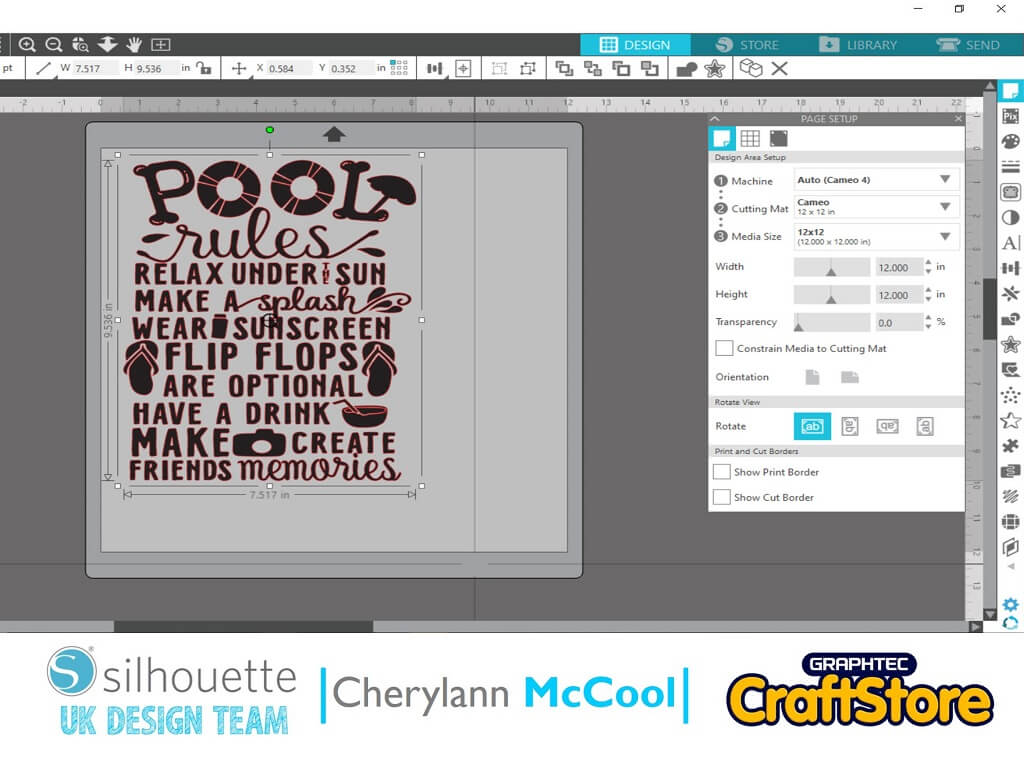
Now you want to check the size of your frame but double check the glass size is correct.
So now you want to adjust the size of the file to suit your material.
You want to click on the edge of your image until you see the black box going around and then if you go to one of the bottom right hand white box and if you grab and drag the box until you get the size you need.
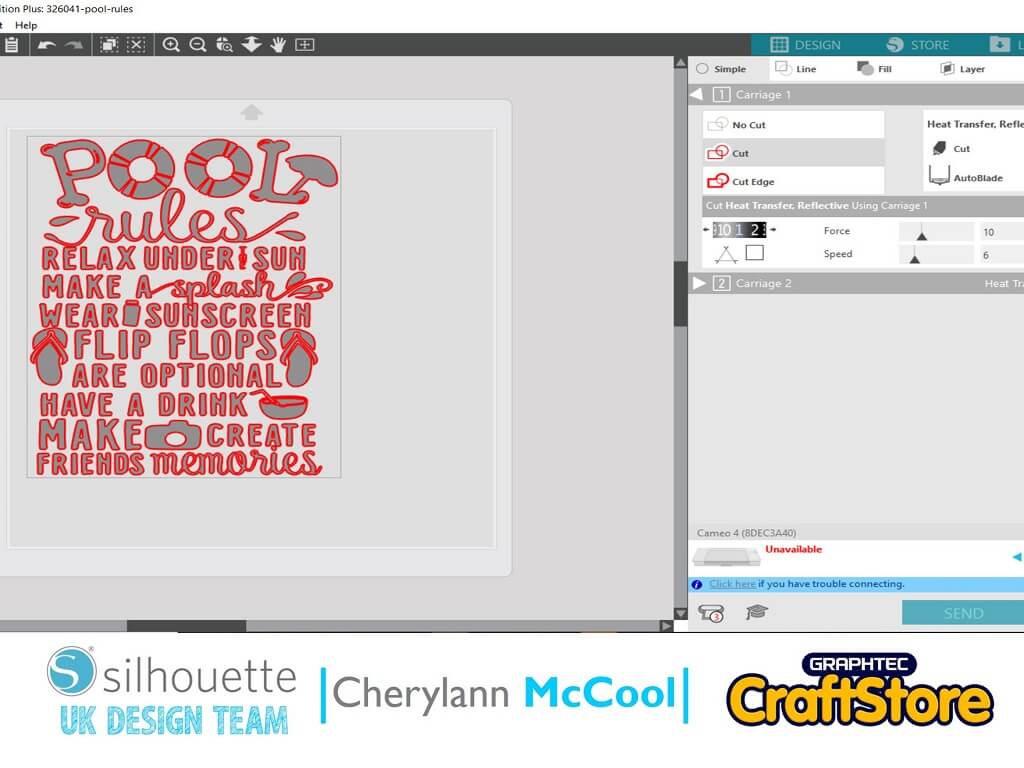
Once you have got your size arranged now its time to cut you now want to click send.
Here you will see your screen change.
Now you want to change your material to Vinyl glossy, then you will see the settings change to suit your material if happy then press send to cut.
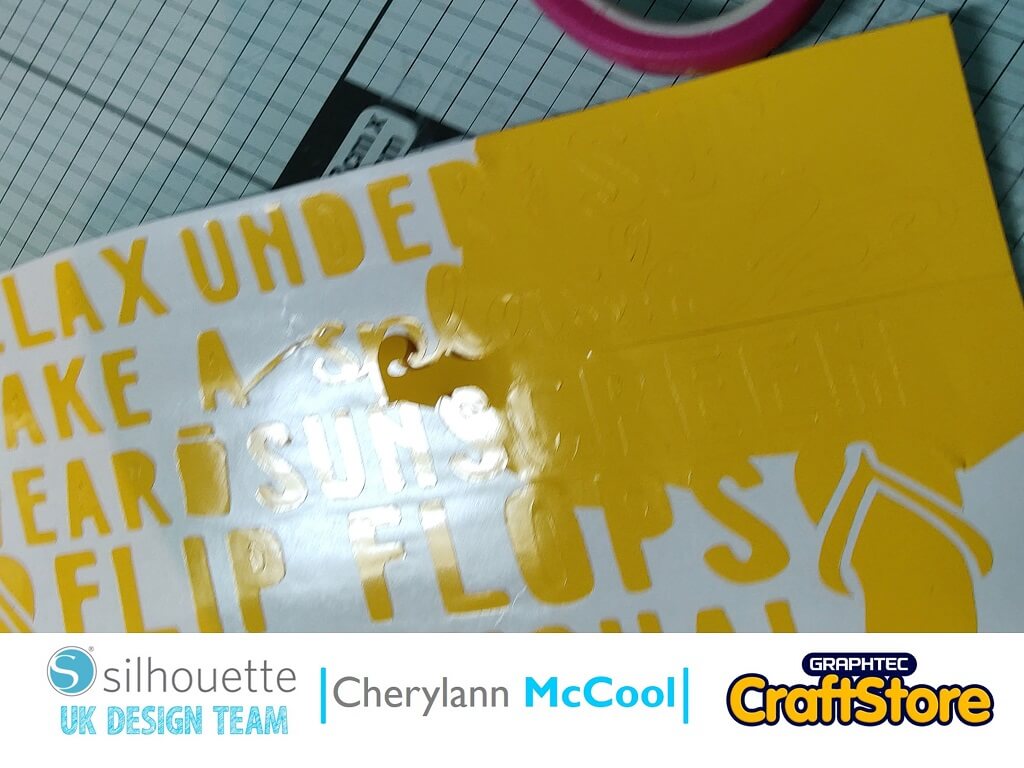
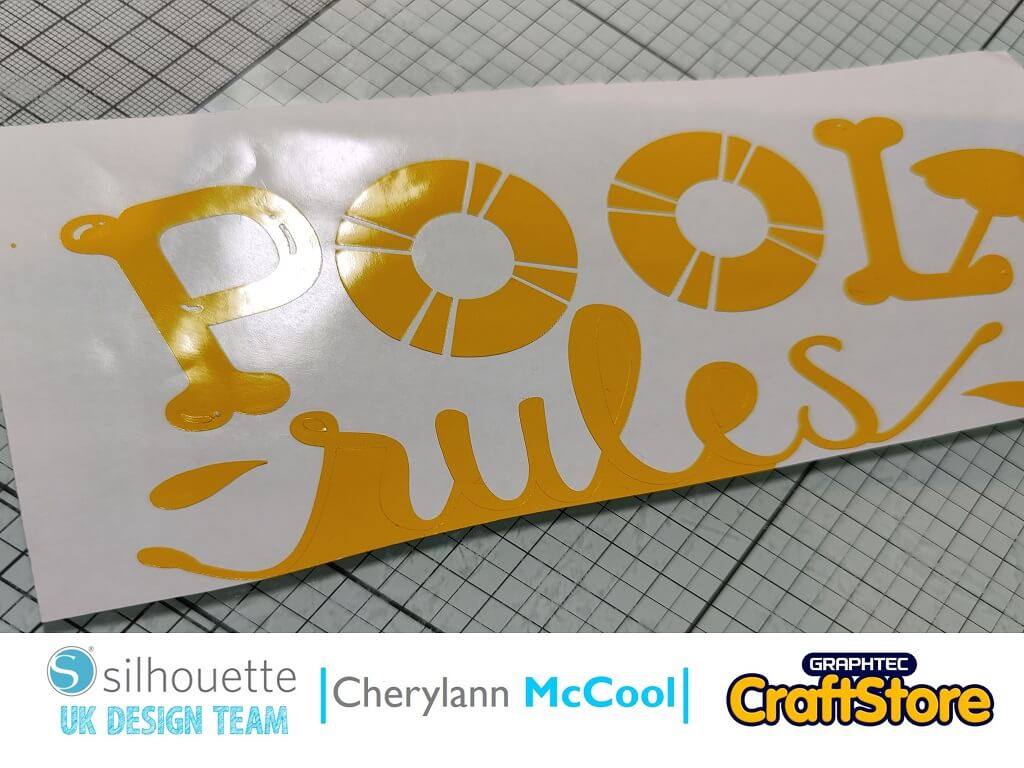
Now the fun bit putting it all together.
Have your frame with the picture all set up and ready.
Now take your Vinyl from your mat and cut down any wastage making sure you don’t cut your image.
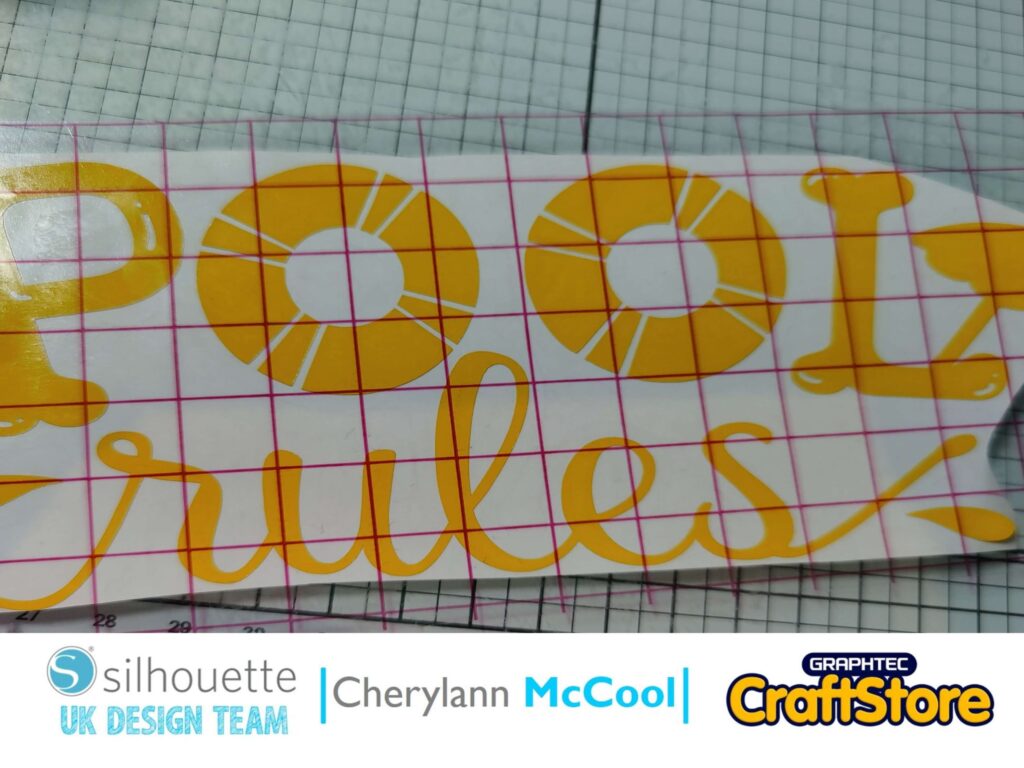
Now you want to cut a piece of transfer tape that will cover your image.
Once your tape is applied and the vinyl covered, peel the backing off and cover the top of the vinyl and rub to make sure it catches then remove the backing of the vinyl.
Take your image to the photo frame and add it where you think is suitable.
Your design is now Complete.
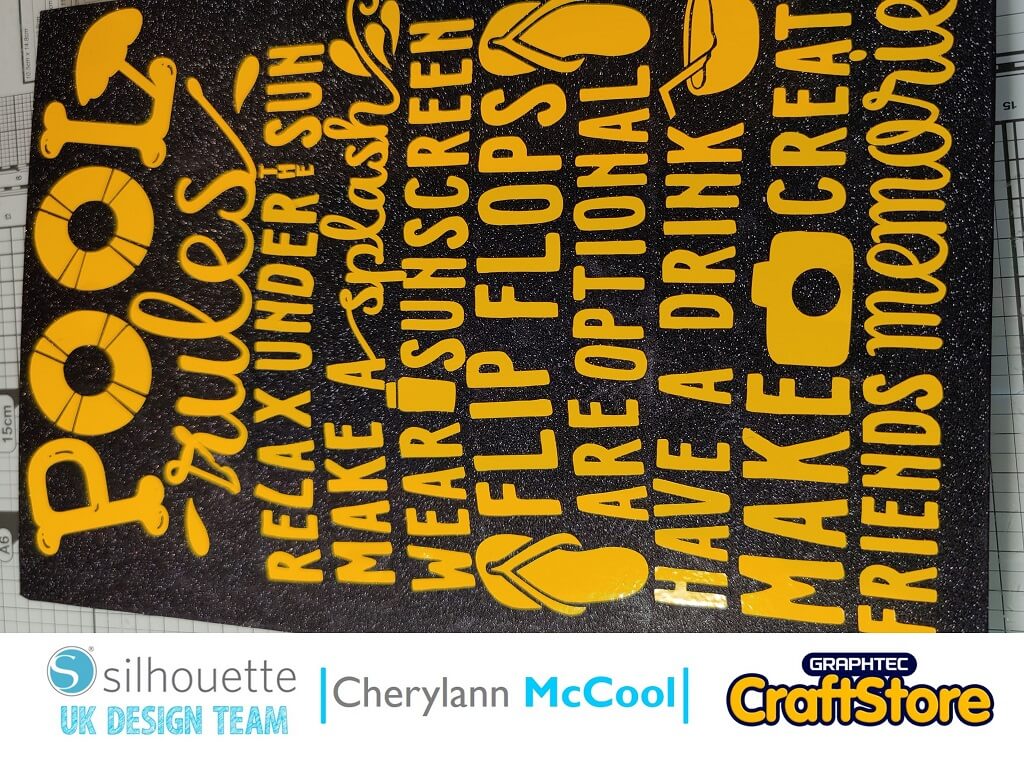
The sun is finally here and it’s looking like it’s here to stay so out comes the sun creams and the summer clothes including swimsuits.
If you have your own pool or a local pool that you think this project will work why not make them one.
I have really enjoyed making this project and love how colourful it is.
Well, I hope you will come and join me on my next project no ideas yet so you will just need to come and see what is happening.
Have a great week!
Bye for now!
– Cherylann McCool xx –
• Design Used: Pool Rules
Design Store Artist: Graphic House Design
Design ID: 326041 > Download