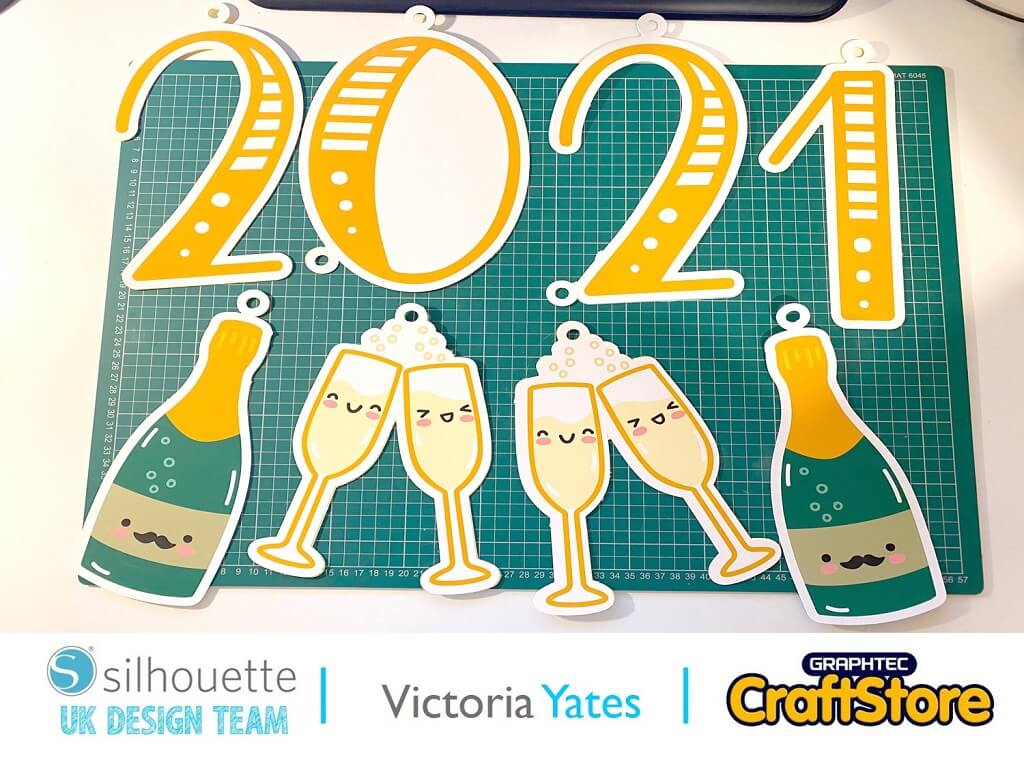
New Year’s Eve Wand | Helen Williams | Silhouette UK Blog
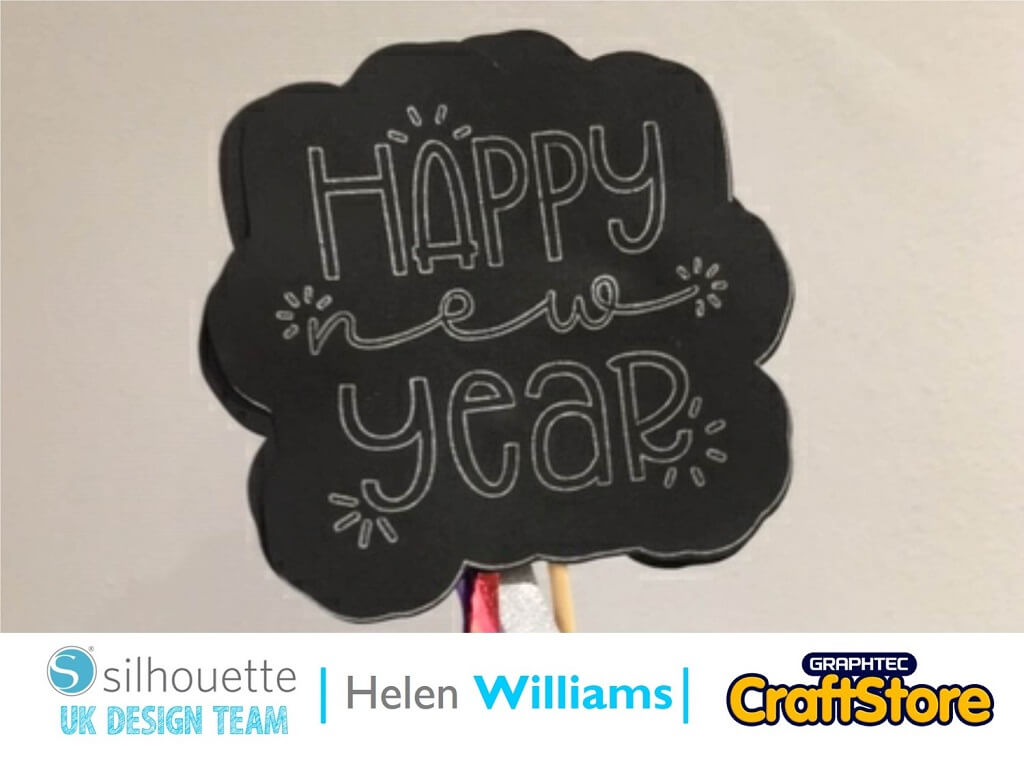
New Year’s Eve Wand | Helen Williams | Silhouette UK BlogNew Year’s Eve Wand | Silhouette Cardstock Hi everyone, Helen here today. This year is the first New Year that…
PLEASE NOTE THAT THE OFFICE WILL BE CLOSED FROM 12PM FRIDAY 20TH DECEMBER 2024 AND WILL RE-OPEN ON THURSDAY 2ND JANUARY 2025
ORDERS FOR DELIVERY PRIOR TO CHRISTMAS WILL NEED TO BE SUBMITTED BY 2.30PM ON THURSDAY 19THDECEMBER 2024.
ORDERS RECEIVED AFTER THIS TIME AND DATE WILL BE DESPATCHED ON THURSDAY 2ND JANUARY 2025.
Merry Christmas & A Happy New Year to all our customers. Thank you for your continued support.

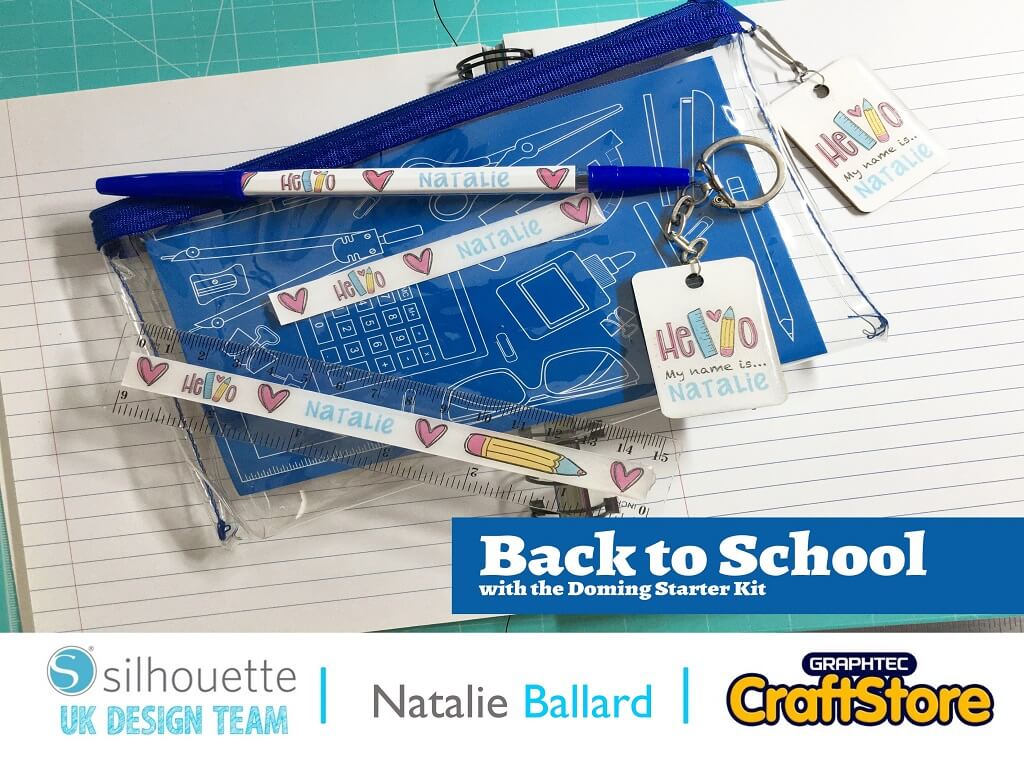
Hello! Natalie here today.
Many of the Doming Kits on the market need an inkjet printer, so for this tutorial I wanted to show you how you can use a laser printer instead.
Just use the Doming kit as directed if you have an inkjet.
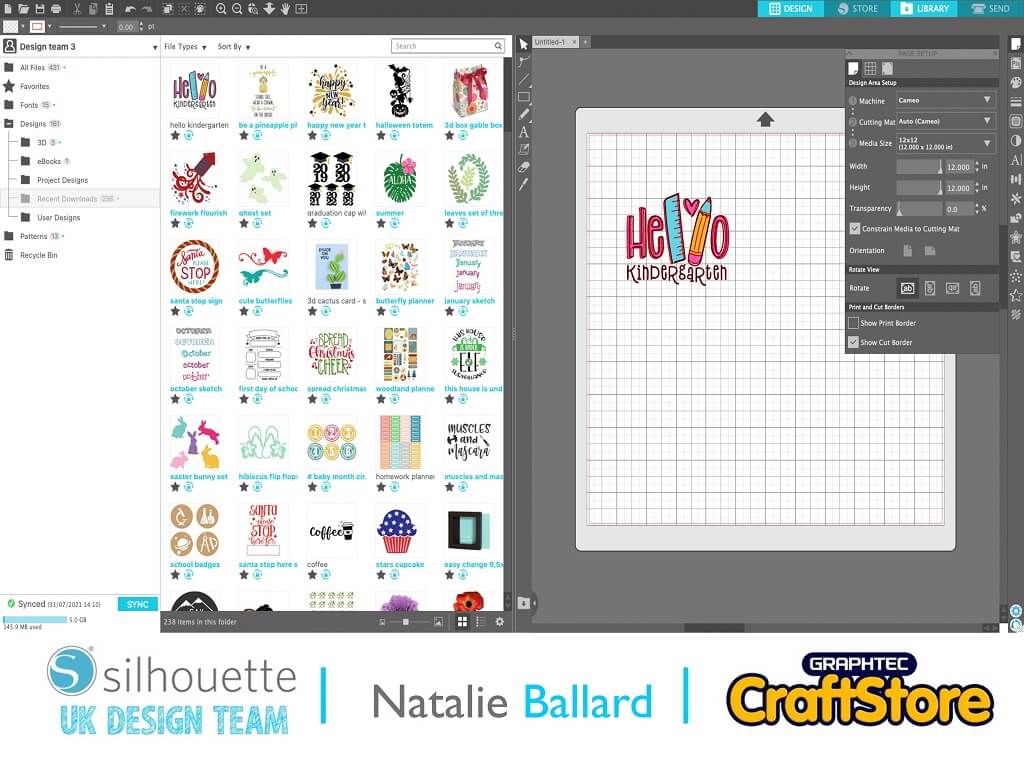
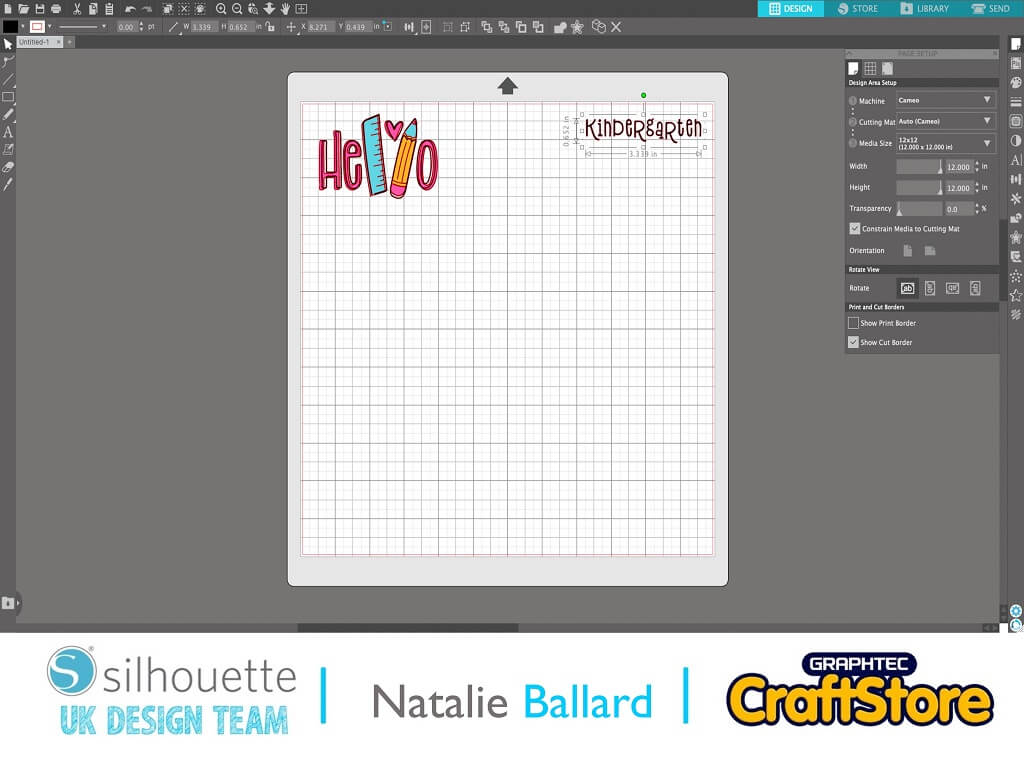
Purchase and download the Hello Kindergarten file (379478) from the Silhouette Design Store.
Add it to a mat and ungroup it.
Move over the Kindergarten text to one side for design reference.
Group the “Hello” elements together.
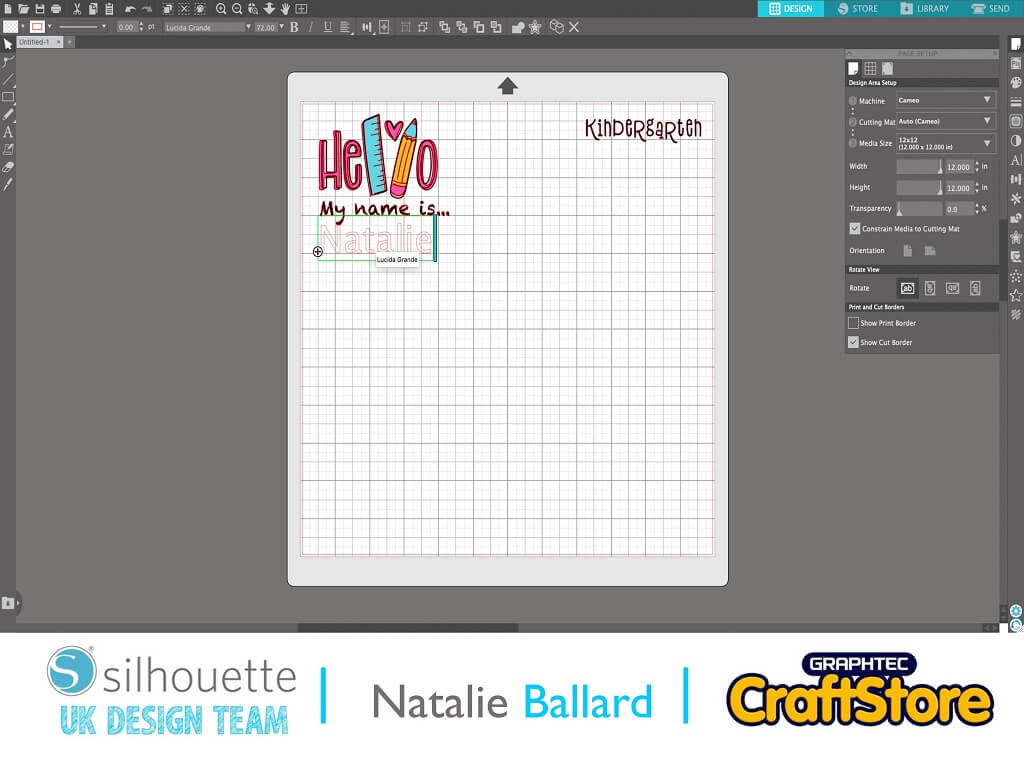
Use your text tool to add “my name is…” and the child’s name.
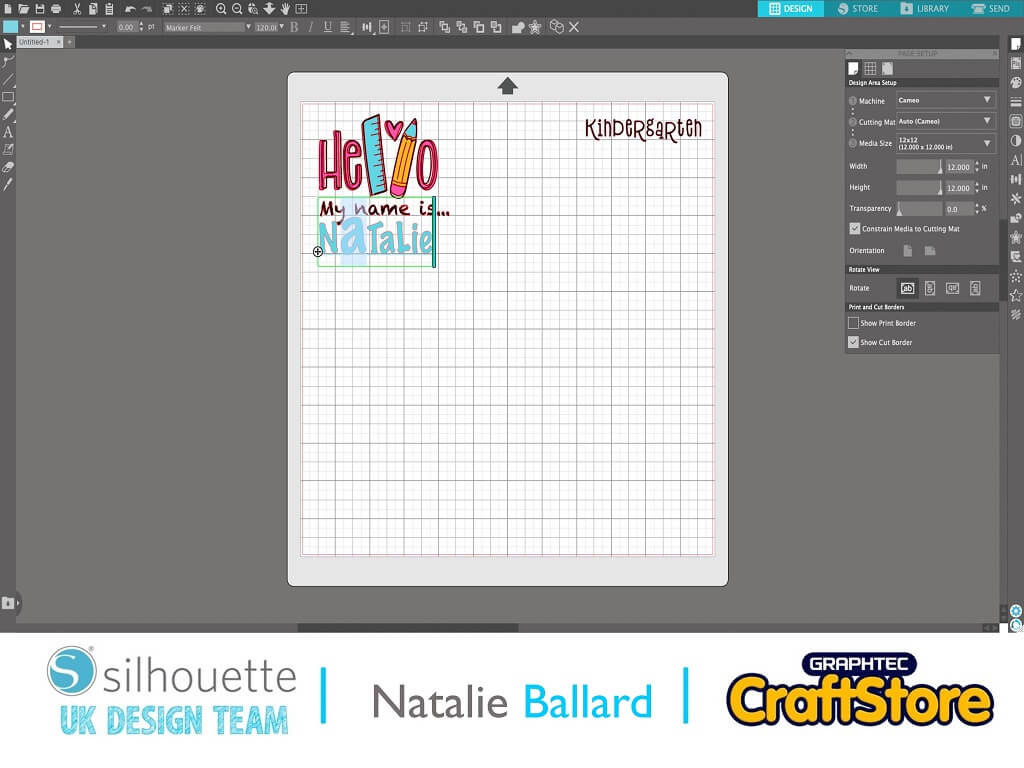
With the name, use a mix of uppercase and lowercase letters.
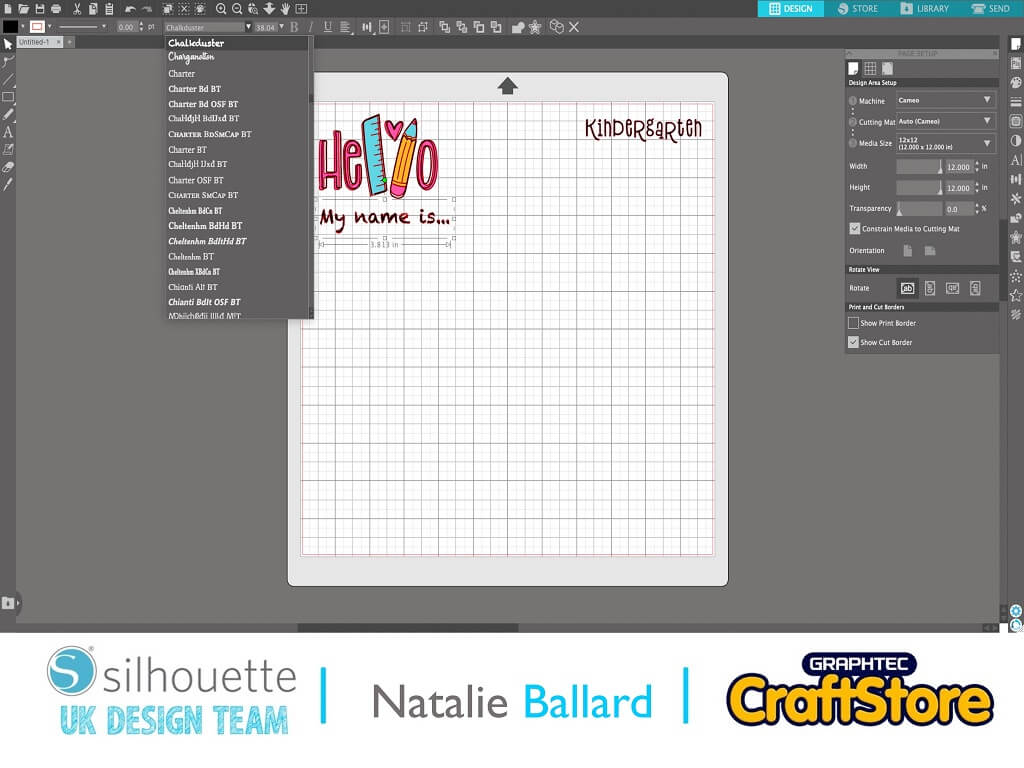
Match the font style to suit the fonts you currently have installed.
Style the font size of the name so all letters are equal in height.
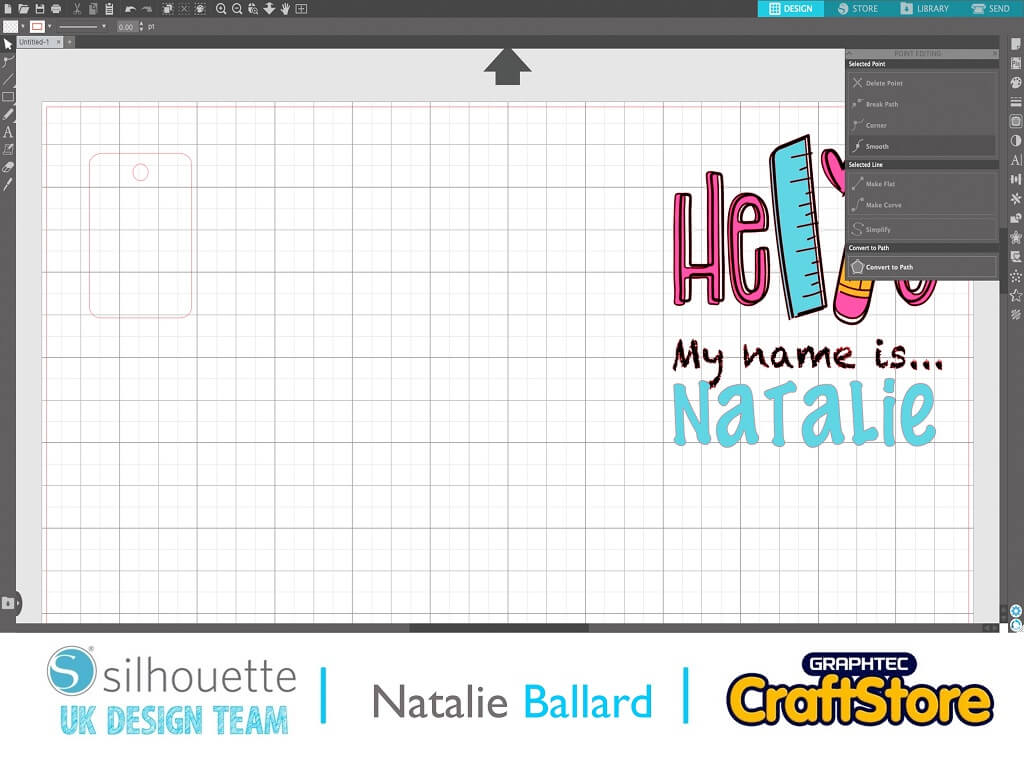
Add the cut lines for the objects you want to add stickers to.
Consider if you want your sticker to cover an object in its entirety, or just a section of.
Colour the outline red ready for cutting.
You can reuse elements of the design to fit other proportions.
Use ungroup, align and distribute to fit the new shape.
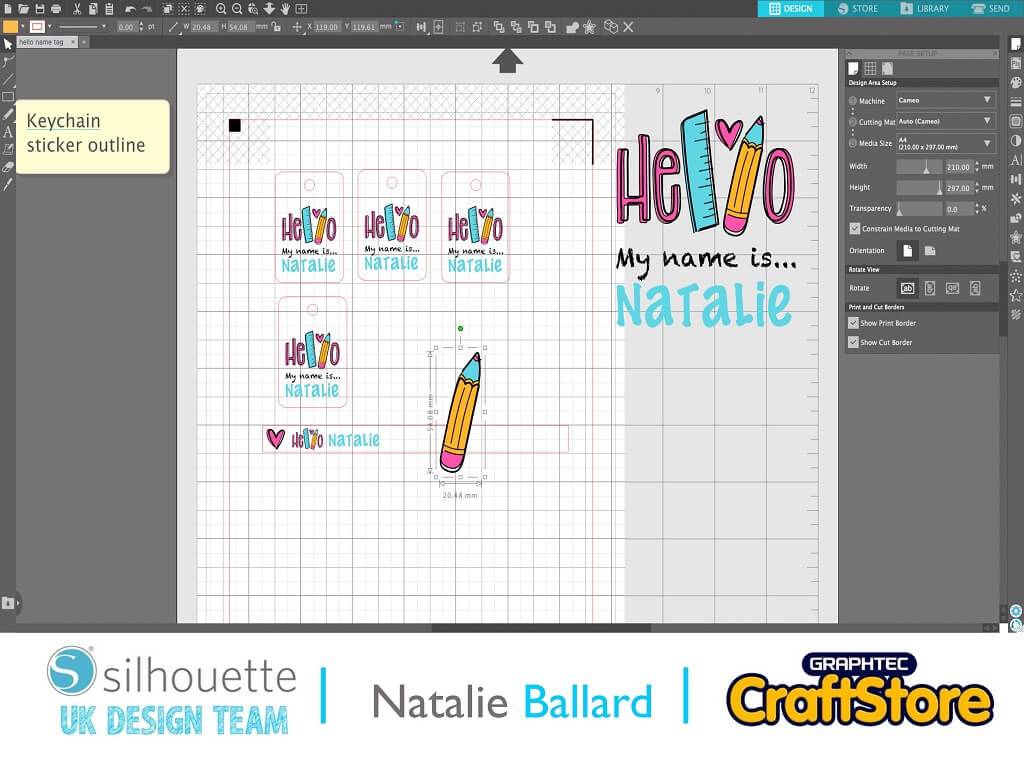
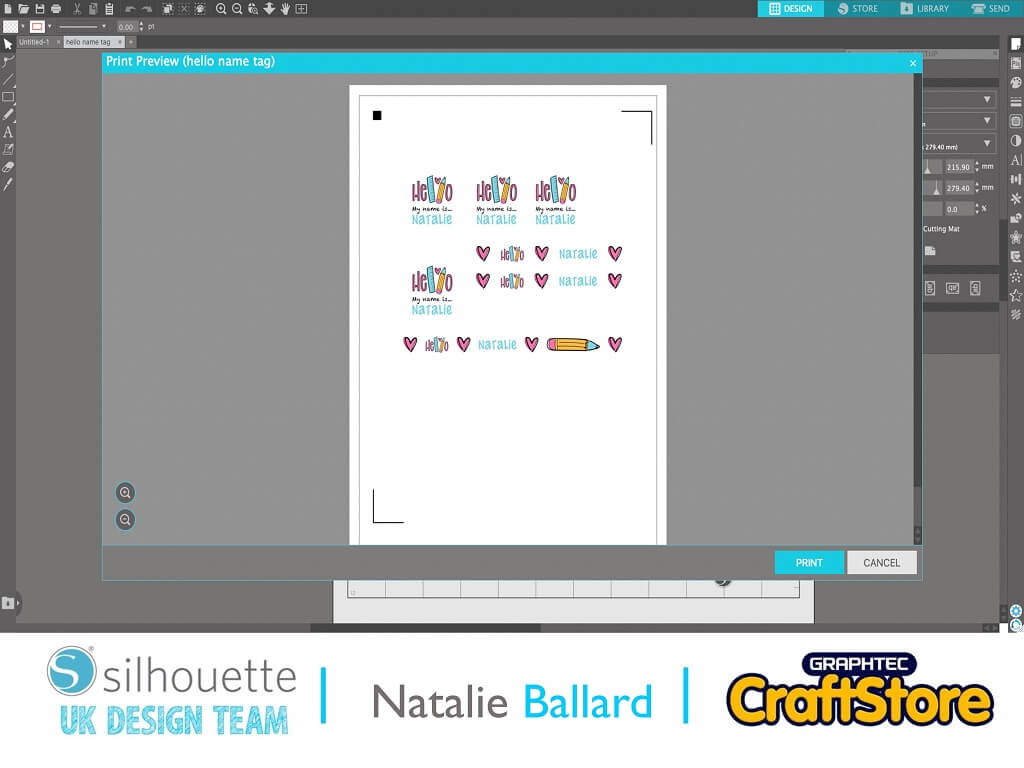
Make sure your original design has had the outlines removed so you don’t have more cut lines than you need.
Turn on registration marks and print out your design onto laser printable vinyl.
Place your printed sheet onto your cutting mat.
Send the design from Silhouette Studio.
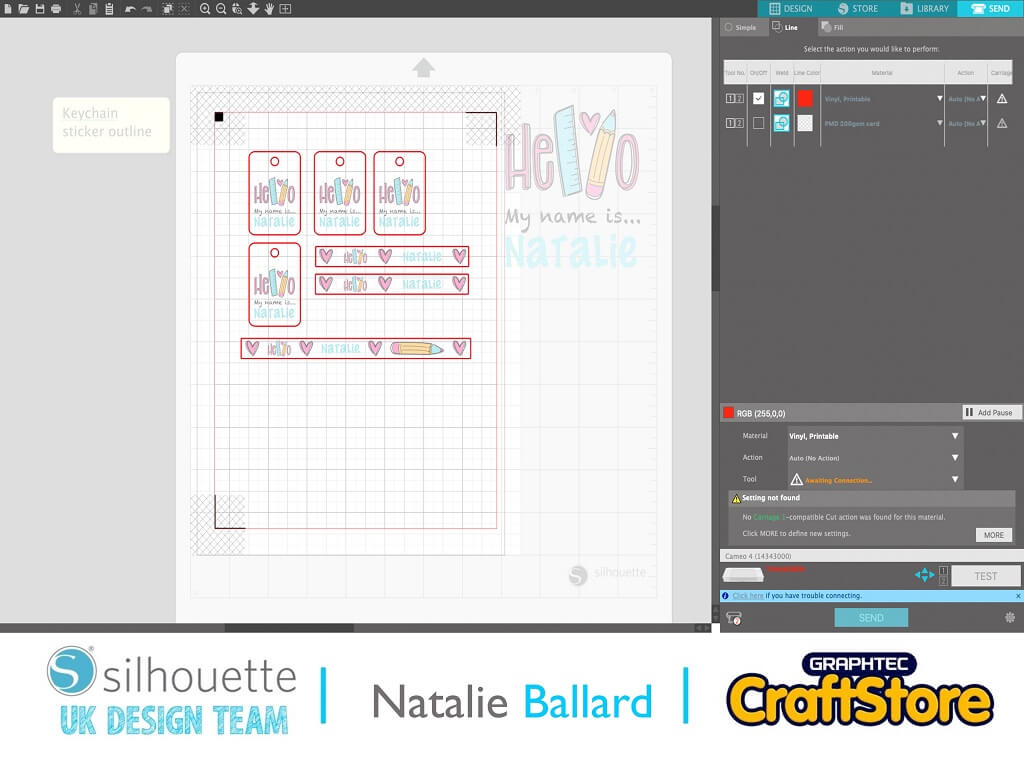
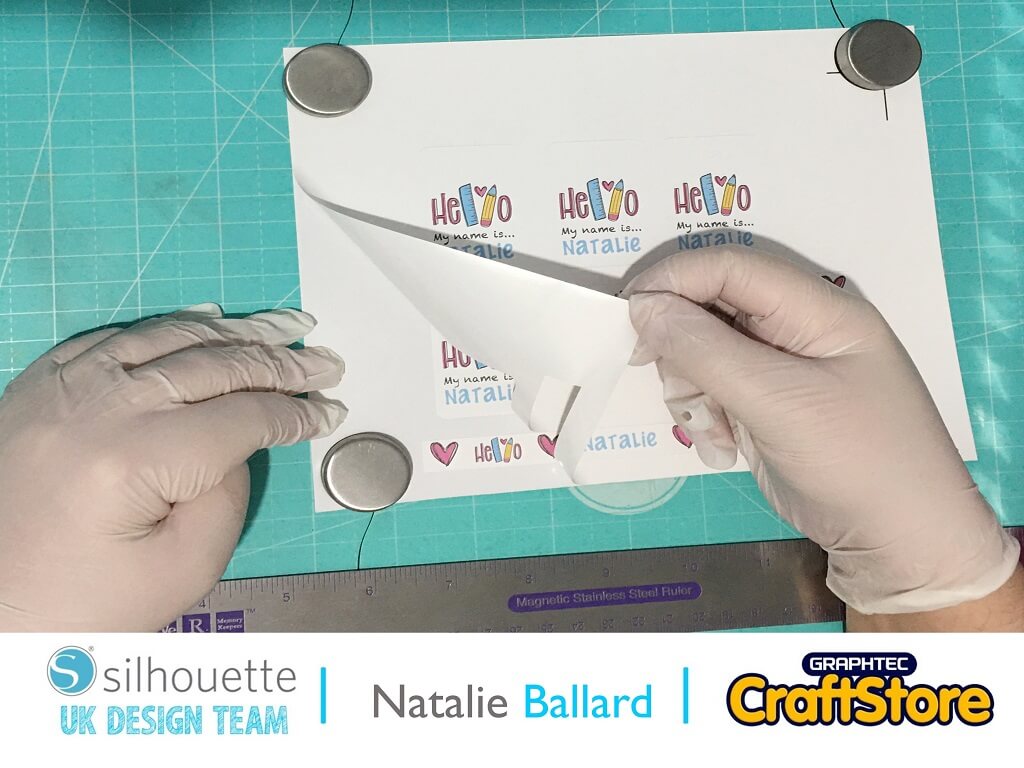
Remove the waste from your sticker sheet and any elements that need weeding out (the centre of holes etc.).
If the sticker will be applied to a curved surface, apply it to the object; if not, leave it on the backing sheet.
Fill the syringe from the top equally. Swap from the pink stopper to the syringe tip.
Turning the syringe tip upwards, squeeze the syringe to remove the air pockets.
Wrap the tip in tissue to avoid squirting or splashing.
Squeeze the syringe onto a piece of the palette paper.
Draw the resin around the edge of the sticker but staying within the lines.
Keep squeezing the syringe consistently.
Move inwards to fill the sticker.
Use the included cocktail stick to move the resin to the absolute edges.
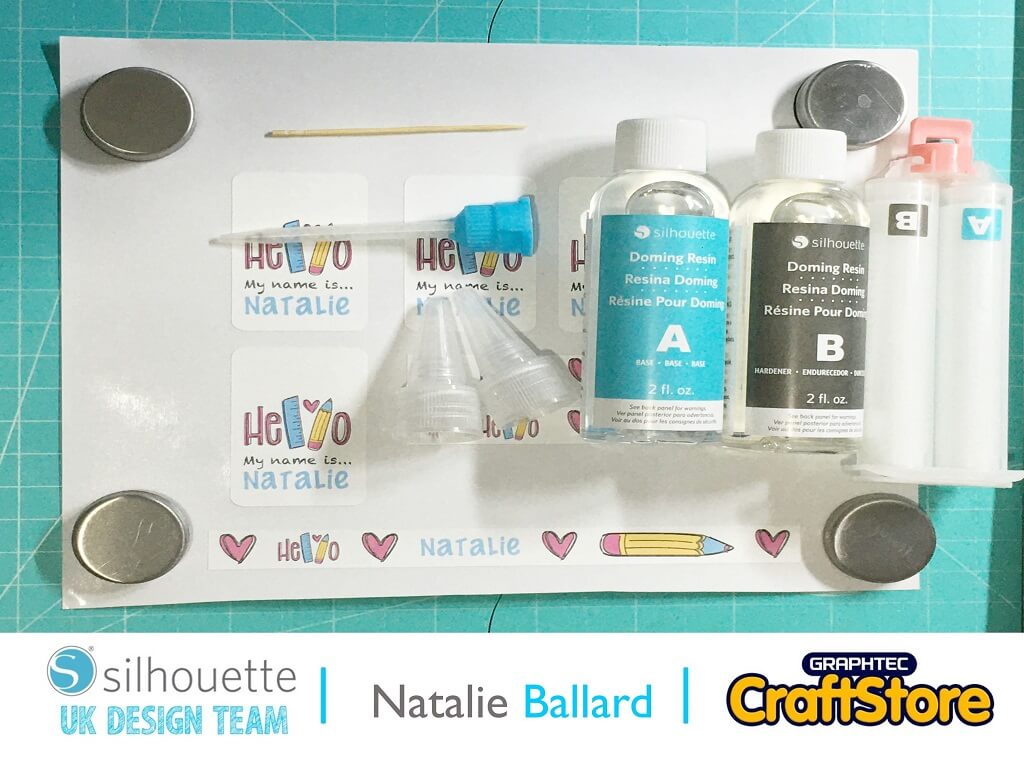
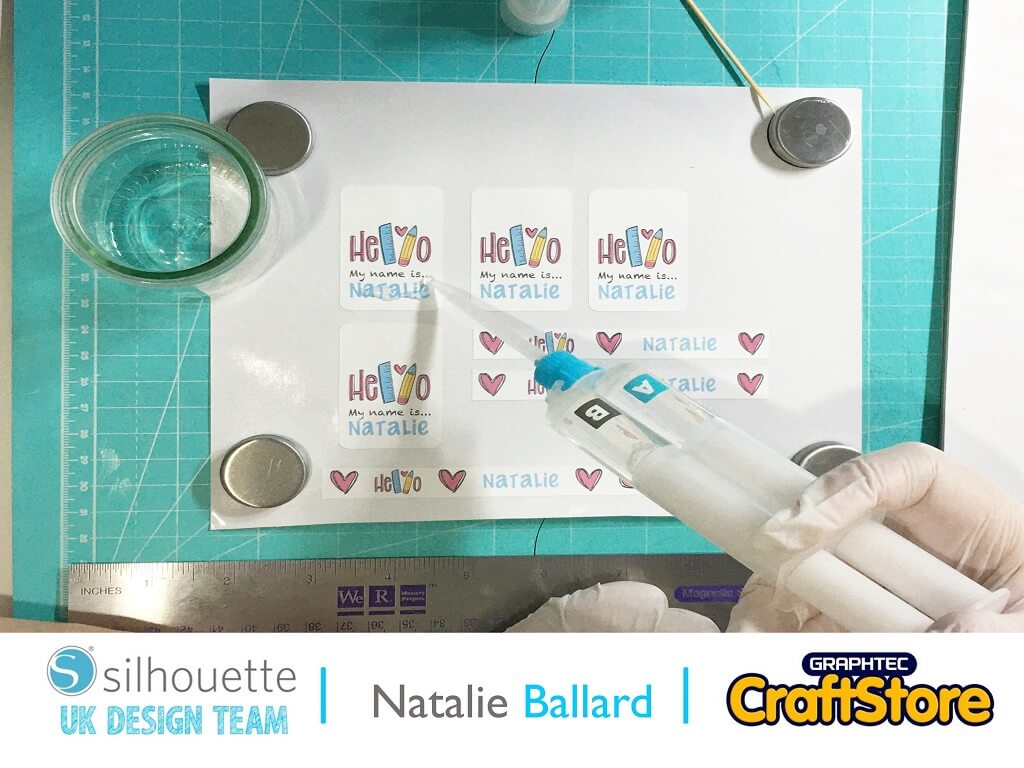
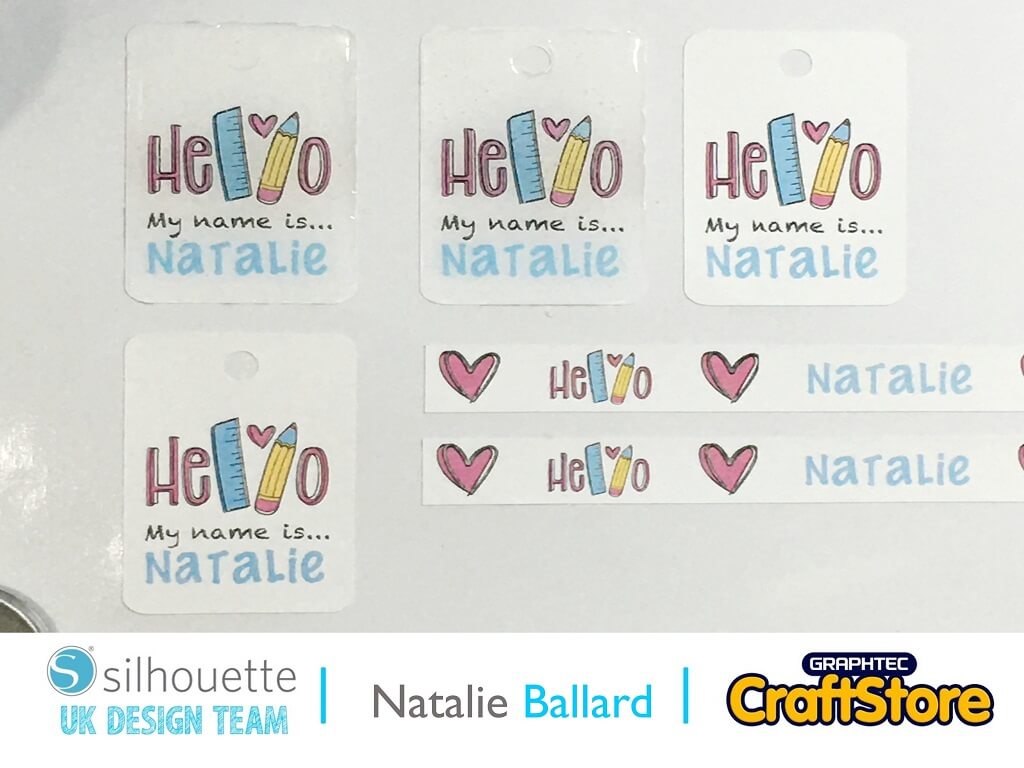
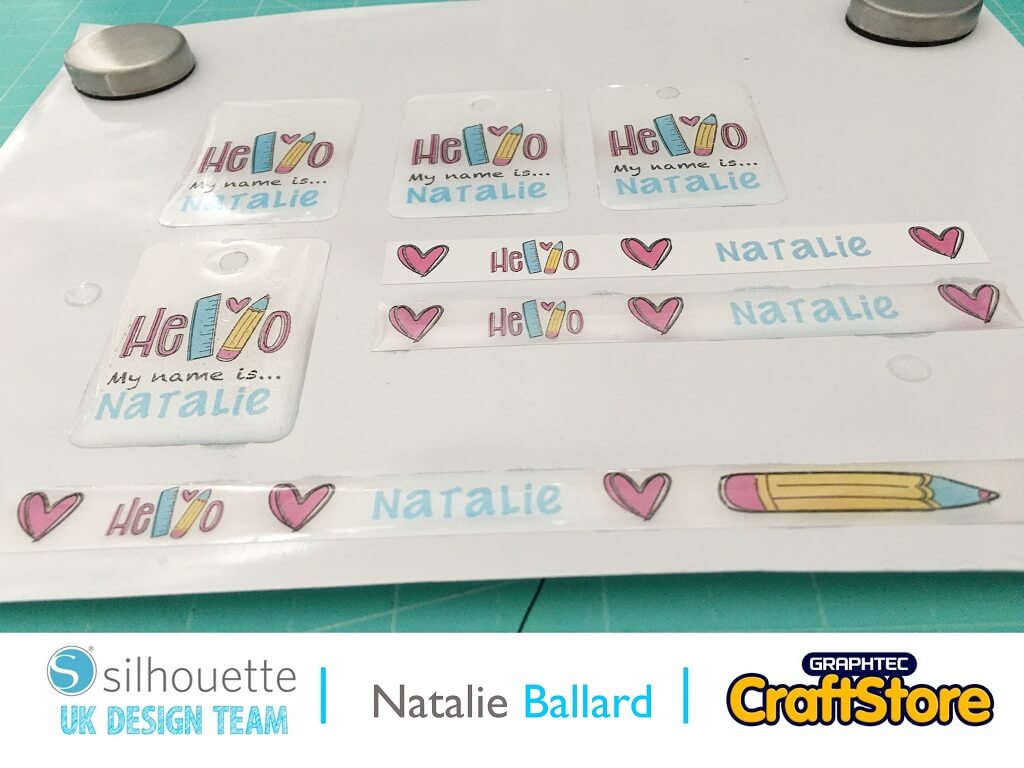
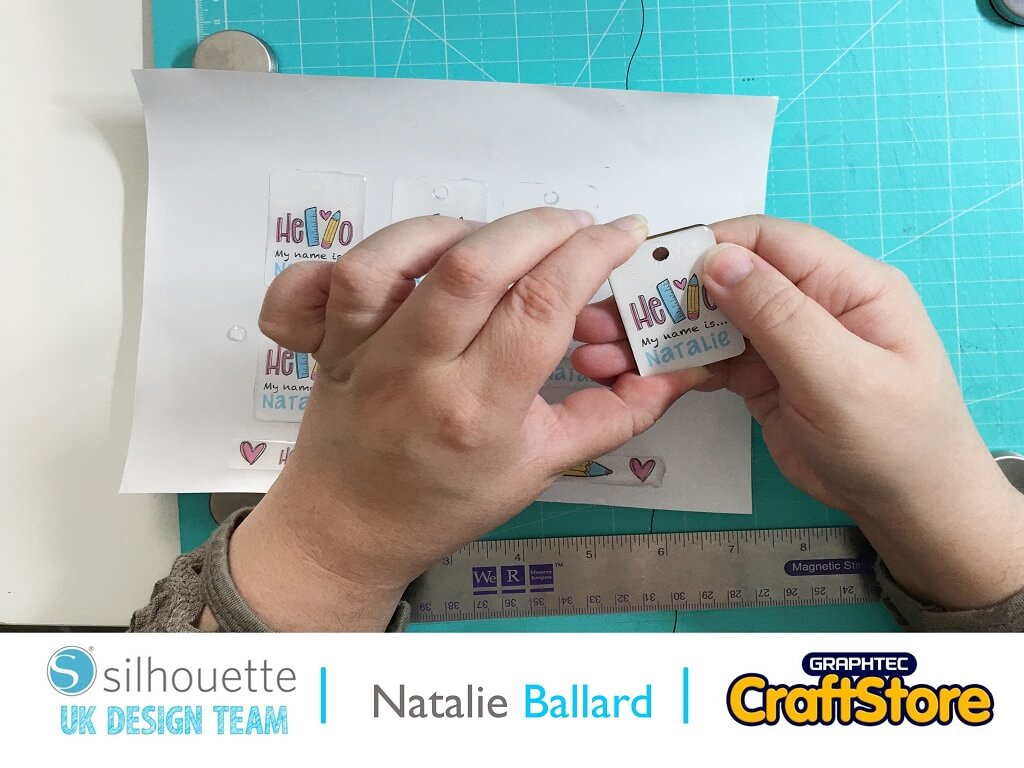
Allow your stickers to cure for at least 12 hours.
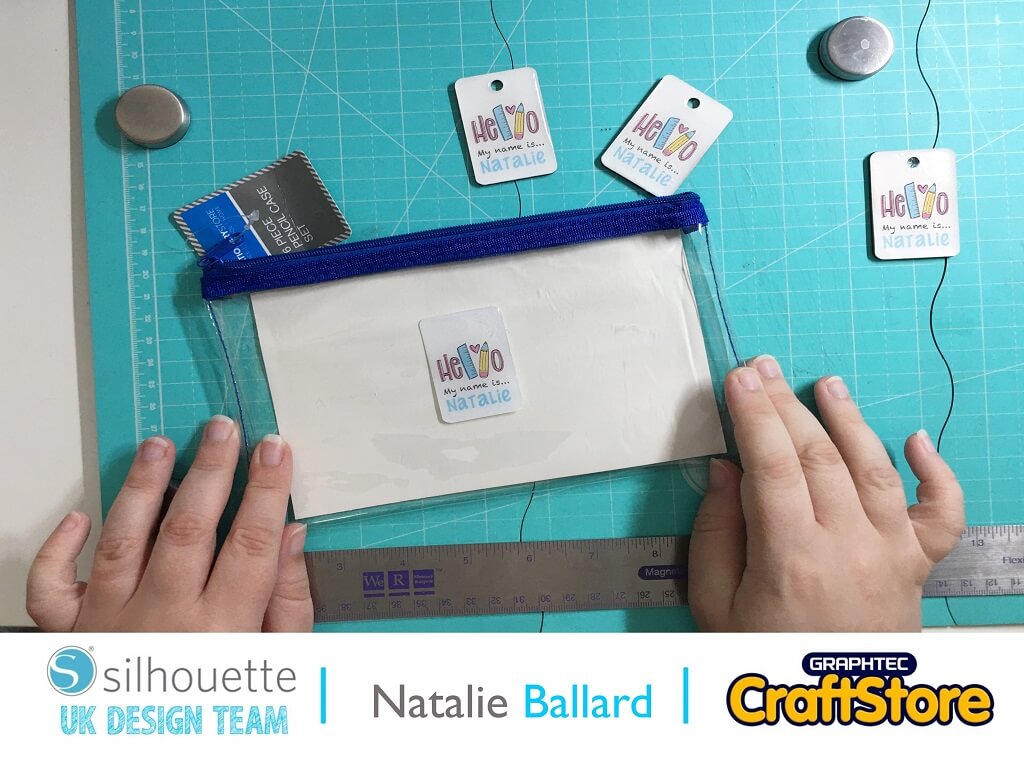
Once cured, you can apply to your keyring blanks, pencil case, rulers and/or pens.
You can use jumprings to attach your keyring blanks to your stationery and other objects.
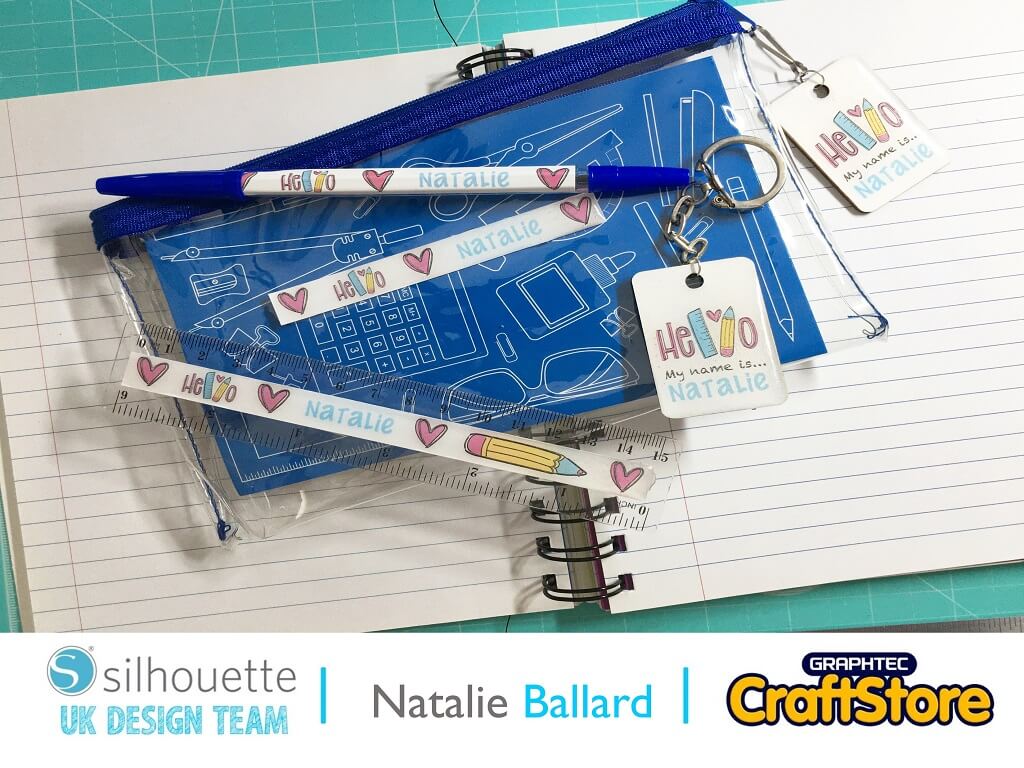
I can honestly say I’m now hooked on resin.
The process was far easier than I had anticipated and there was little smell.
I look forward to showing you more resin based projects in the future.
– Natalie Ballard –
• Design Used: Hello Kindergarten
Design Store Artist: Chameleon Cuttables
Design Store ID: 379478 > Download