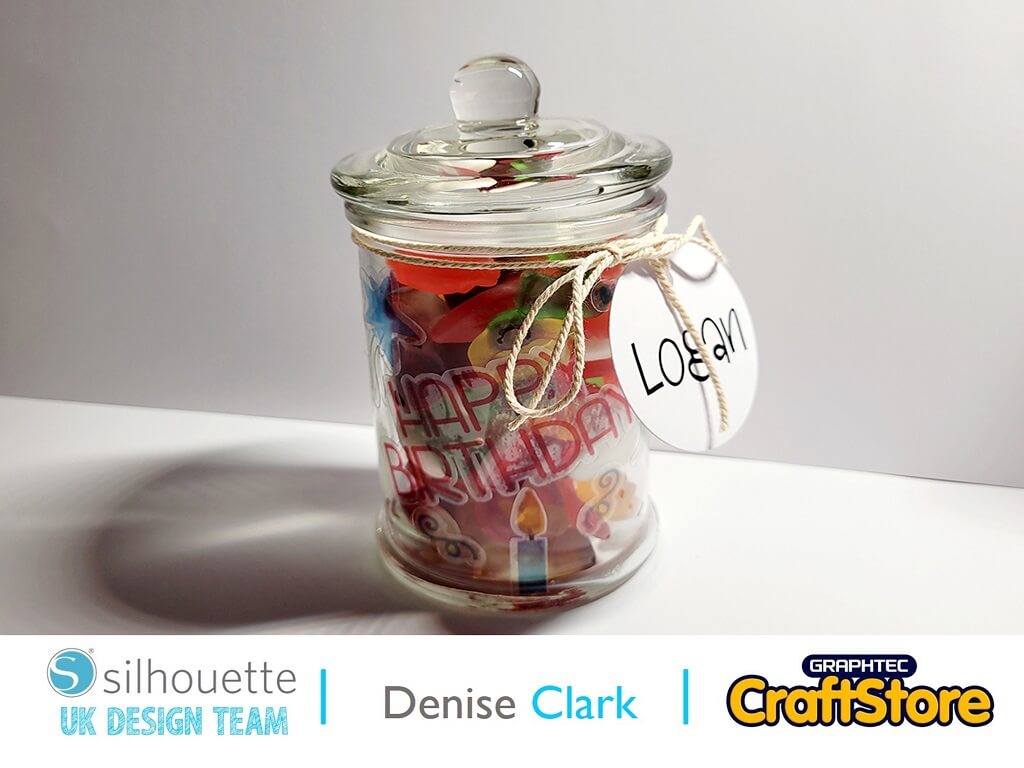
Personalised Sweetie Jar | Denise Clark | Silhouette UK Blog
Personalised Sweetie Jar | Denise Clark | Silhouette UK BlogPersonalised Sweetie Jar Hi, Denise here. Well hello there. Hope you all had a lovely festive holiday and a lovely New…
PLEASE NOTE THAT THE OFFICE WILL BE CLOSED FROM 12PM FRIDAY 20TH DECEMBER 2024 AND WILL RE-OPEN ON THURSDAY 2ND JANUARY 2025
ORDERS FOR DELIVERY PRIOR TO CHRISTMAS WILL NEED TO BE SUBMITTED BY 2.30PM ON THURSDAY 19THDECEMBER 2024.
ORDERS RECEIVED AFTER THIS TIME AND DATE WILL BE DESPATCHED ON THURSDAY 2ND JANUARY 2025.
Merry Christmas & A Happy New Year to all our customers. Thank you for your continued support.

This week we are using Glow in the Dark products for Halloween themed projects.
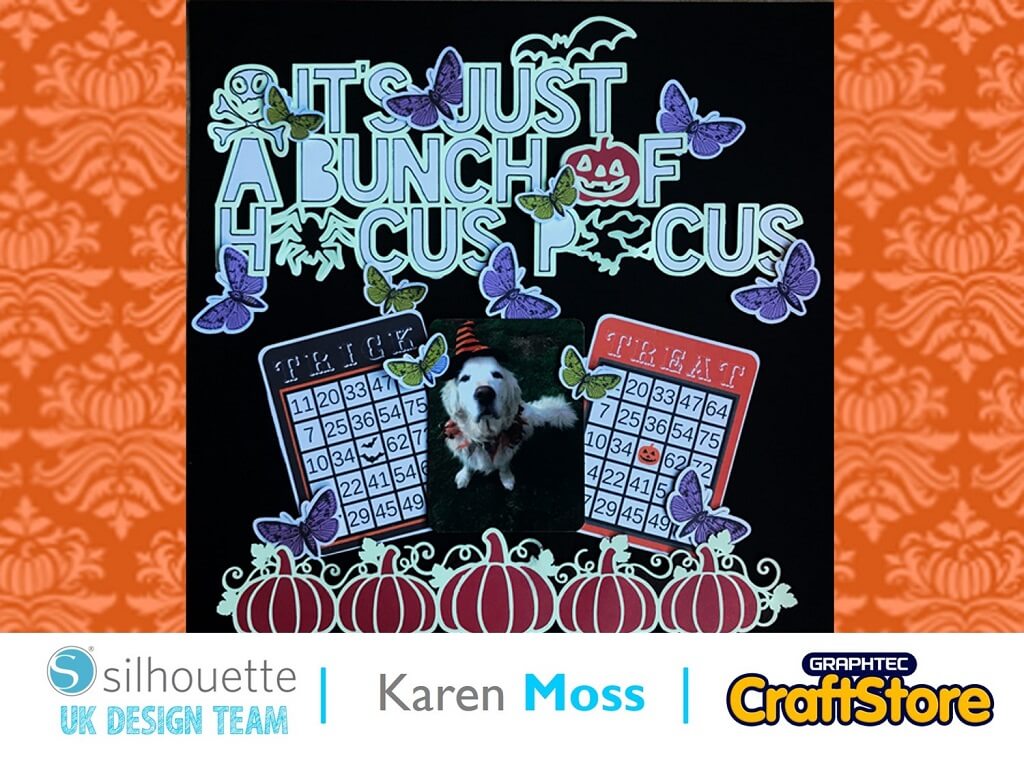
I decided to use Glow in the Dark sticker paper on a scrapbook page.
I set my paper size to Landscape Letter.
I then added the title and rotated it slightly to enable me to cut it as large as possible.
I added the pumpkins at the bottom and again make them as large as possible to fit onto the media.
I cut the Glow in the Dark sticker paper using the recommended settings.
Under the Object menu I released the compound path.
Once I had released the compound path I was able to drag the witch, bat and spider to one part of my design area and pumpkin to the bottom and then delete everything but the outer lines.
I then added corresponding card to the areas indicated in the diagram and sent to cut.
I chose some Halloween themed print and cut elements, printed them off onto card and cut them ready to add to my page.
Once all the elements had been cut and the Glow in the Dark sticker paper added to the white card backfill I decided to use a black pen to outline the shapes as they didn’t have enough definition.
I then added my printed elements and photo.
I was thrilled with the resulting page and how it had a spooky glow.
– Karen Moss –
• Design Used: Hocus Pocus
Design Store Artist: Paige Evans
Design Store ID: 278647 > Download
• Design Used: Five Pumpkin Border
Design Store Artist: Jennifer Wambach
Design Store ID: 220176 > Download
• Design Used: Bingo Card Set – Halloween
Design Store Artist: Alaa’K
Design Store ID: 21284 > Download
• Design Used: Butterflies
Design Store Artist: Echo Park
Design Store ID: 66480 > Download