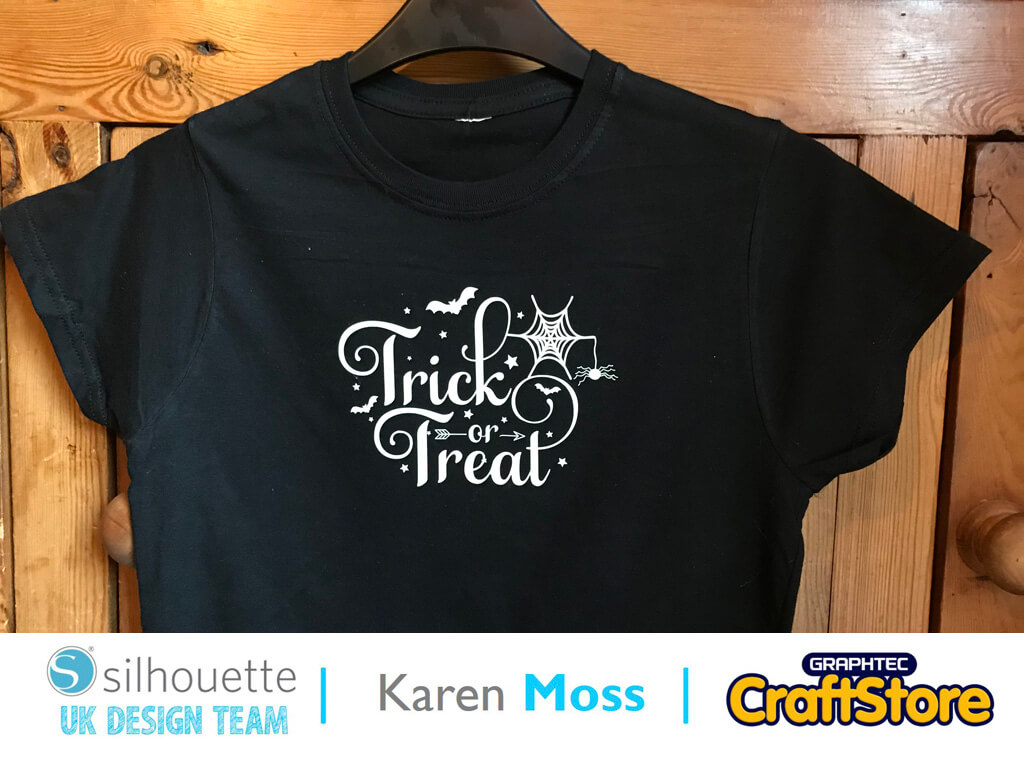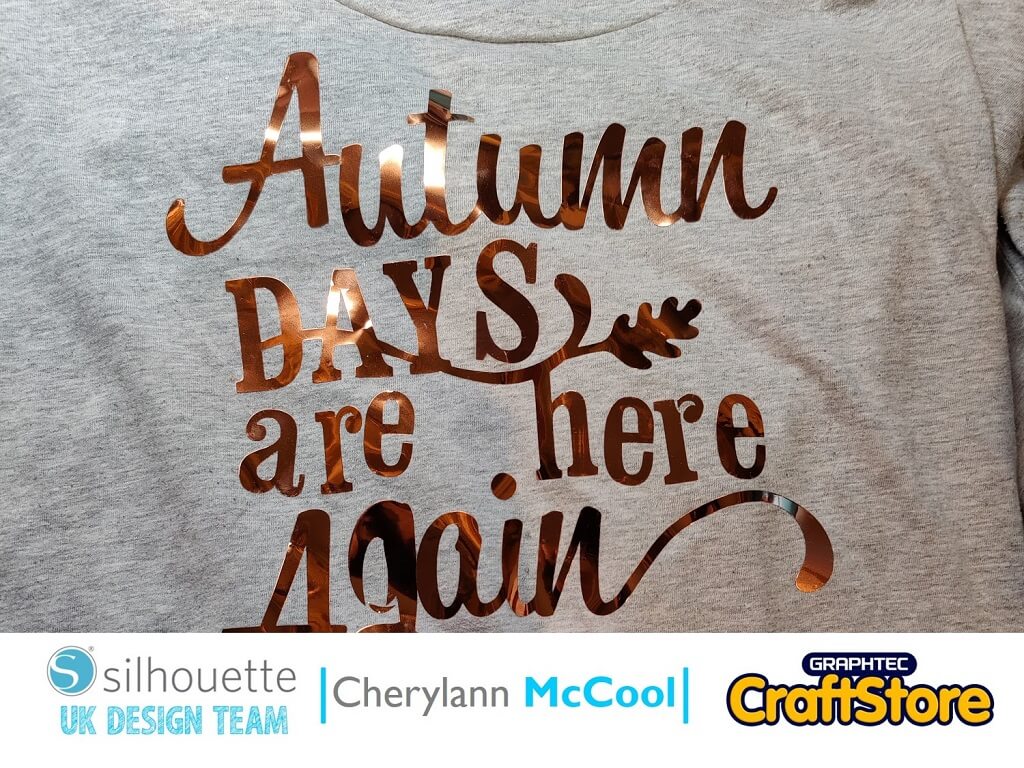
Autumn HTV T-Shirt | Cherylann McCool | Silhouette UK Blog
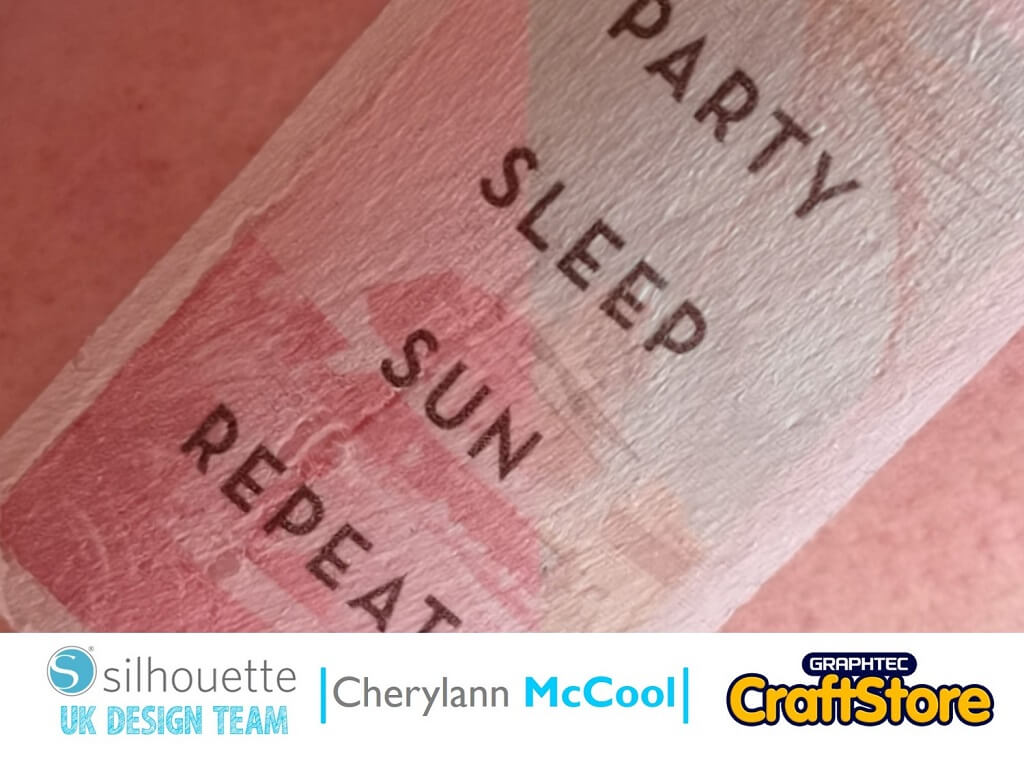
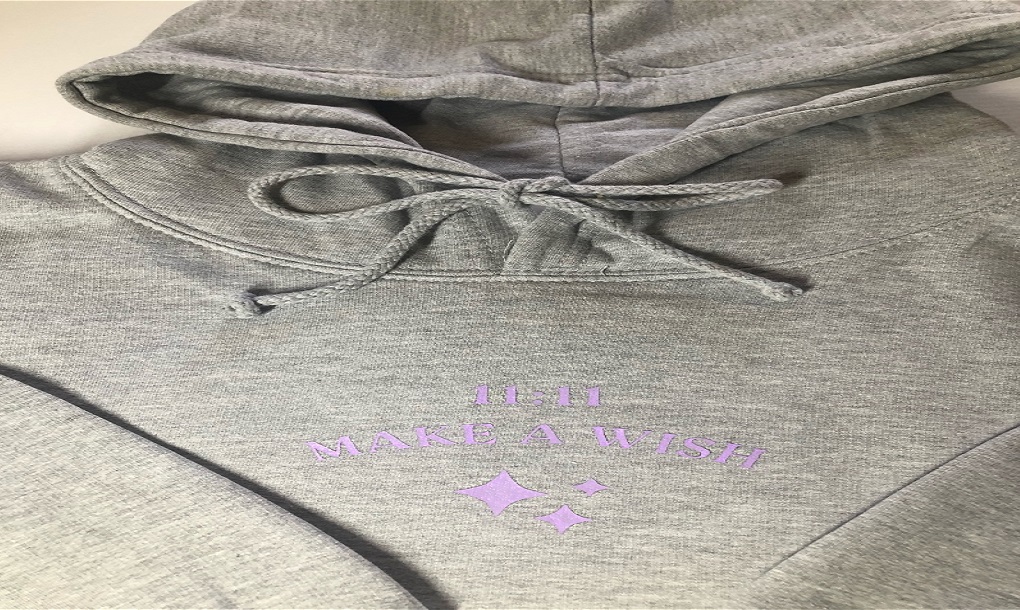
Autumn HTV T-Shirt | Cherylann McCool | Silhouette UK BlogAutumn HTV T-Shirt Hi it’s Cheryl here again. Well, after my spooky lantern from last week I wondered what would be…
PLEASE NOTE THAT THE OFFICE WILL BE CLOSED FROM 12PM FRIDAY 20TH DECEMBER 2024 AND WILL RE-OPEN ON THURSDAY 2ND JANUARY 2025
ORDERS FOR DELIVERY PRIOR TO CHRISTMAS WILL NEED TO BE SUBMITTED BY 2.30PM ON THURSDAY 19THDECEMBER 2024.
ORDERS RECEIVED AFTER THIS TIME AND DATE WILL BE DESPATCHED ON THURSDAY 2ND JANUARY 2025.
Merry Christmas & A Happy New Year to all our customers. Thank you for your continued support.

Hello, hello – Karen here with my Wednesday post.
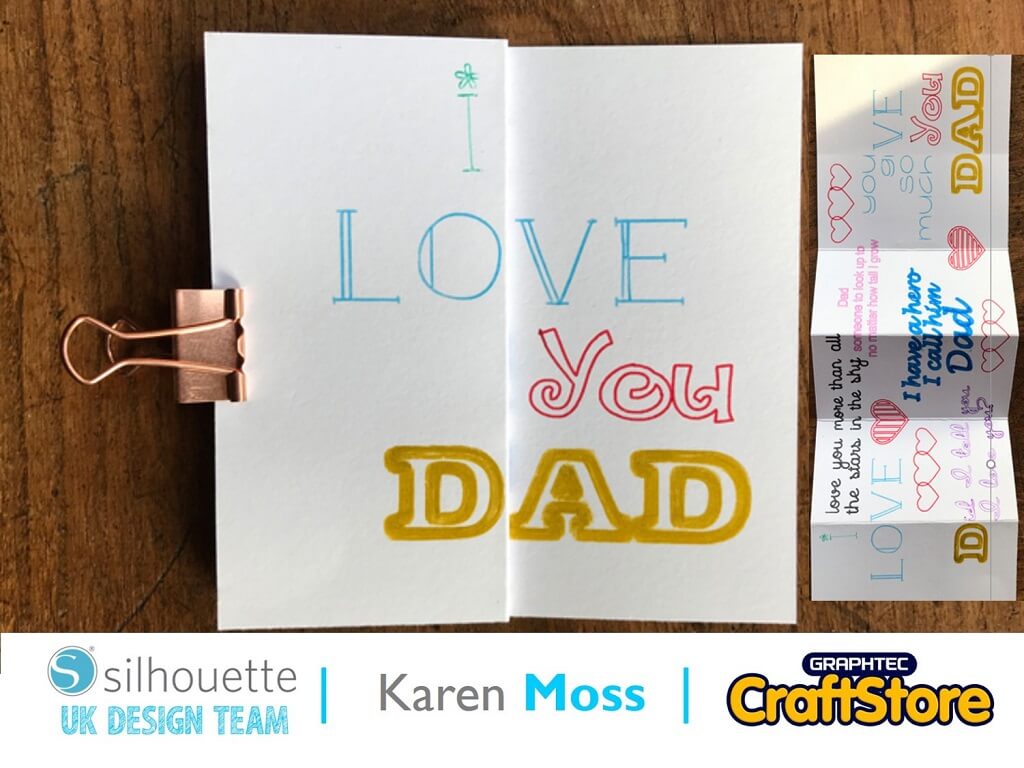
Now it’s no secret that my favourite thing to do with my Silhouette is to use pens. How fortunate then that we have been tasked to use the Pen Holder this week and I’m going to create a beautiful Father’s Day Card using it.
This is a nifty bit of kit as you can use almost any pen – there are three different sizes of collar which screw into the holder enabling many types of pens to be used. It comes with a little white cap and I have often been asked what this is for.
You use it to regulate the depth the pen extends from the holder – ensuring that it is correct for your machine. Start by choosing the appropriate collar and part screwing it into the holder (as it goes further into the holder it will grip your pen) put the little white cap onto the end of the holder and then gently push your pen until it touches the cap.
Fully screw in your collar and you will now have the correct depth for your pen.
I had a really lovely Mother’s day card from my daughter and thought it would be fun to replicate the style for a Father’s day card.
I started by drawing a 4 x 12 in rectangle onto a 12 x 12 page.
I then added lines where I was going to score my card.
Next I added words and phrases in different fonts to fill the available space – ensuring that the words that I needed to align did.
I then removed the score lines because I wanted to use my scoreboard to score the card and changed the colour of the different phrases and word to enable me to distinguish what colour/pen to use for each one.
I selected the Send screen and choose Line and changed the action to Sketch.
To draw my design all I needed to do was to choose the phrase I wanted to draw e.g. LOVE, add the pen holder to the left tool holder and choose send.
Now, change the pen and choose another phrase and repeat. You can see I have used a verity of pens including felt tips, roller ball and Sharpie.
I was really pleased that my card turned out exactly as I had hoped it would. Why don’t you try using the pen holder in your machine – you won’t be disappointed.
So I am off to work on my next project – this time using Kraft sticker paper.
See you again next week x