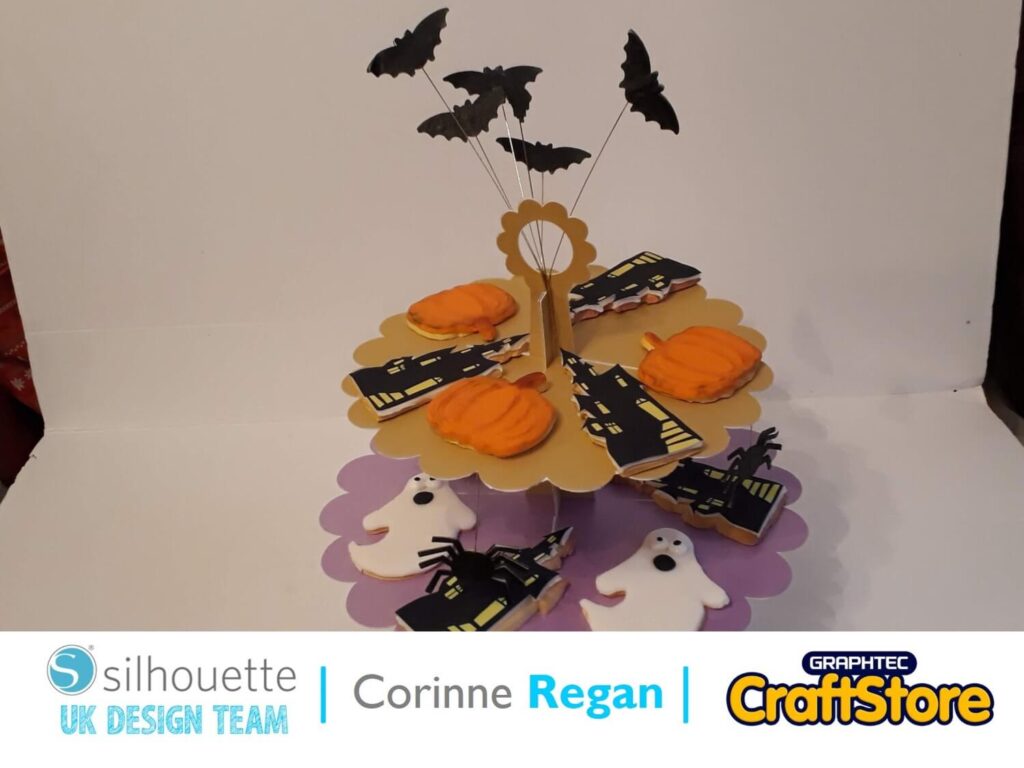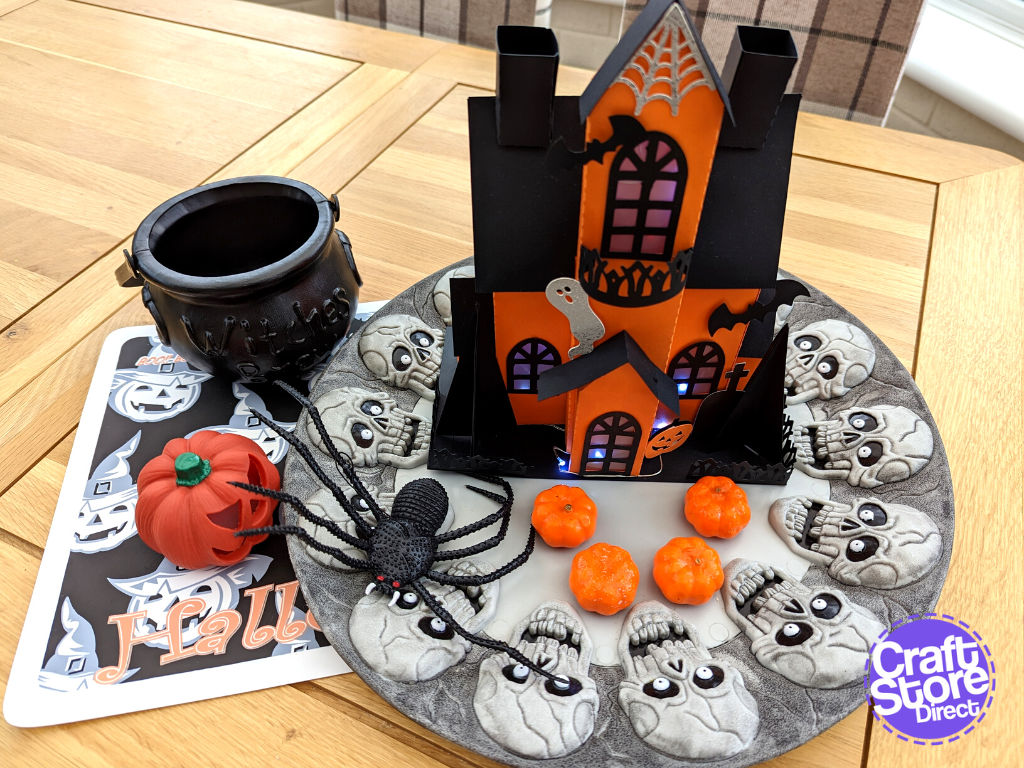
How To: Create A Paper Craft Haunted House
How To: Create Your Own Halloween Tableware Hello, I am so excited to be back creating blogs for Craft Store Direct! To get us into the Halloween spirit, I am…
PLEASE NOTE THAT THE OFFICE WILL BE CLOSED FROM 12PM FRIDAY 20TH DECEMBER 2024 AND WILL RE-OPEN ON THURSDAY 2ND JANUARY 2025
ORDERS FOR DELIVERY PRIOR TO CHRISTMAS WILL NEED TO BE SUBMITTED BY 2.30PM ON THURSDAY 19THDECEMBER 2024.
ORDERS RECEIVED AFTER THIS TIME AND DATE WILL BE DESPATCHED ON THURSDAY 2ND JANUARY 2025.
Merry Christmas & A Happy New Year to all our customers. Thank you for your continued support.

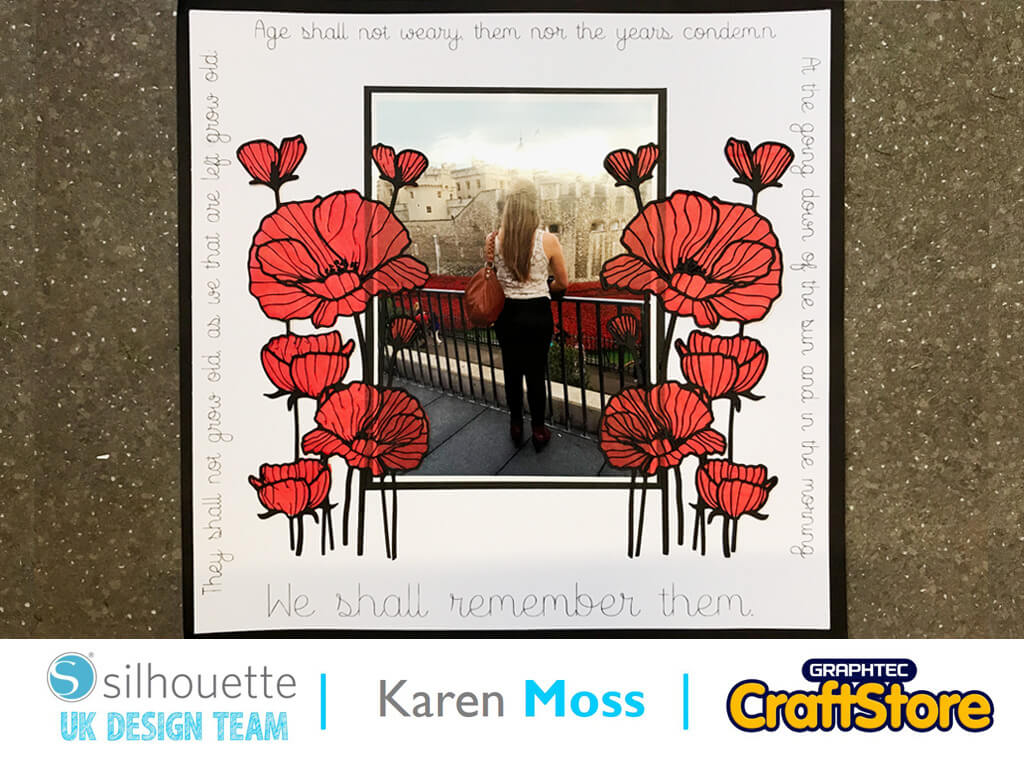
This week we were asked to use sketch pens for our projects and as it is Remembrance Day, this week, I decided to make a scrapbook page featuring poppies, sketch pen text and a photo of my daughter, taken 5 years ago when there was the magnificent display of ceramic poppies at the Tower of London.
I often use the Silhouette Design software to design how I would like a scrapbook page to look.
I opened a 12 x 12 design space and added a 5 x 7 rectangle to represent my photo.
I also added an 11.5 square as I wanted to mount the white card onto a piece of black to give it a .25 black border.
Although it is possible to write your text around any shape this time, to make it easy I decided to write it in strips and add to my page as different sections.
I ‘Googled’ the words of the famous poem and wrote them in four separate sections using Sisters Sketch Font, which is a font specifically designed to use with sketch pens.
To get my text in exactly the right place I started by centering the second and last line with the 11.5 box at the top and bottom of my design.
For the first line of text I selected it and under the ‘Object Menu’ chose Rotate and then Rotate 90 Counter Clockwise.
For the third line of text I selected it and under the ‘Object Menu’ again chose Rotate but this time selected Rotate Clockwise.
I aligned them centrally, using the 11.5in square .
I inserted a black sketch pen into the right-hand holder of my Cameo 3 and sent my design to cut and sketch.
I resized my poppy design to 8 ins tall and used the ‘Mirror Right’ function on the Replicate menu to mirror the design.
I cut this from black card but found that on one of my poppy shapes the veins on some of the flowers broke as they were so fine.
I quite liked this effect and so still used them.
To make my poppies more realistic I used red tissue paper to back them giving the flowers the transparent look of real poppies.
This is a fairly simple layout as I felt adding too much embellishment would detract from the solemn occasion which the layout was created to commemorate.
I am really pleased with the transparency of my poppies when backed with tissue paper.
– Karen Moss –
• Design Used: Sisters Sketch Font
Design Store Artist: Rivka Wilkins
Design Store ID: 76091 > Download
• Design Used: Poppy Cluster
Design Store Artist: Hero Arts
Design Store ID: 27111 > Download