Bring On The Summer | Denise Clark | Silhouette UK Blog
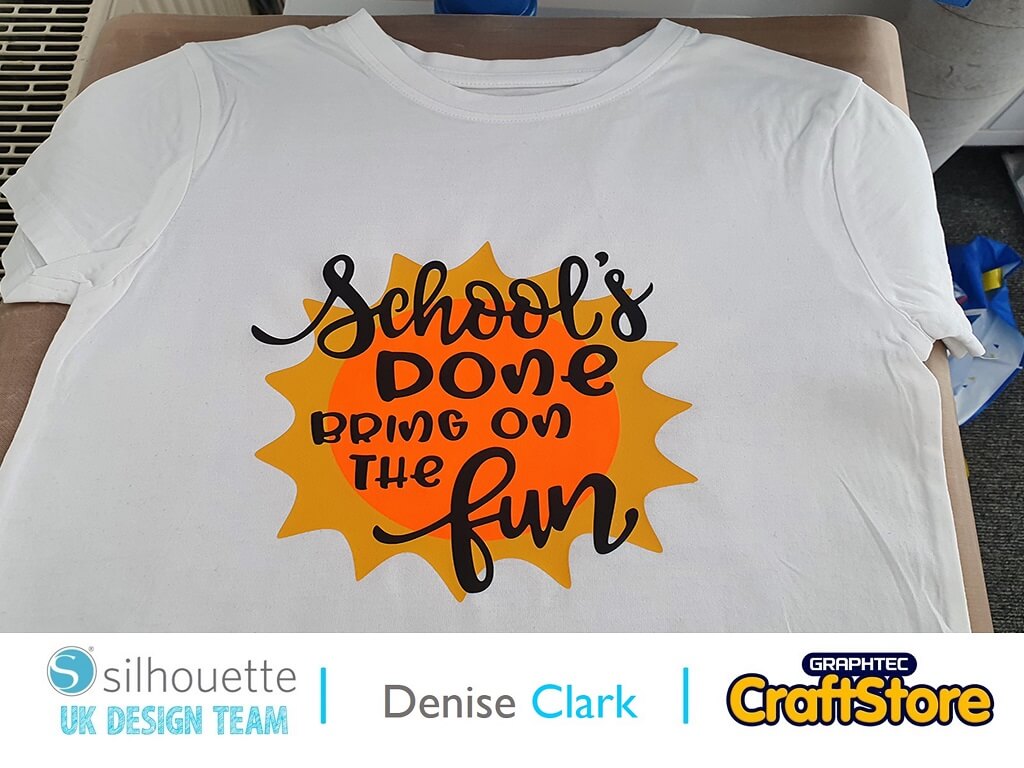
Bring On The Summer | Denise Clark | Silhouette UK BlogSchool’s Done Bring On The Fun It’s Denise here today. Wow we’re into the summer months and school about to…
PLEASE NOTE THAT THE OFFICE WILL BE CLOSED FROM 12PM FRIDAY 20TH DECEMBER 2024 AND WILL RE-OPEN ON THURSDAY 2ND JANUARY 2025
ORDERS FOR DELIVERY PRIOR TO CHRISTMAS WILL NEED TO BE SUBMITTED BY 2.30PM ON THURSDAY 19THDECEMBER 2024.
ORDERS RECEIVED AFTER THIS TIME AND DATE WILL BE DESPATCHED ON THURSDAY 2ND JANUARY 2025.
Merry Christmas & A Happy New Year to all our customers. Thank you for your continued support.

Hi all!
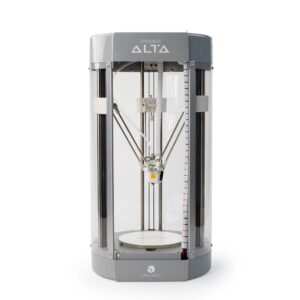
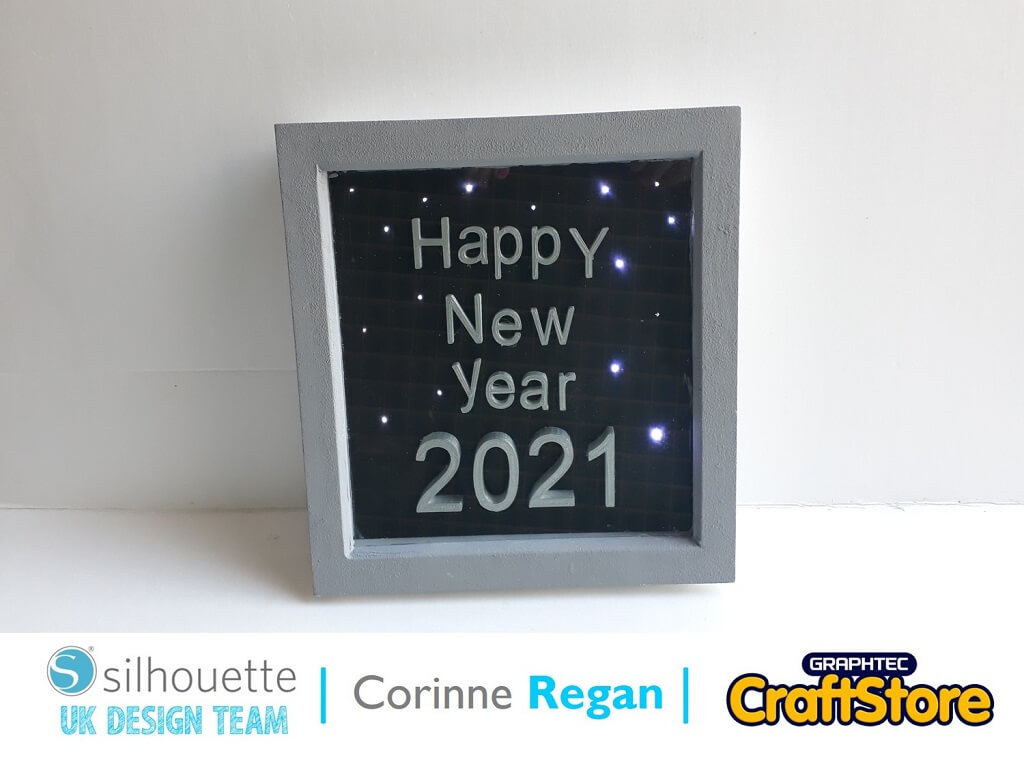
Today I thought I would make a New Year box frame picture using my Silhouette Alta 3D Printer!
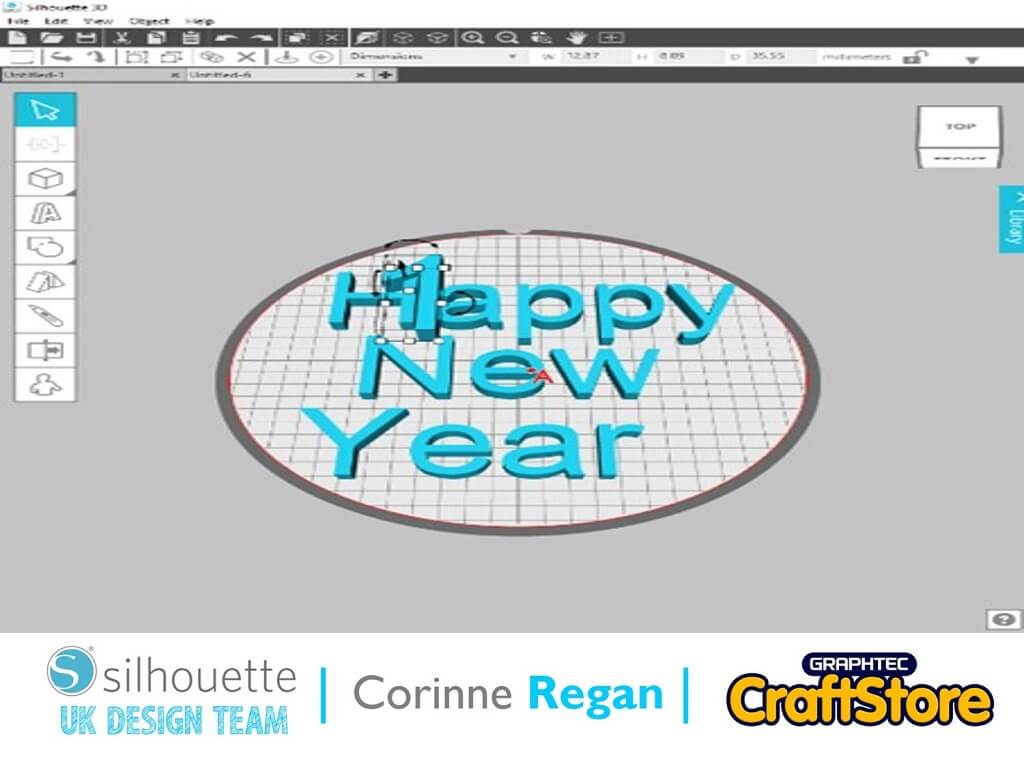
I opened my Silhouette 3D software and clicked on the text button on the left-hand side of the screen.
I wrote the wording that I needed and I then clicked ok and they came onto the mat.
You can now resize them to whatever size you need for your project.
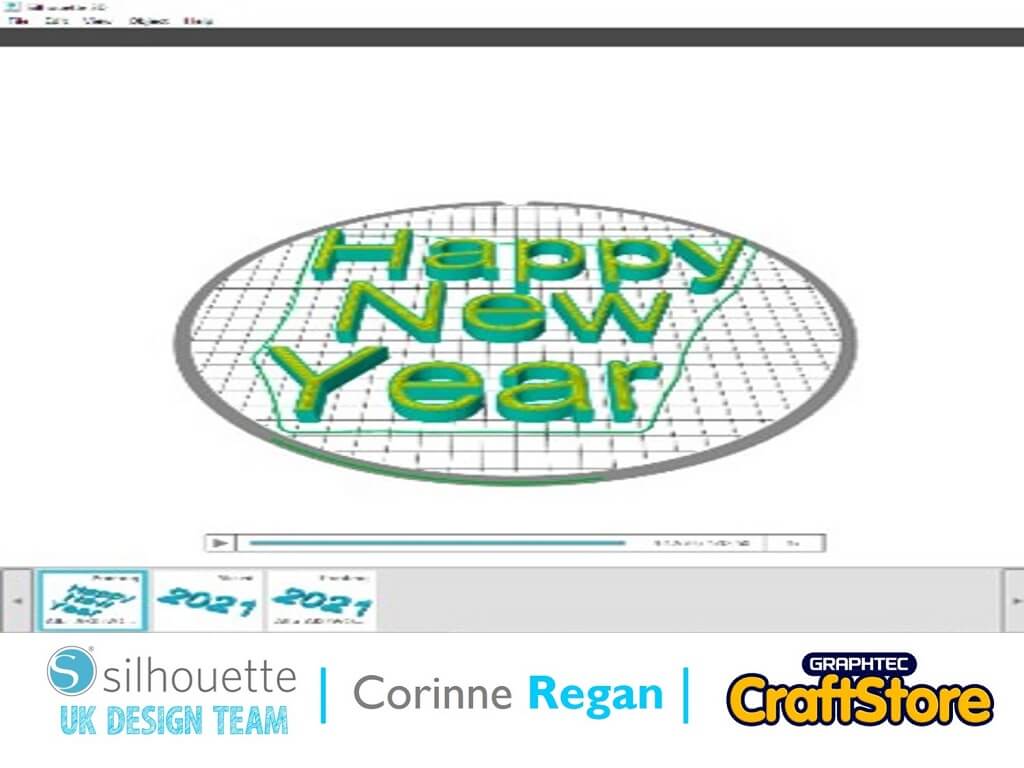
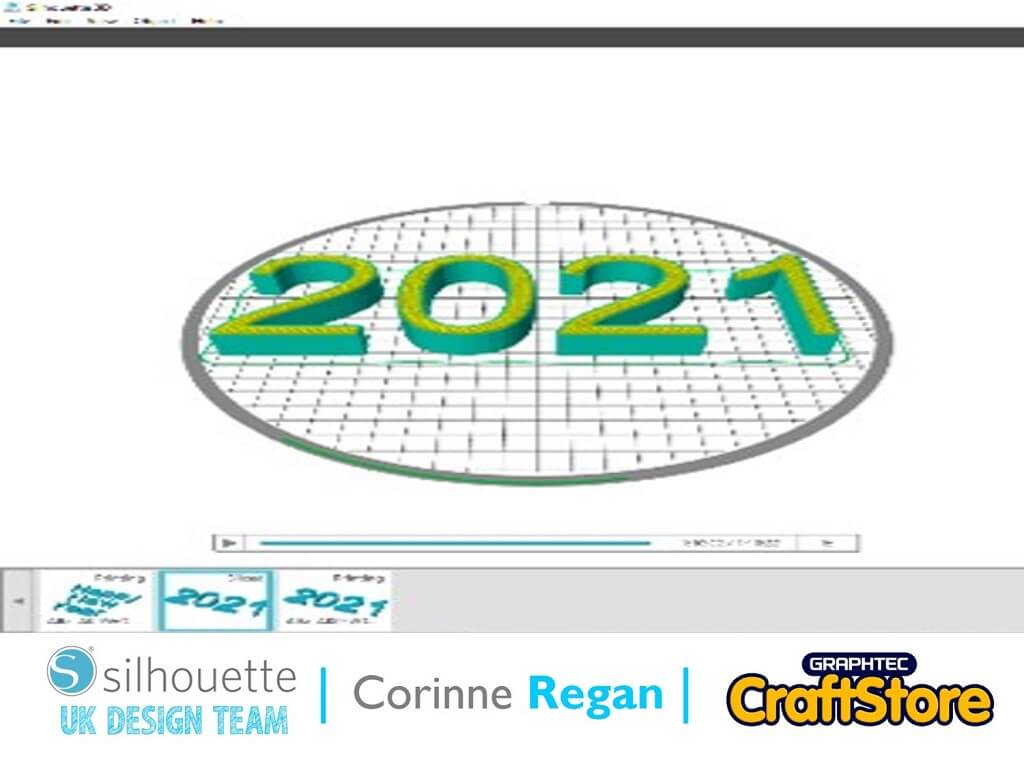
After you are happy with your design the 2nd stage is sending them to be sliced, this is also where you choose which quality of print that you require.
The higher the quality the print the longer it takes for the printer to produce the work.
I Chose HQ for this project.
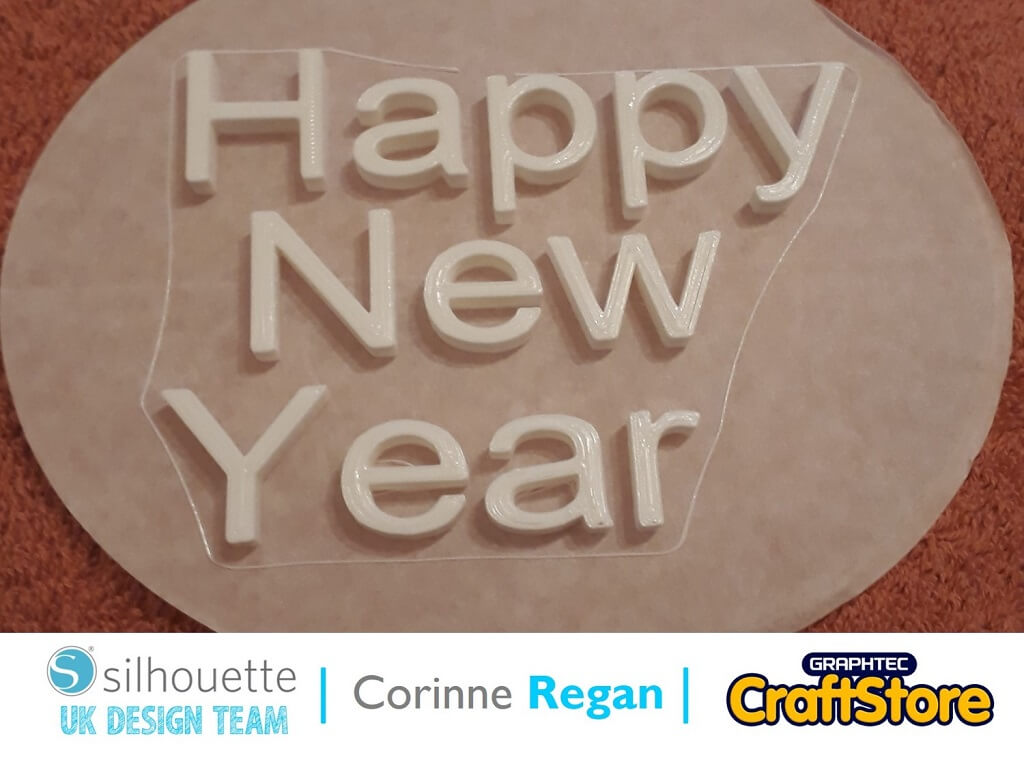
Here are my letters all printed out ready for my design.
I already had a white box frame lying around so decided to use this.
I sprayed my letters and numbers silver and hot glued them to a piece of black card.
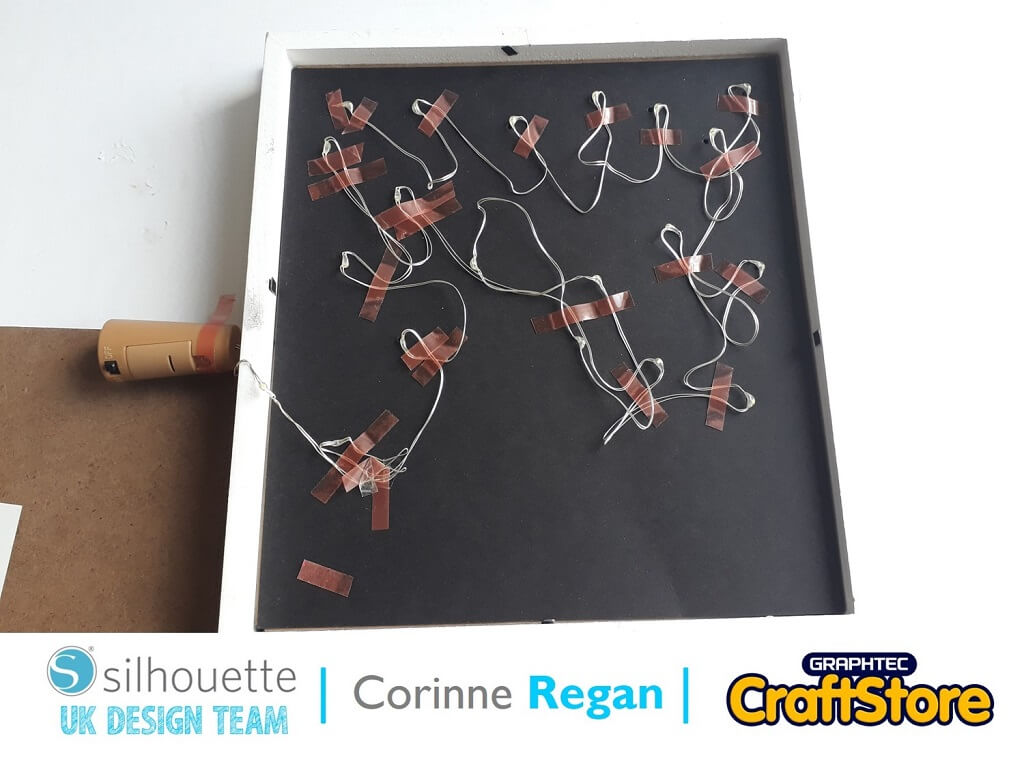
I poked small holes at random around the letters and numbers so I could tape the lights behind the holes.
I used bottle lights. I sprayed the box frame silver.
I thought this was a simple yet effect way to make use of an old box frame and the message can be changed throughout the year.
It is simple to make and very pretty.
– Corinne Regan –