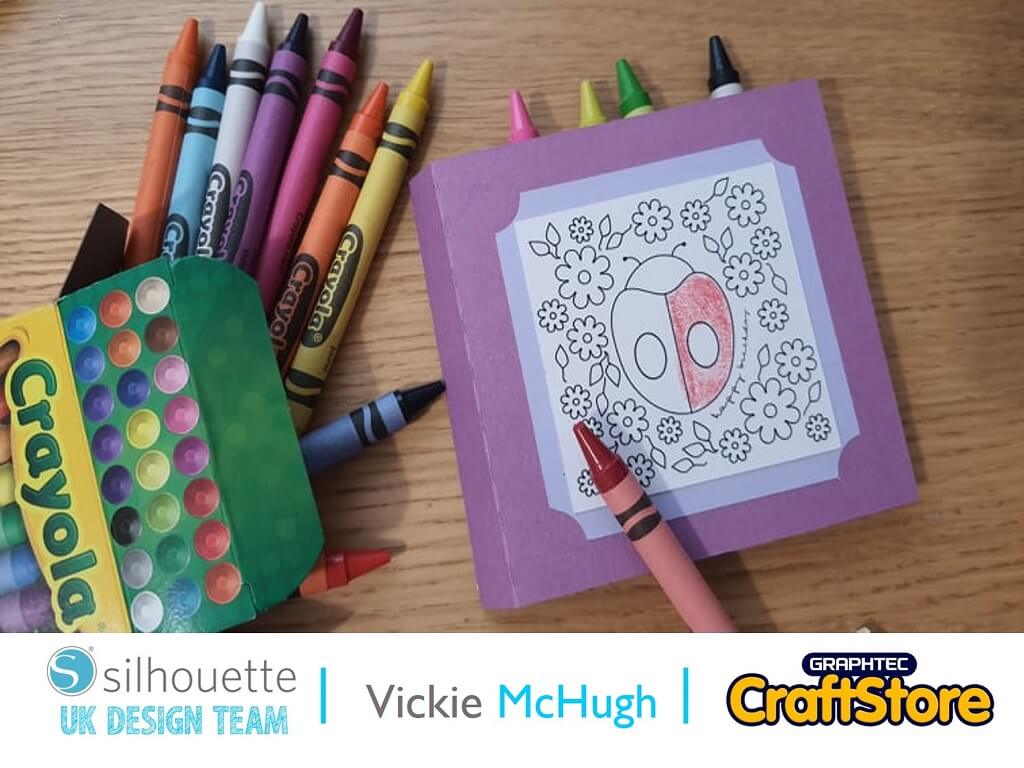
Childrens Crayon Case | Vickie McHugh | Silhouette UK Blog
Childrens Crayon Case | Vickie McHugh | Silhouette UK BlogChildrens Crayon Case With the school holidays coming up, what better thing to make with your Silhouette machine, a colouring card…
PLEASE NOTE THAT THE OFFICE WILL BE CLOSED FROM 12PM FRIDAY 20TH DECEMBER 2024 AND WILL RE-OPEN ON THURSDAY 2ND JANUARY 2025
ORDERS FOR DELIVERY PRIOR TO CHRISTMAS WILL NEED TO BE SUBMITTED BY 2.30PM ON THURSDAY 19THDECEMBER 2024.
ORDERS RECEIVED AFTER THIS TIME AND DATE WILL BE DESPATCHED ON THURSDAY 2ND JANUARY 2025.
Merry Christmas & A Happy New Year to all our customers. Thank you for your continued support.

It’s Denise here today.
Wow we’re into the summer months and school about to close for their holidays.
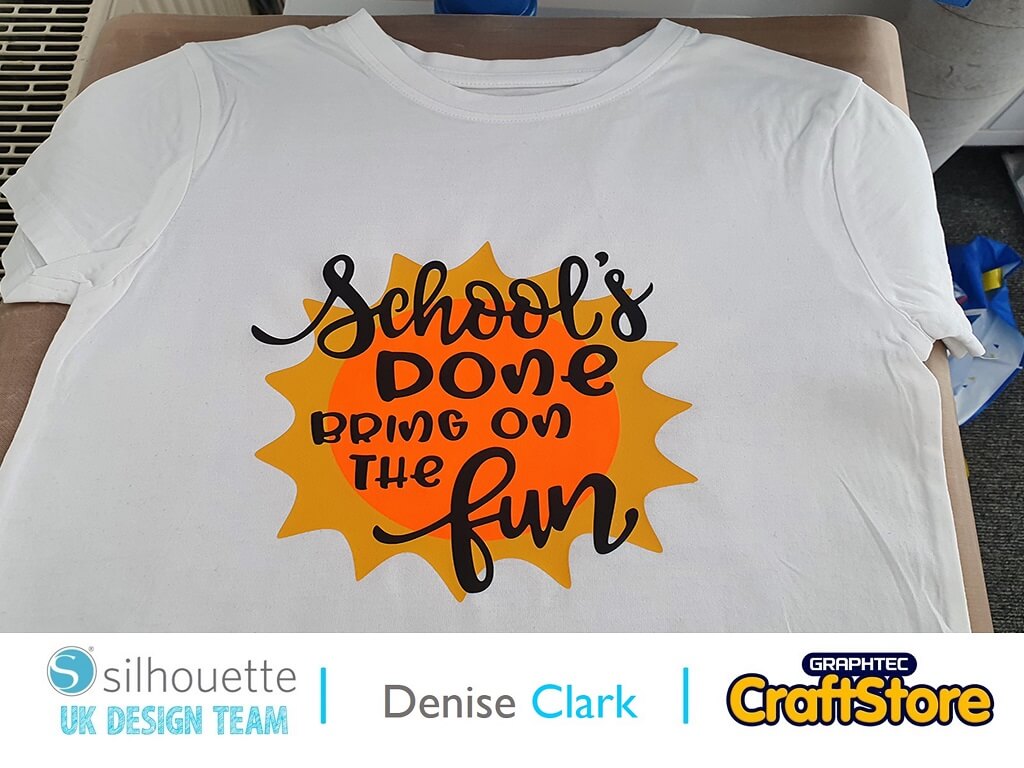
Today’s blog has been created using the School’s Done Bring On The Fun T-shirt design by Sarah Bailey and is just perfect for the kids to wear this summer, it’s even perfect for teachers to relax in as well!
Materials Used
• Silhouette Smooth HTV
• Plain White T-Shirt
• Heat Press
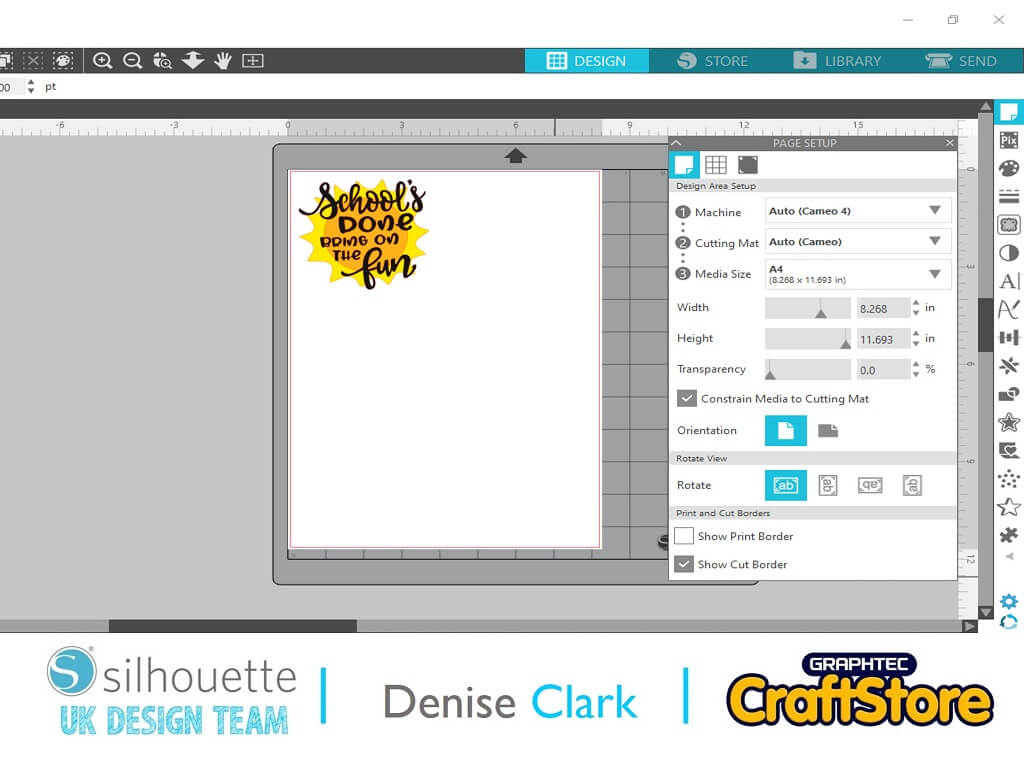
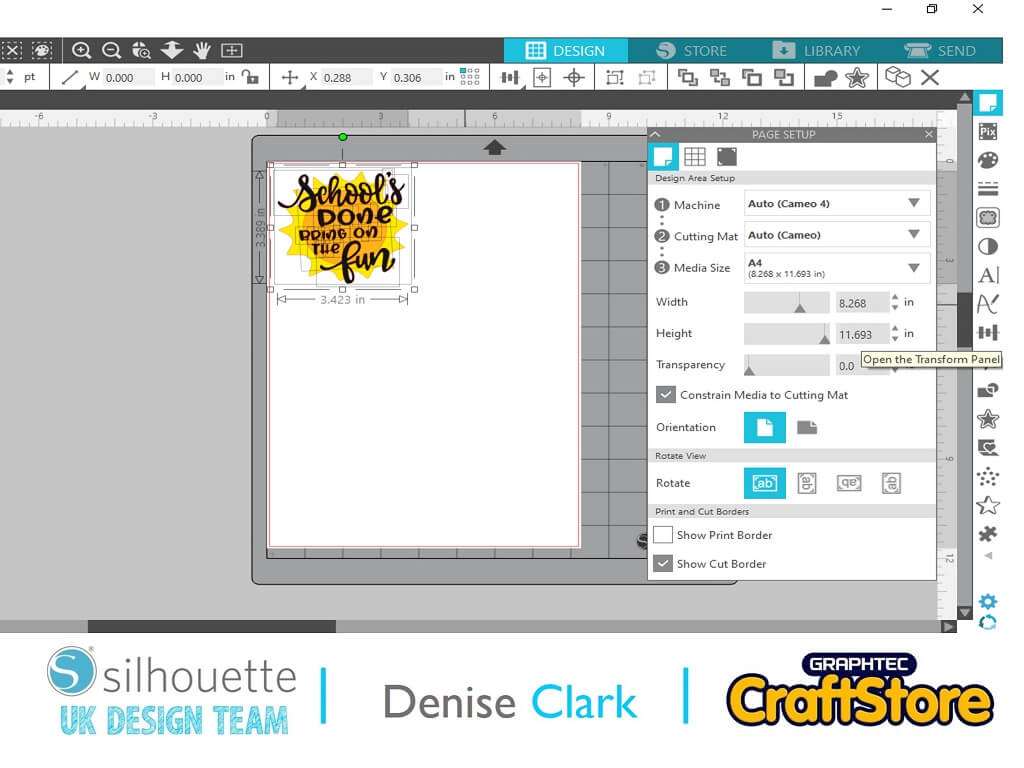
Once you have opened your software go to top right hand corner and click onto your library and look for the downloaded file and then click on it to open up on design space.
You will see your design will be small so you can change this by selecting all and click and drag so there is a box around the file, now drag to the size you want.
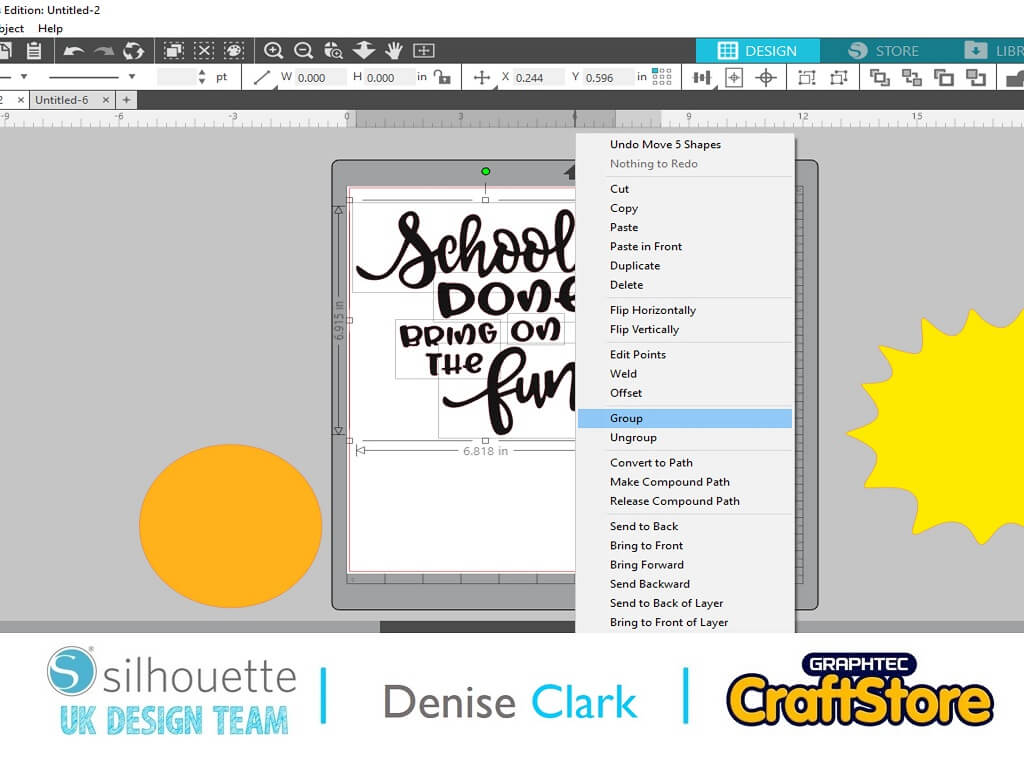
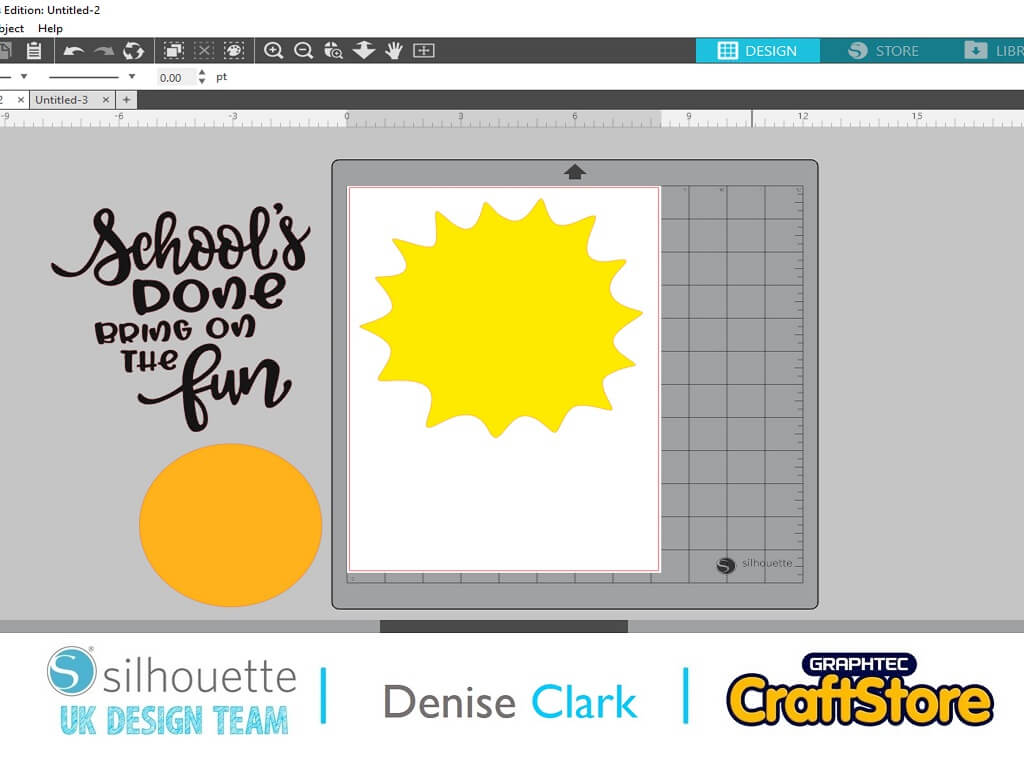
You will notice that the letters will be single and not grouped together so I click on the yellow part and click and drag to move it out the way.
Now you are just left with the writing, select a box around it all by clicking and drag group all of the letters.
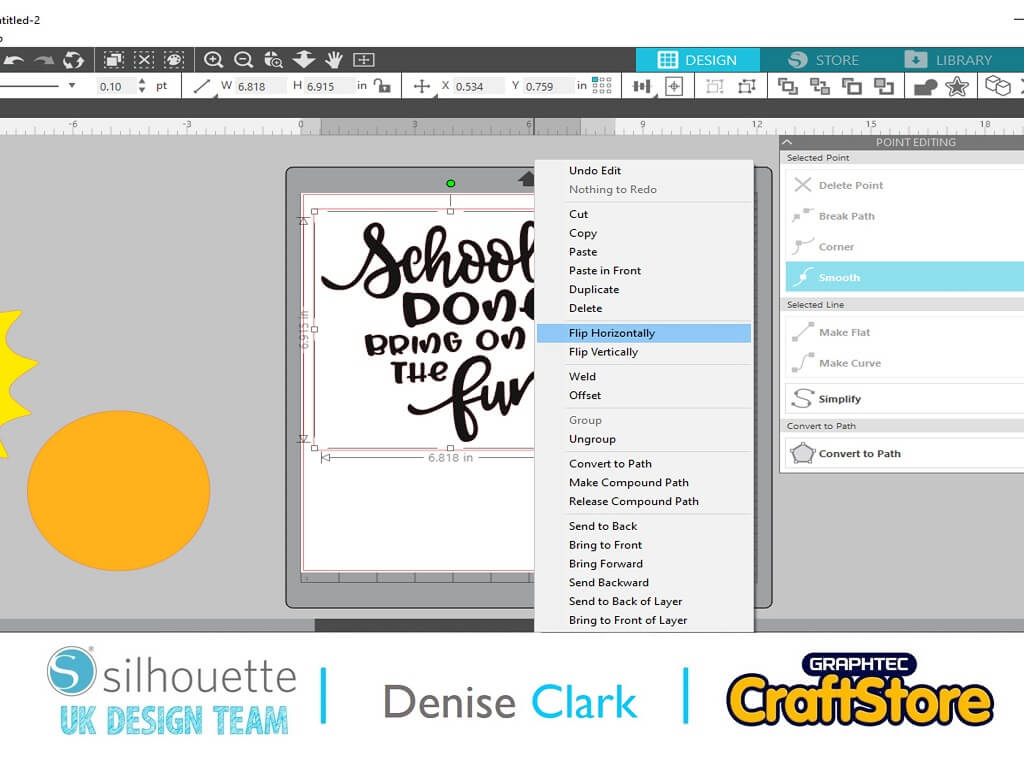
Now that you are happy with the size, make sure you MIRROR YOUR IMAGE.
To do this, right click and flip Horizontally (you really need to do this).
Now it’s time to cut your file.
Go over to top right hand corner and click send, this is where all the information is for cutting, scroll down to find your media and then (as long as you’re using an Autoblade) the rest is done for you and press send to cut all your parts out.
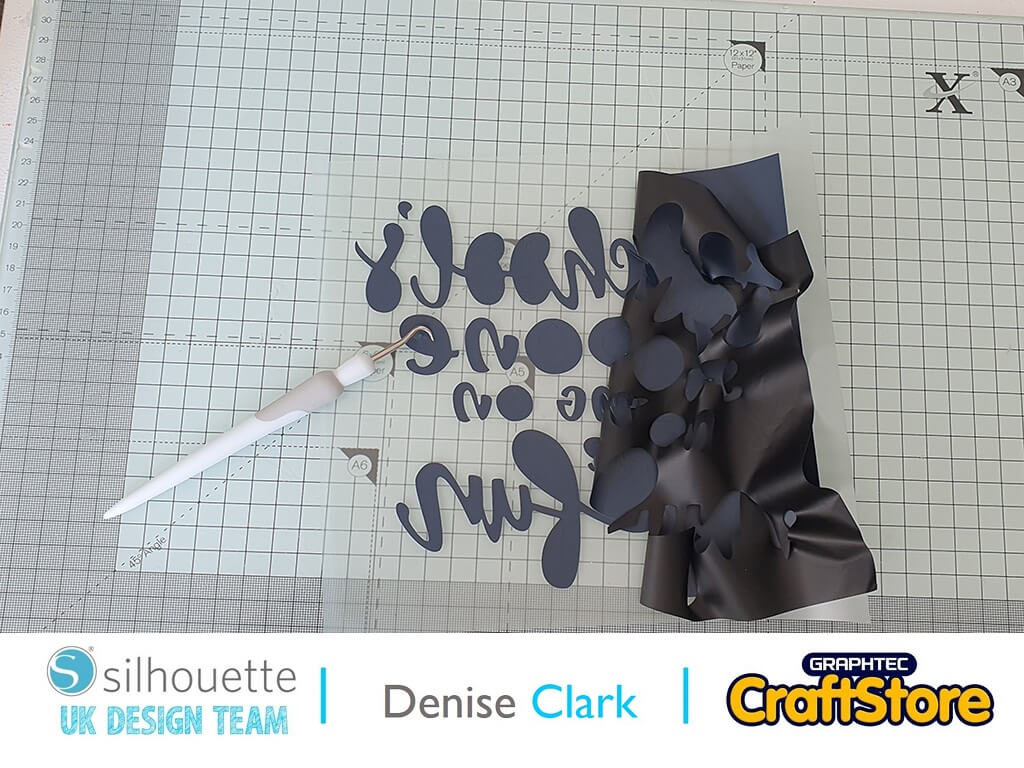
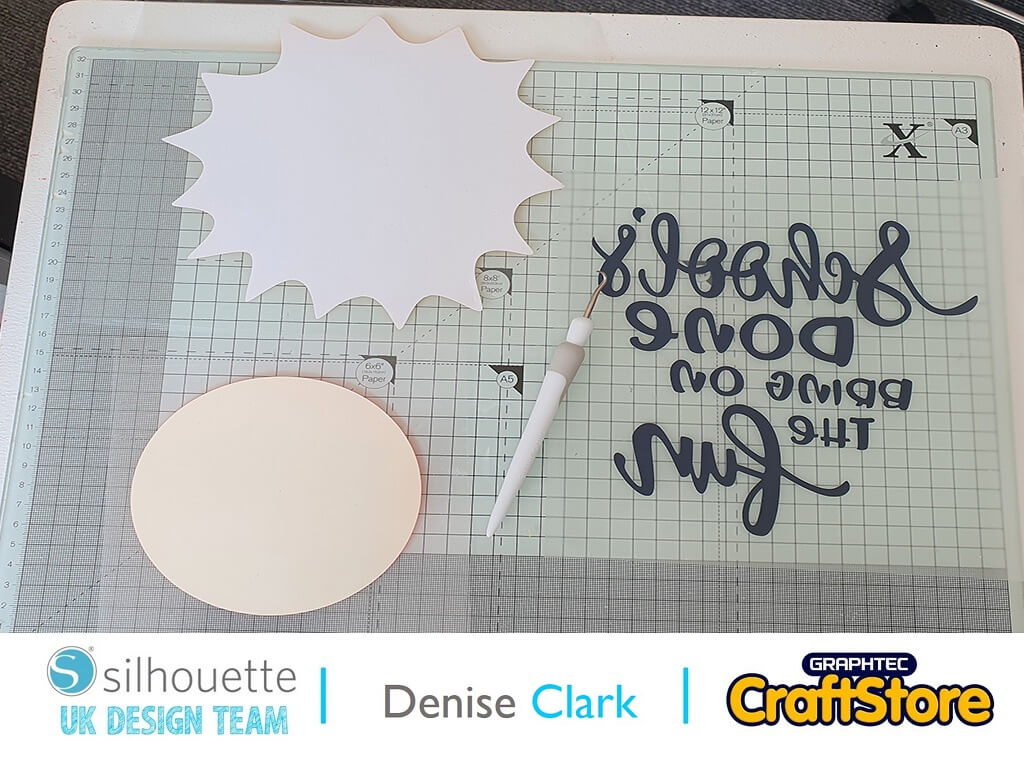
Now to weed your parts which is easy to do. Weed (remove)the waste by using your weeding tool.
Keep your file on the Clear transfer sheet as this helps to transfer to t-shirt. Do this with all parts.
For my project I used Heat Press.The settings for the HTV are included on instruction sheet that comes with the HTV. I set my press to 150c and for time 20 secs. First I pre-pressed the t-shirt for 5 seconds, then I added the file starting with the sun part.
Once I pressed it on I peeled off the clear transfer sheet. As we are layering do this with all parts of the file onto the t-shirt. You now have a summer fun t-shirt which the kids will love to wear.
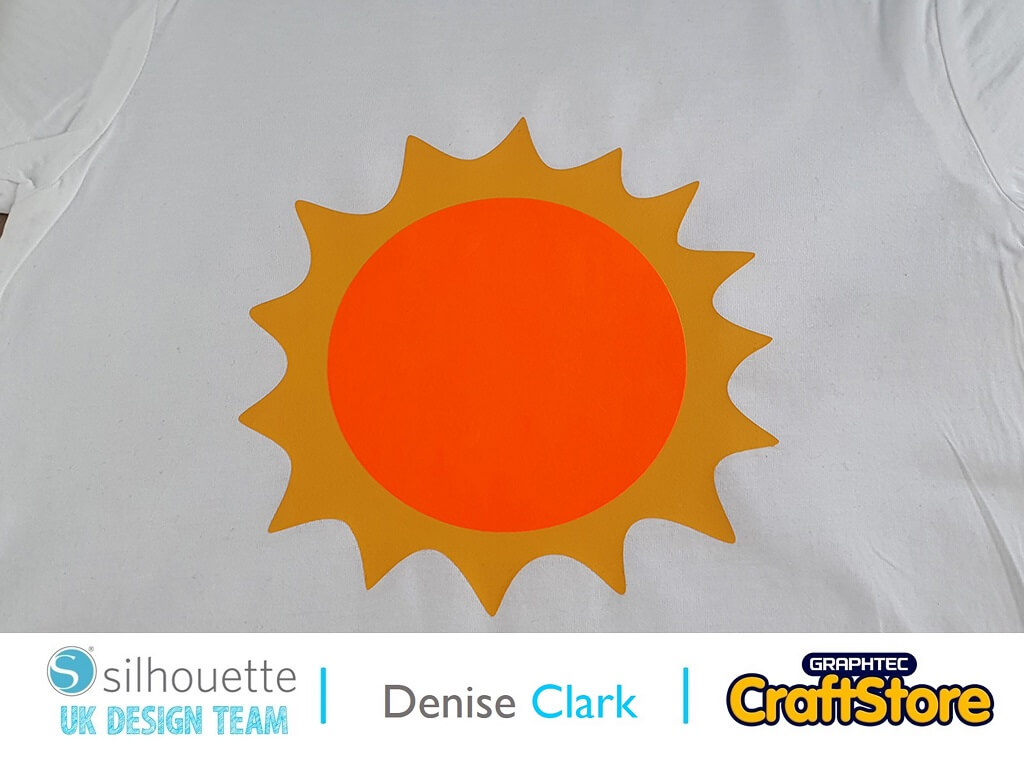
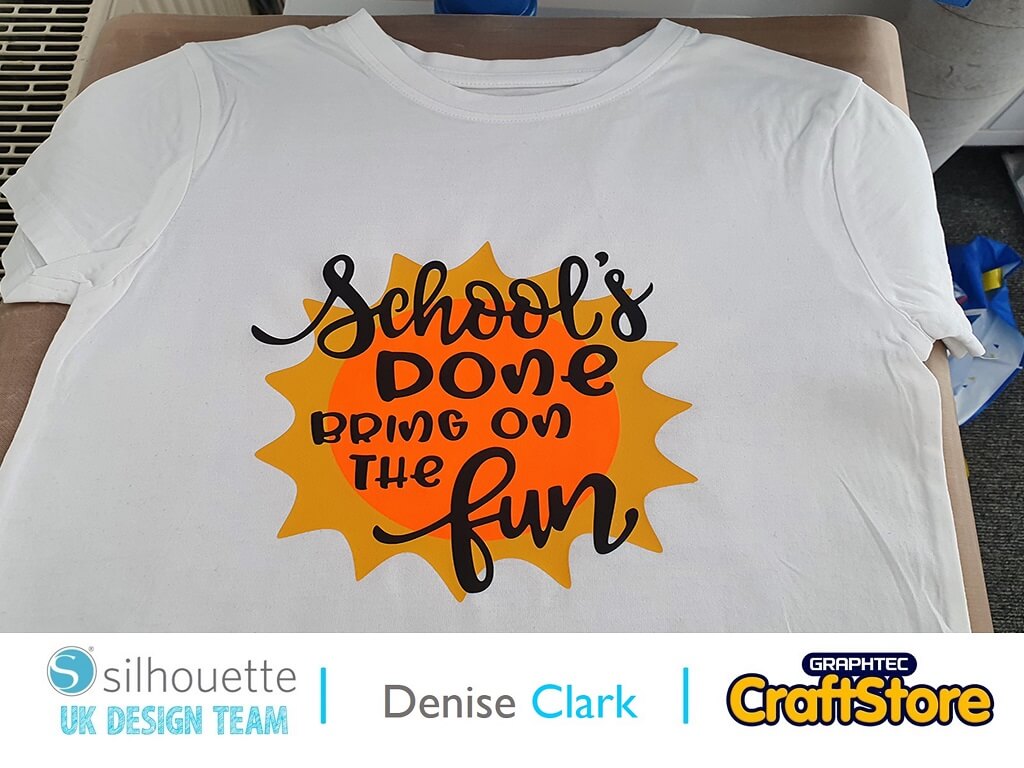
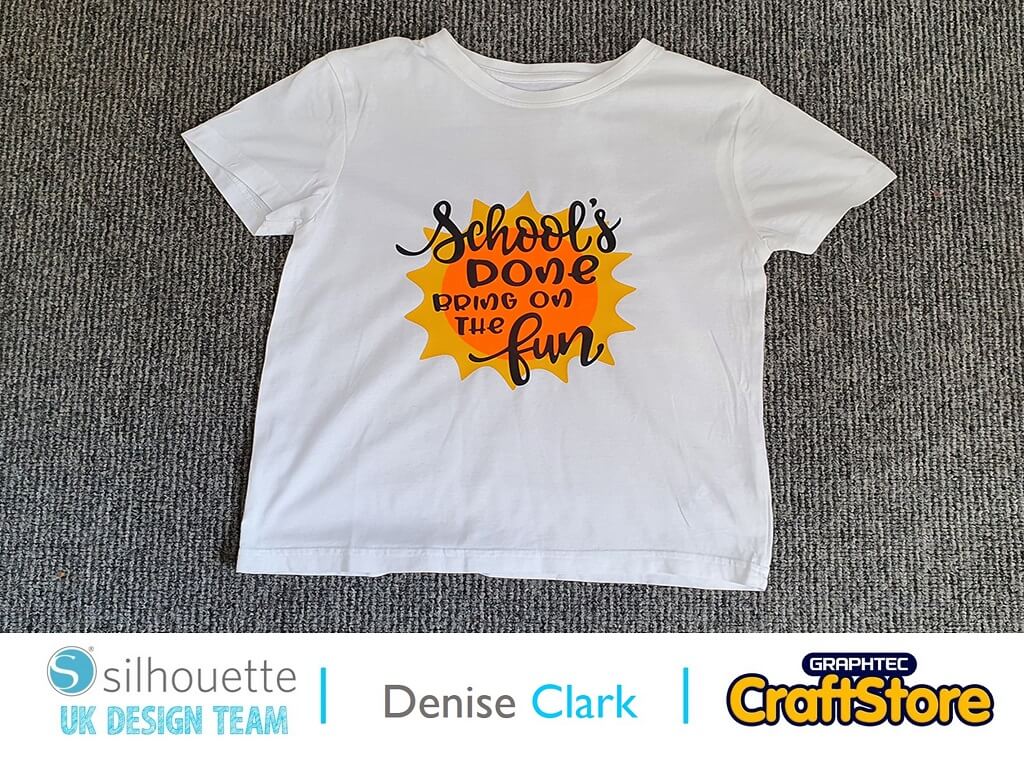
This is a fun project to do, and you can do it in any colour or even with patterned HTV to make it funky for the kids to wear.
I will certainly be trying it with patterned HTV for my grandsons as they love this design.
– Denise Clark –

• Design Used: School’s Done Bring On The Fun
Design Store Artist: Sarah Bailey
Design Store ID: 353236 > Download