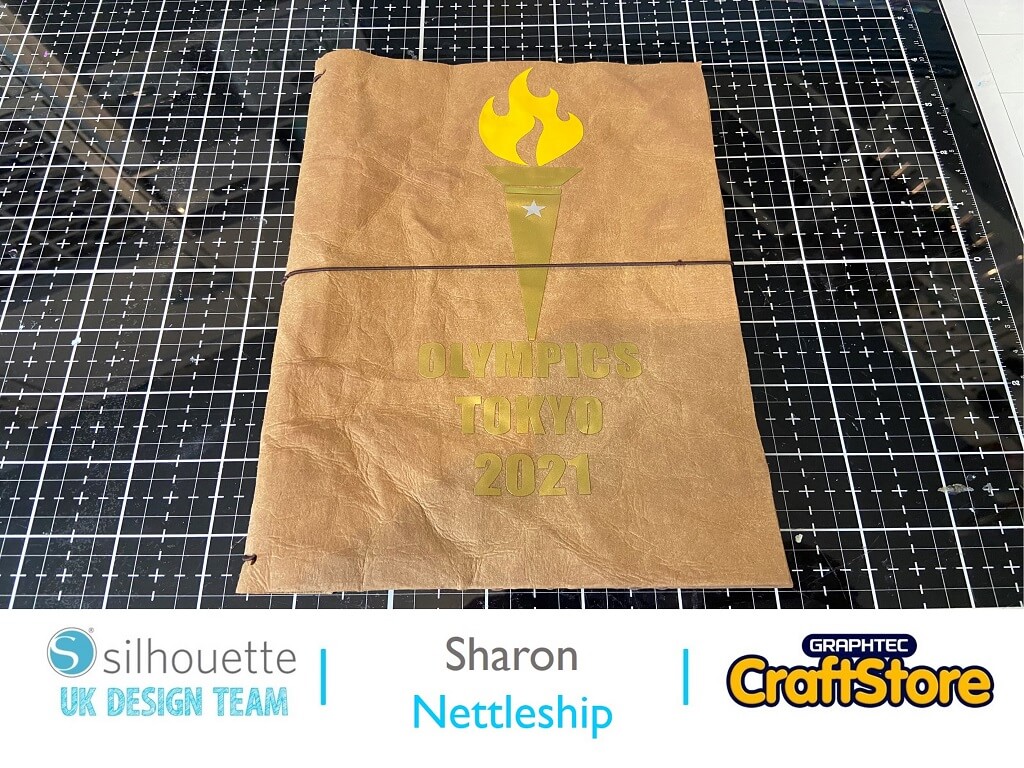
A5 Olympic Notebook
Hi, DT Sharon here today!
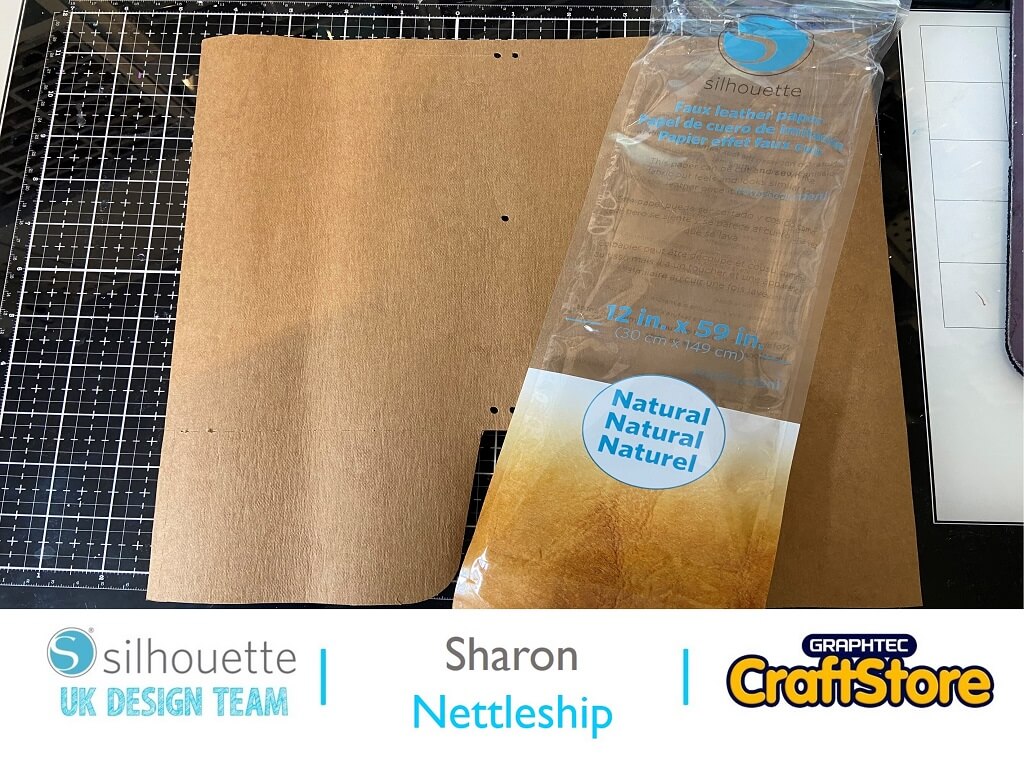
I was really interested to try using the Silhouette Faux Leather paper.
This time I used the natural one.
It was really nice to work with, very pliable.
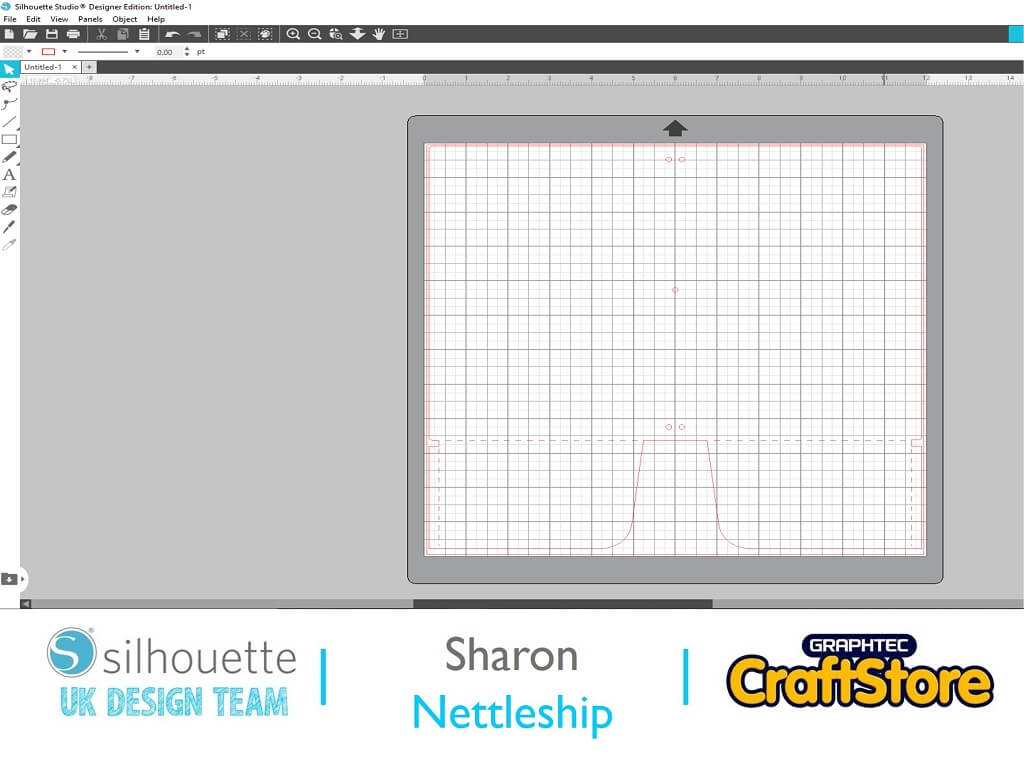
First bring in your notebook file.
It’s quite a large file so make sure you fit it onto your mat.
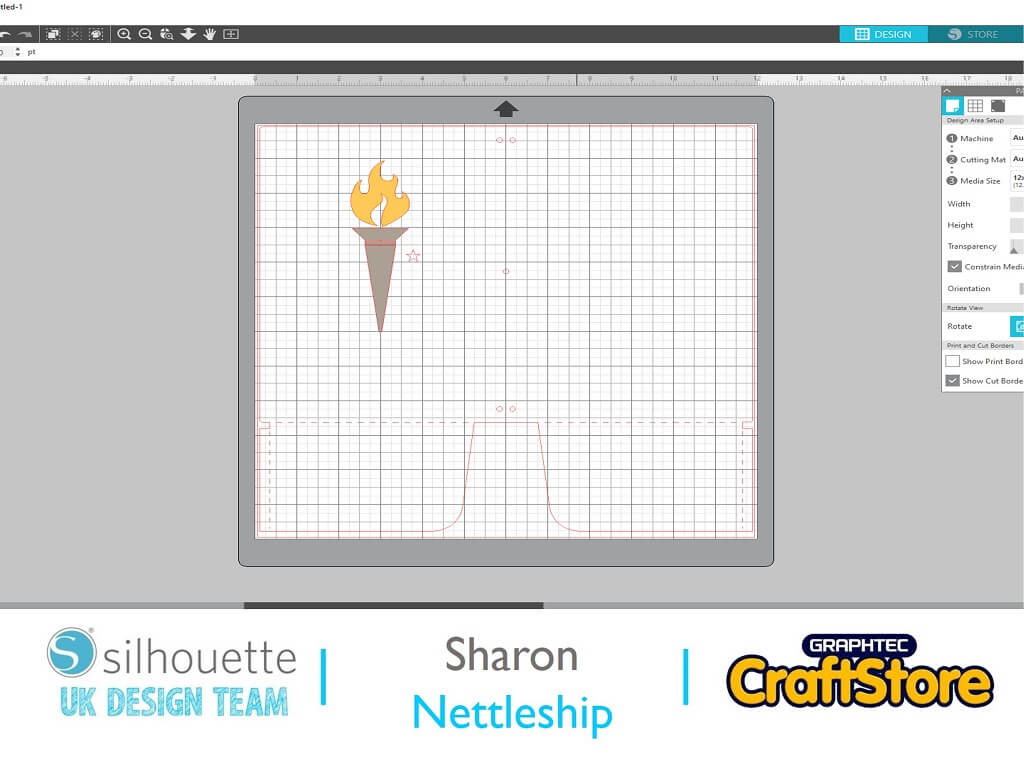
Leave the notebook file on your screen so you can size your Olympic torch to fit the front of your design.
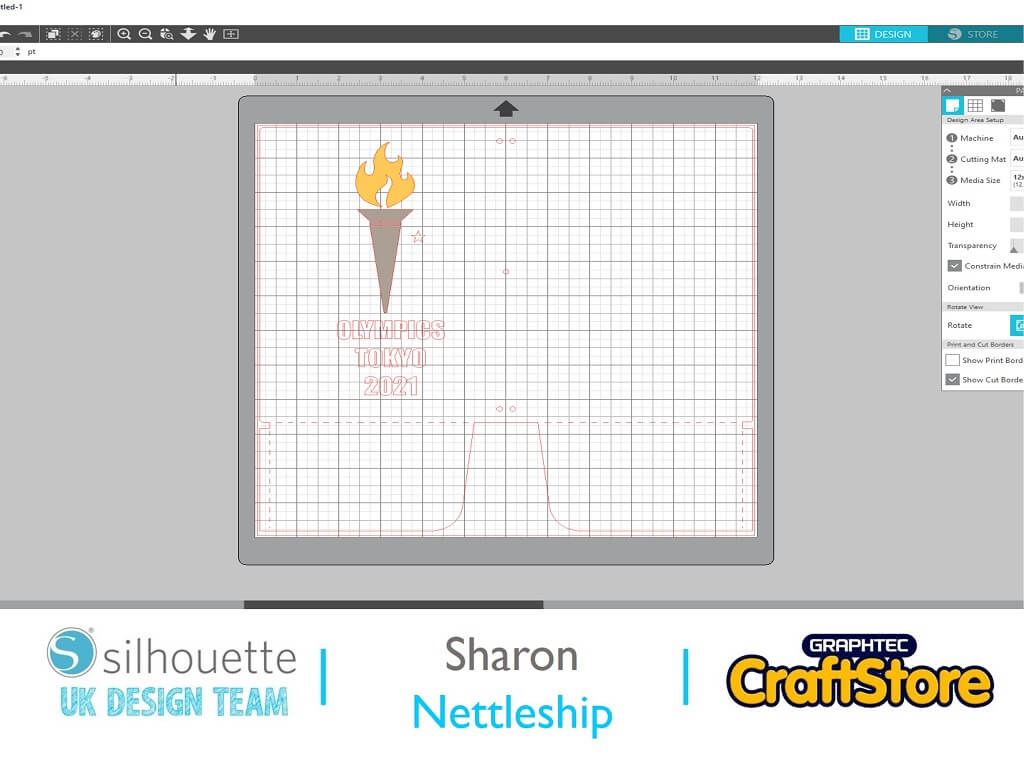
Using the text tool add your text.
I have used Impact size 48.
I used this as it is quite blocky and easy to read.
Move the torch and text outside of the cutting mat and cut out your notebook.
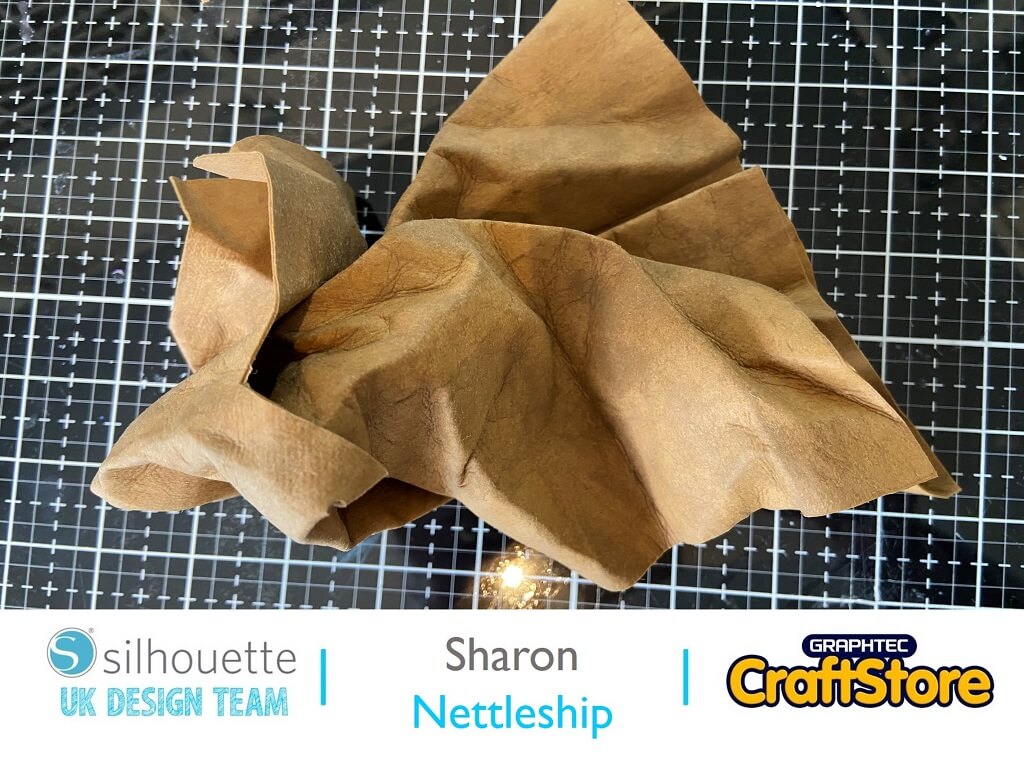
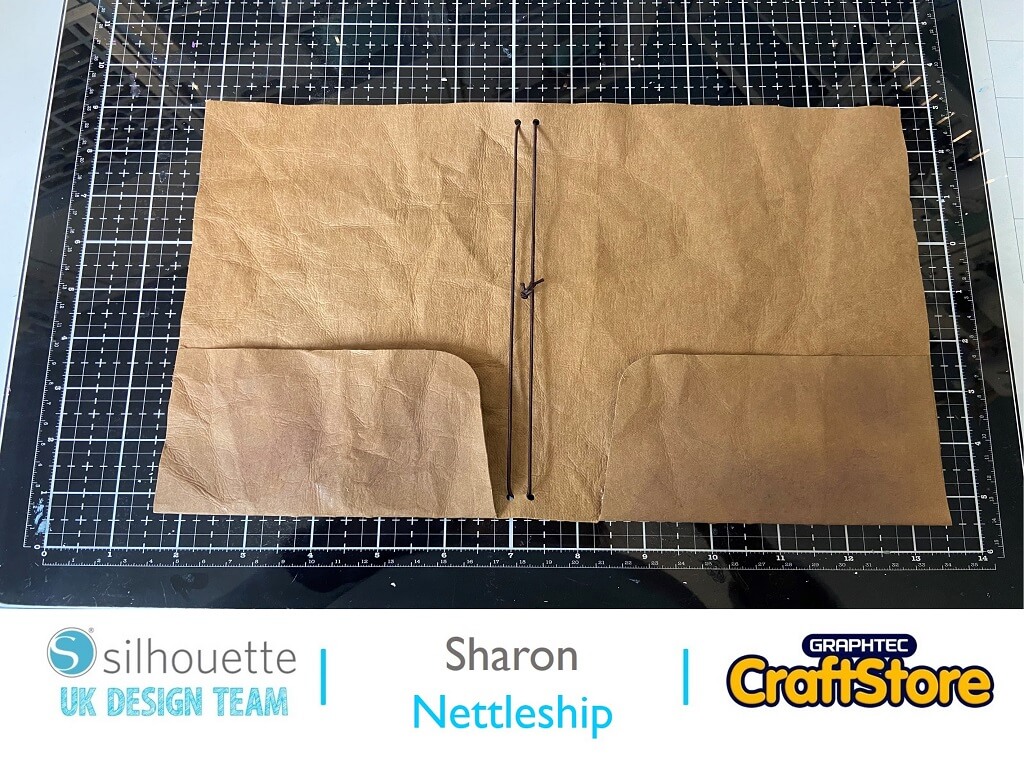
Wet the notebook with warm water and scrunch up.
This is what makes the paper look like leather.
Leave to dry.
It will take about 15-20 mins.
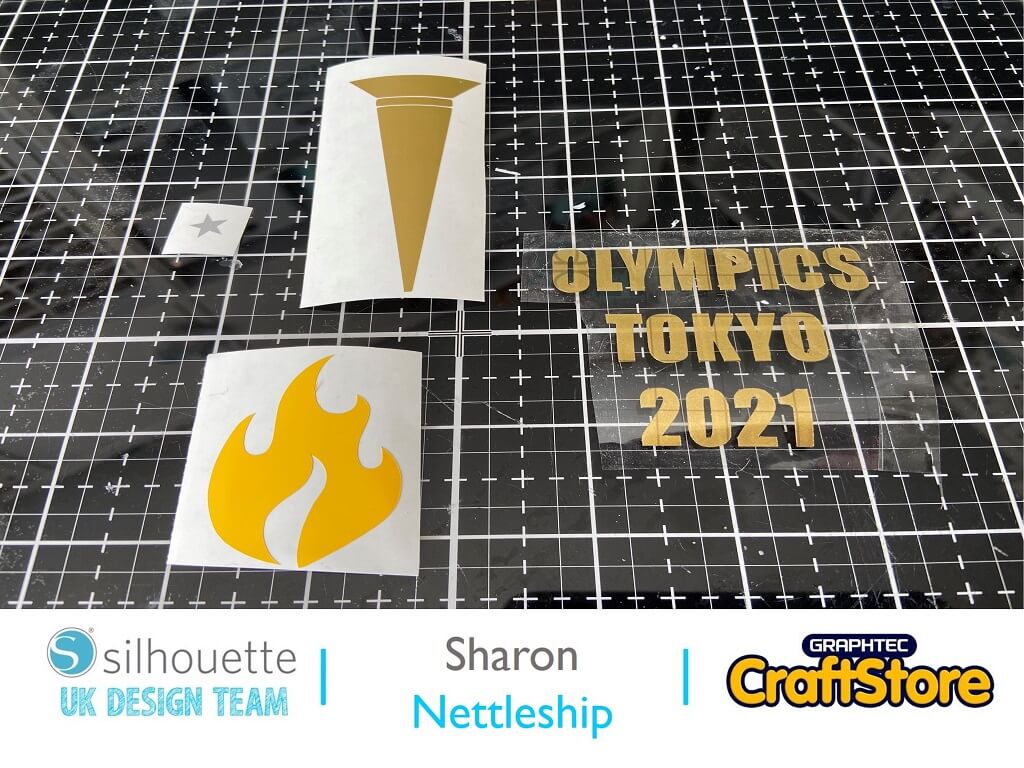
Whilst your paper is drying cut out your images in vinyl.
I did the torch and letters in gold metallic vinyl, the flames in yellow and the little star in silver metallic.
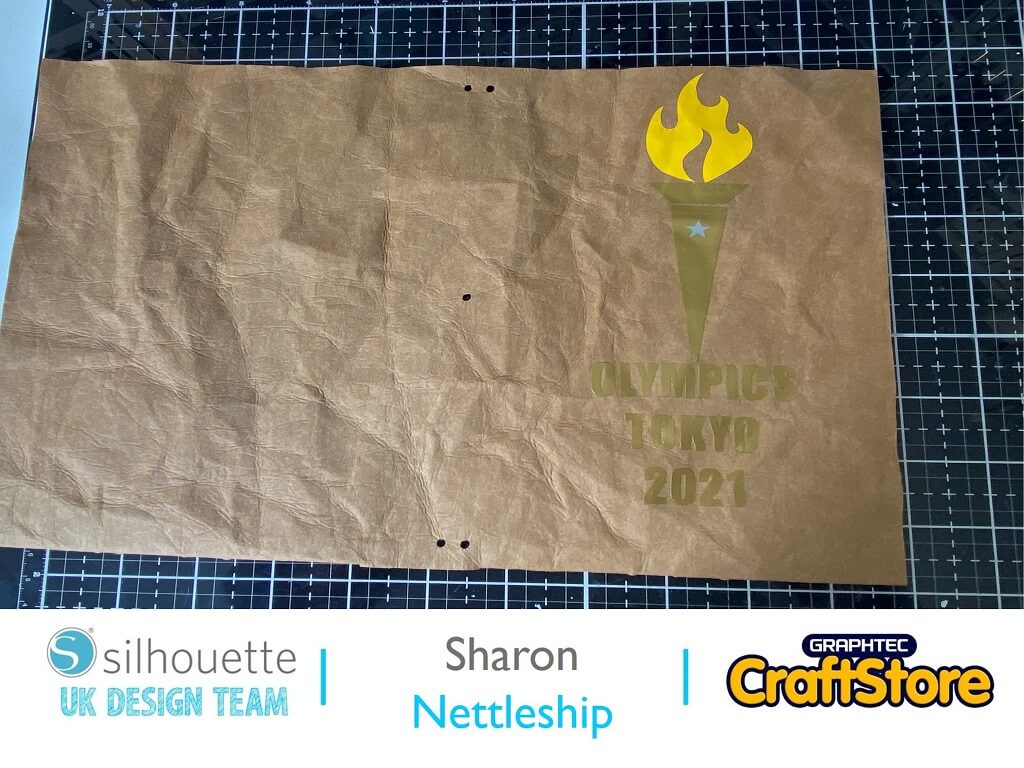
Lightly ink over the notebook with a dark brown ink.
Using transfer tape apply the vinyl images to the front of the cover when dry.
Glue each side of the pockets and add your elastic.
You can pop your pages in by threading through the elastic.
Little bits of memorabilia can be put into the pockets.
Use another piece of elastic for the middle of your notebook.
This was such a great project to make.
It could be used for anything junk journals, notebooks, albums anything you fancy.
You could also stitch on this paper as it is quite pliable.
I used the natural colour but there is also a white and black choice too.
– Sharon Nettleship –