3D Printed Lollipop Mold | Corinne Regan | Silhouette UK Blog
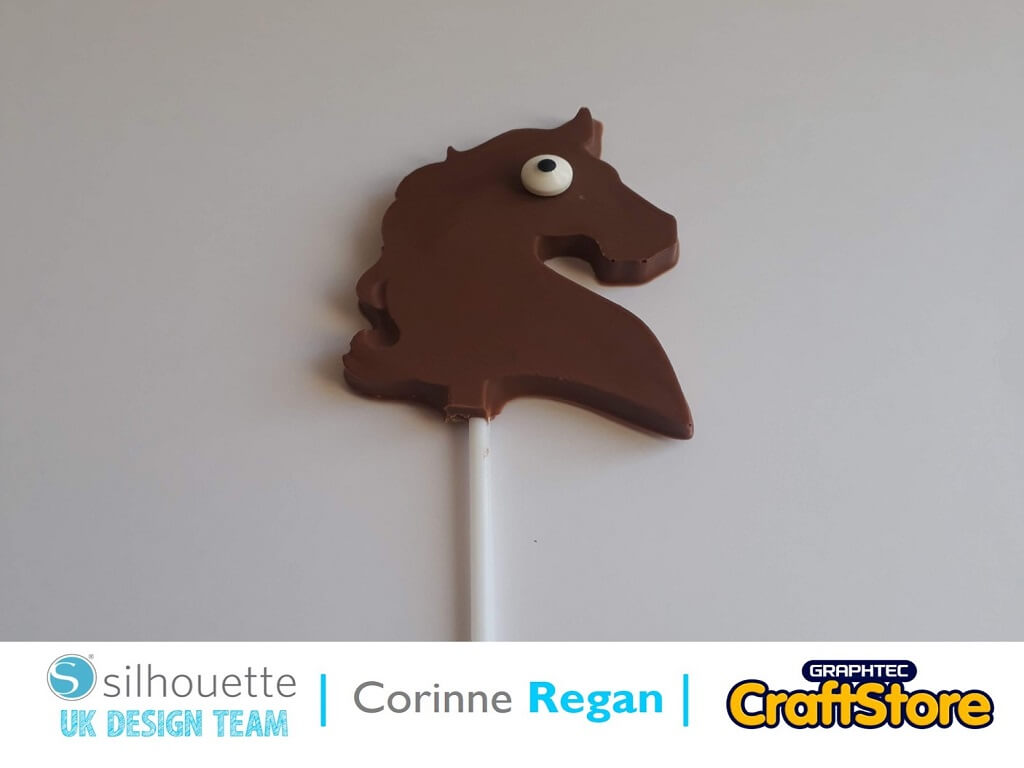
3D Printed Lollipop Mold | Corinne Regan | Silhouette UK Blog3D Printed Chocolate Lollipop Mold Hi all, Corinne here today with a yummy looking 3D Printed Lollipop Mold. Getting The…
PLEASE NOTE THAT THE OFFICE WILL BE CLOSED FROM 12PM FRIDAY 20TH DECEMBER 2024 AND WILL RE-OPEN ON THURSDAY 2ND JANUARY 2025
ORDERS FOR DELIVERY PRIOR TO CHRISTMAS WILL NEED TO BE SUBMITTED BY 2.30PM ON THURSDAY 19THDECEMBER 2024.
ORDERS RECEIVED AFTER THIS TIME AND DATE WILL BE DESPATCHED ON THURSDAY 2ND JANUARY 2025.
Merry Christmas & A Happy New Year to all our customers. Thank you for your continued support.

Hi everyone, Verity here today from PrettyLittleButton.
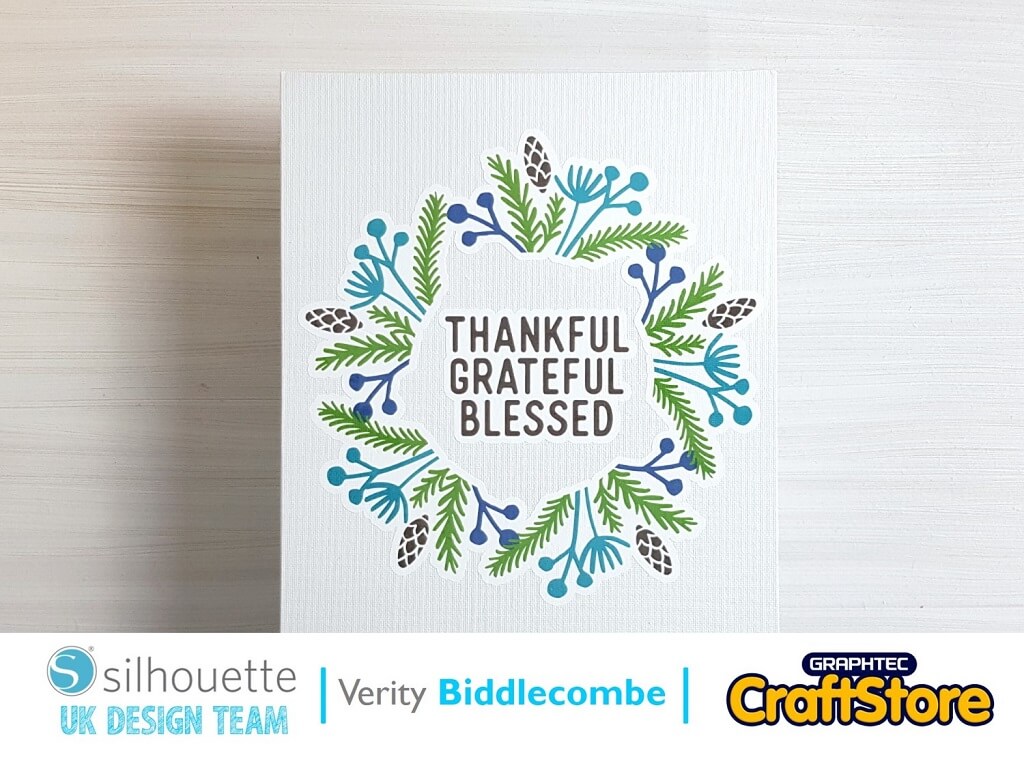
If you want to add a little artwork to your house but don’t have the time to get a paintbrush out, then quickly use Printable HTV to add a interest to your walls.
Download the ‘Thankful’ design into your design space. Next, open up the Page Setup window and make use the media size is set to 8.5×11 inches.
Next, select the ‘Registration Marks’ Tab n the page set up window and turn them on.
Position the design within the print & lines within your design space. When your happy with the size, print this onto the Printable HTV with an ink jet printer.
You do not need to mirror the design like you do with regular HTV.
Open up the offset window and with your design selected add an external offset.
If you prefer not -to add an offset, you can cut the design as-is, your will just have more to weed.
Add your printed sheet to a mat and load into your machine.
Next, in the send window, select Printable HTV from the drop down menu.
Make sure you test the cutting settings before you cut the whole design out.
Peel the design off the back sheet and position over a white board – of any surface of your choosing.
Cover with a dry tea towel and using an iron, heat set for 15-20 seconds.
– Verity Biddlecombe –
• Design Used: Thankful Greategul Blessed
Design Store Artist: Jillibean Soup
Design Store ID: 304966 > Download