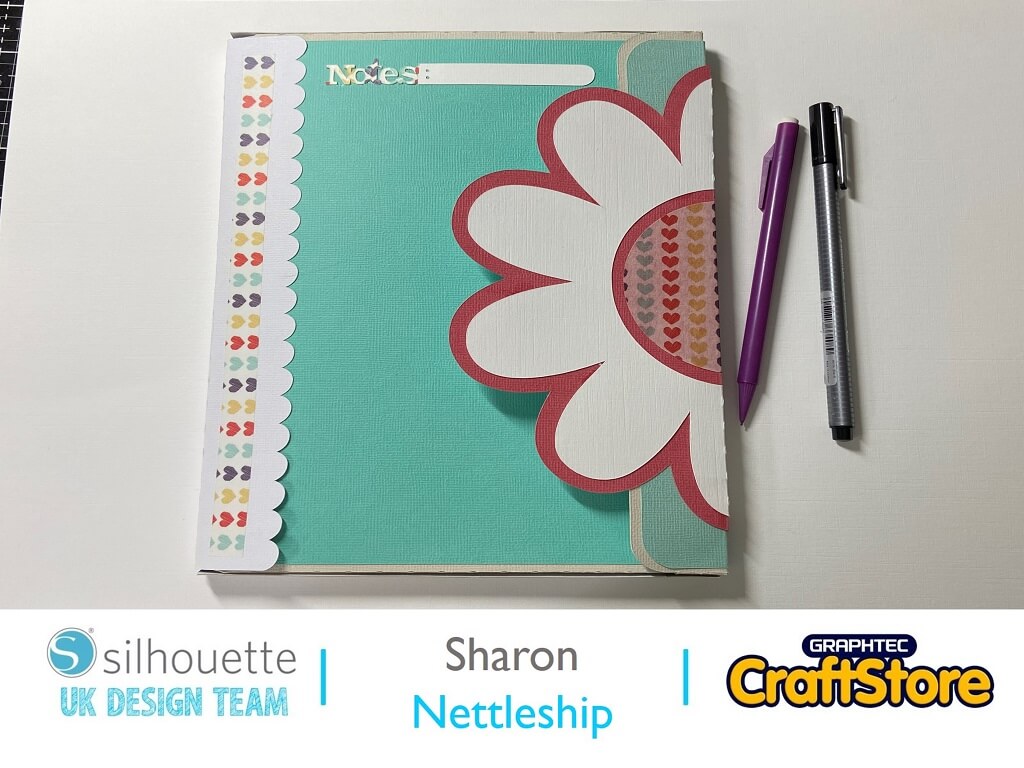
Notebook Cover | Sharon Nettleship | Silhouette UK Blog
Notebook Cover | Sharon Nettleship | Silhouette UK BlogBack To School Notebook Cover Hi, DT Sharon here today! Can you not wait for the kids to go back to school…
PLEASE NOTE THAT THE OFFICE WILL BE CLOSED FROM 12PM FRIDAY 20TH DECEMBER 2024 AND WILL RE-OPEN ON THURSDAY 2ND JANUARY 2025
ORDERS FOR DELIVERY PRIOR TO CHRISTMAS WILL NEED TO BE SUBMITTED BY 2.30PM ON THURSDAY 19THDECEMBER 2024.
ORDERS RECEIVED AFTER THIS TIME AND DATE WILL BE DESPATCHED ON THURSDAY 2ND JANUARY 2025.
Merry Christmas & A Happy New Year to all our customers. Thank you for your continued support.

Hi Cheryl here again.
The End of year is fast approaching us and we still have so much to do before then.
It has turned so cold and nights are really dark but here in Scotland we like to end the year on a high.
So why not come join me in making this your last project of the year.
• Silhouette Glitter Vinyl
• Silhouette Glossy Vinyl
• White Card Stock
• Glue
• Candle
• Ribbon
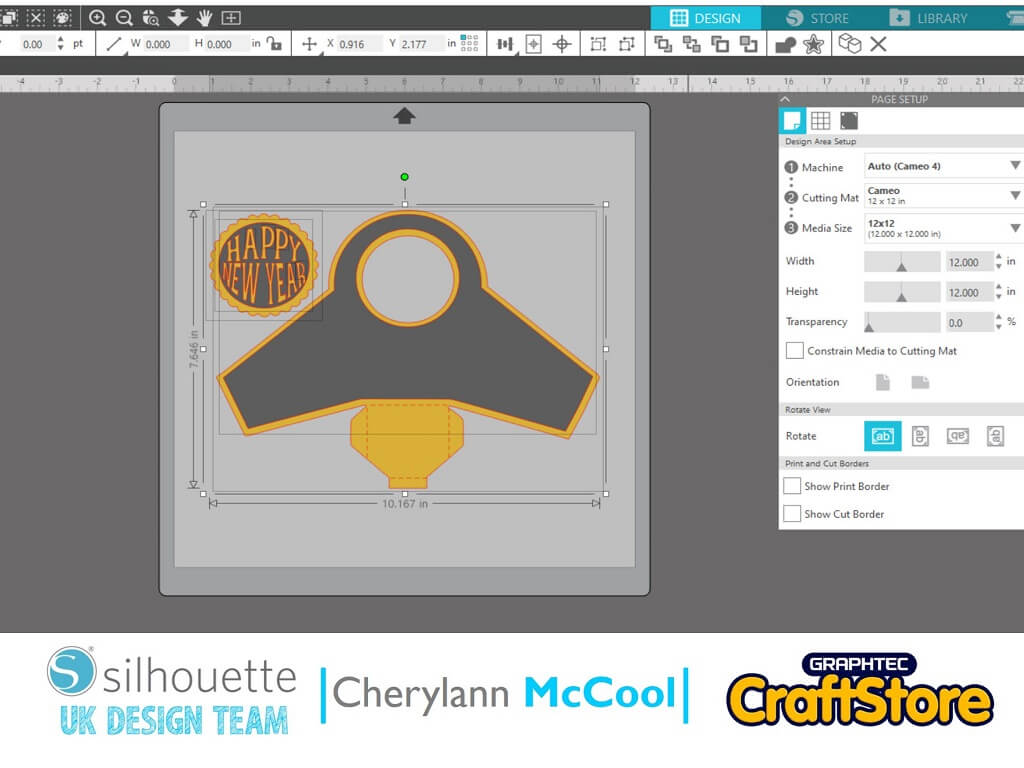
In your software open the New Year Wrap Box file in the design space.
You want to make sure that 12 x12 mat is selected.
Now you need to ungroup the pieces so you can do them in different colours.
So right click on your image and choose ungroup then hit enter and you should now be able to move the different sections.
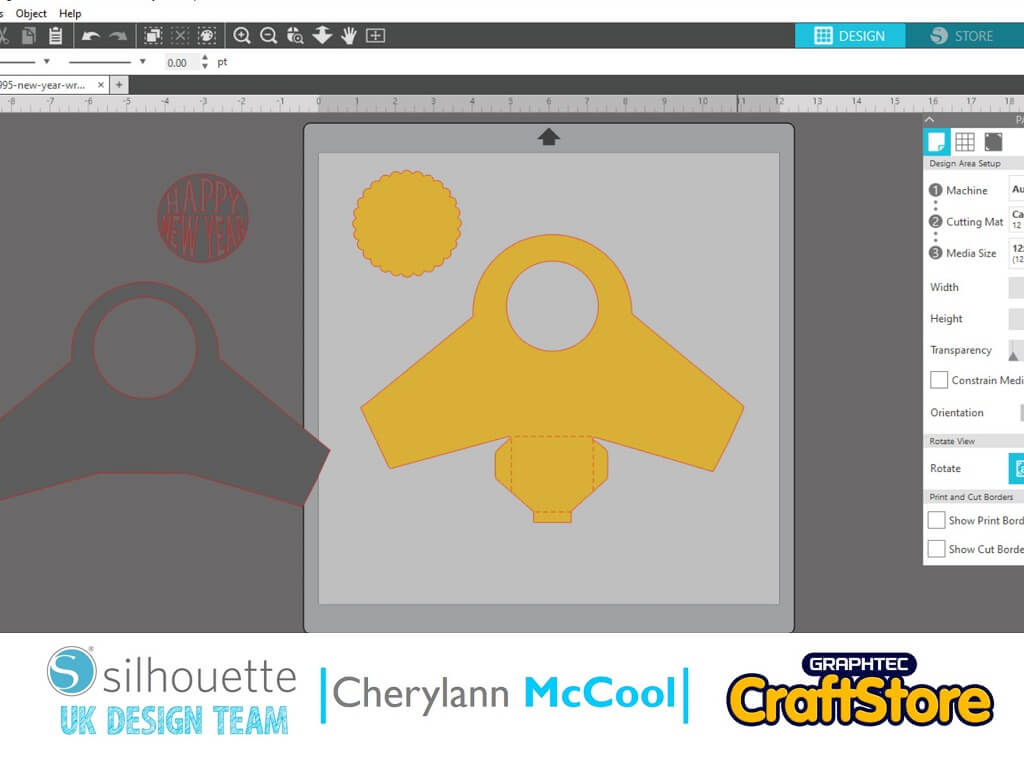
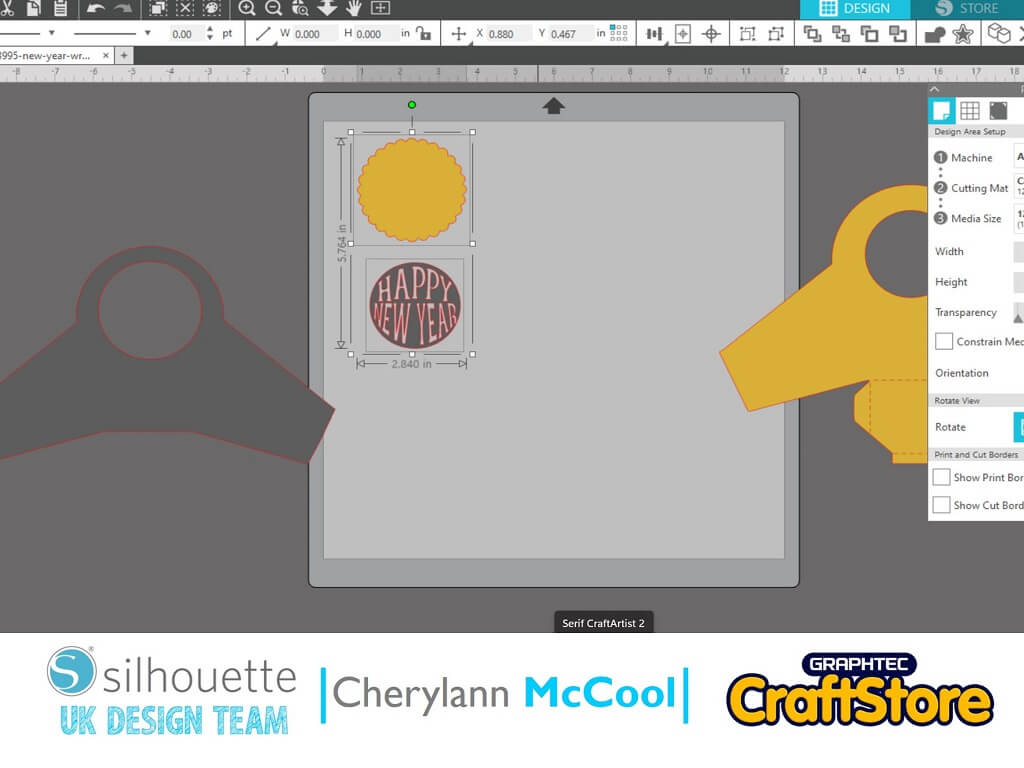
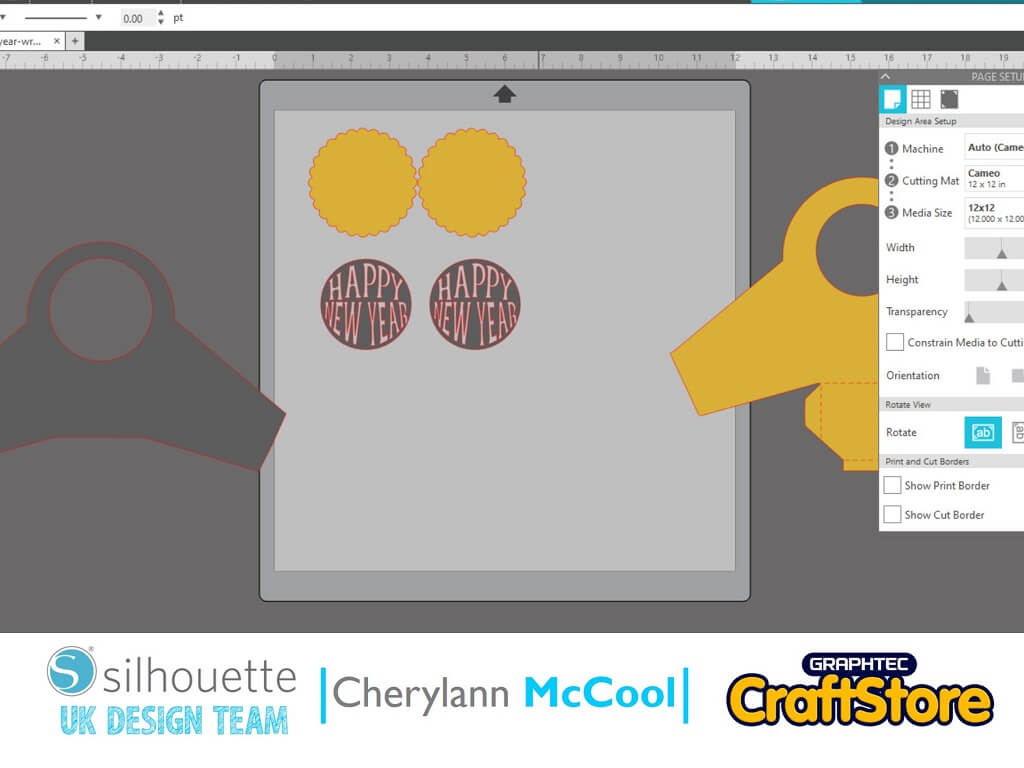
Now you want to do two of the circle pieces so select both parts and go to object then replicate then duplicate right and you should see 2 of each remove the 2 grey parts.
Now you have the yellow pieces on the mat you first of all want to cut your cardstock by going to send and selecting cardstock, plain and then send, then remove pieces from mat and now you want to cut the same pieces in white glitter by hitting send and selecting vinyl, glitter and when happy hit send.
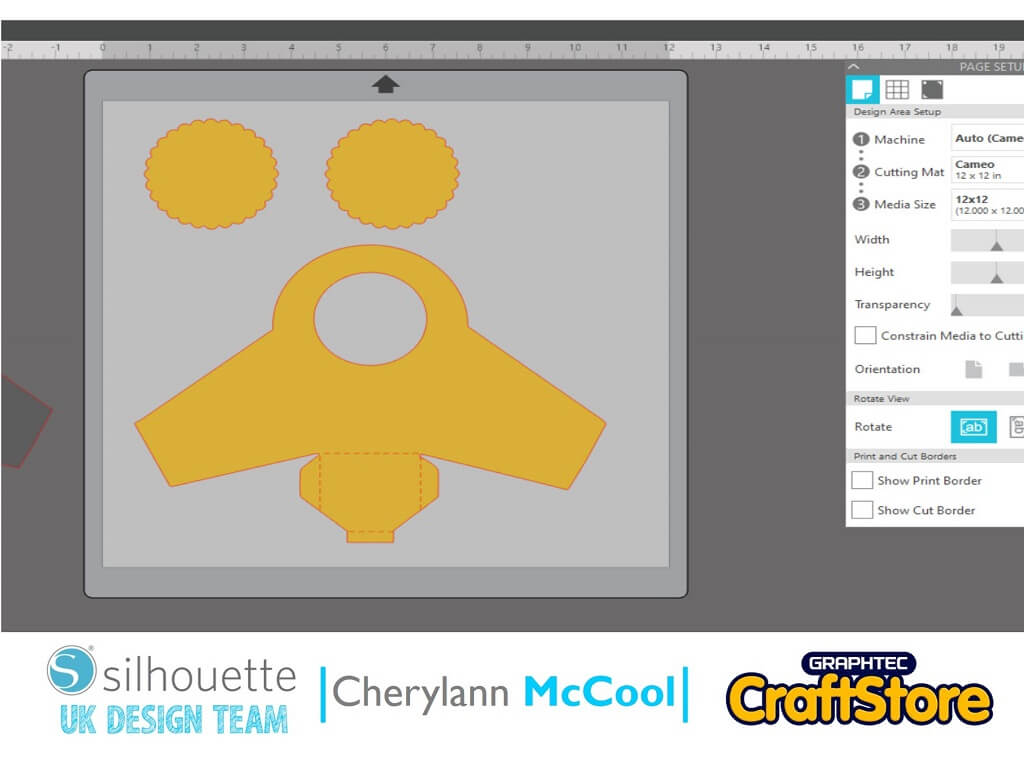

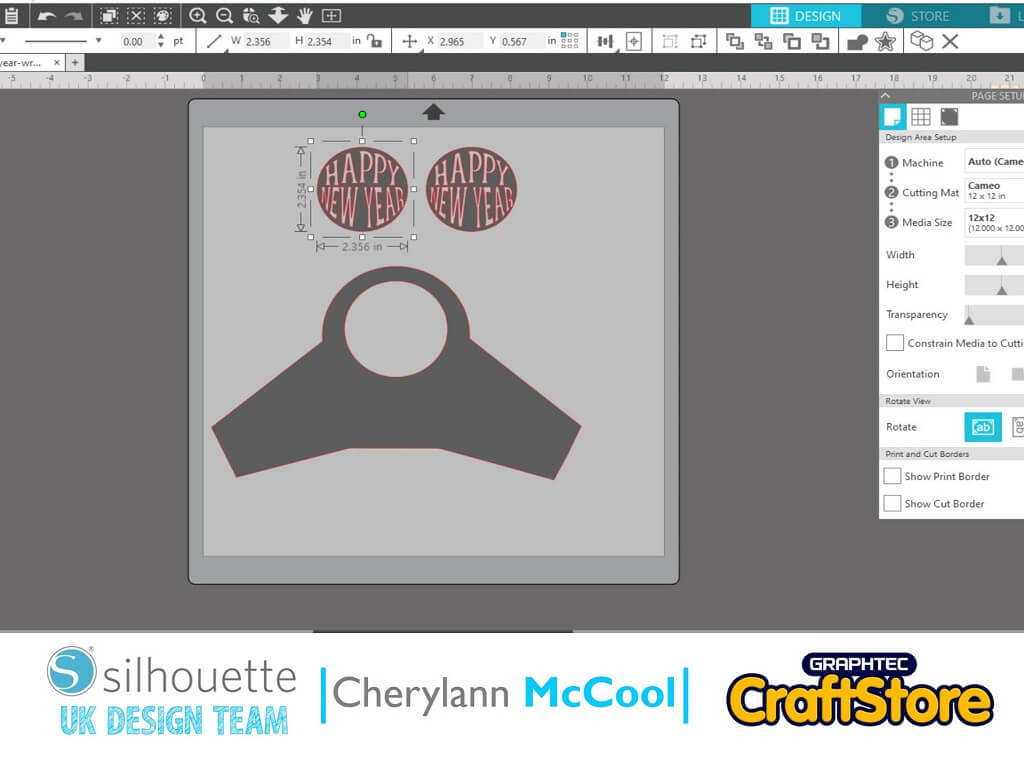
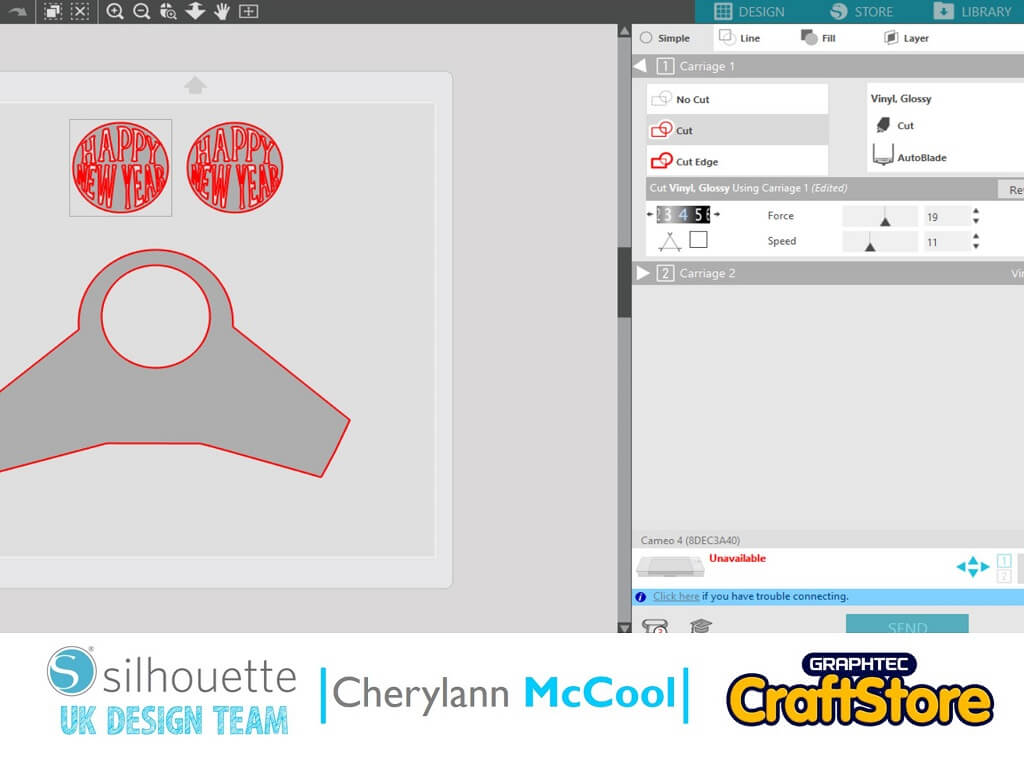
Now you want to remove the yellow pieces and move the 3 grey pieces on to the mat and when happy hit send and then select vinyl, glitter and when happy hit send.
Now with your tool you want to weed the excess vinyl from both vinyl sets.
Once done you will be left with what you seen on the screen then you want to use your transfer tape over the vinyl and remove the backing.
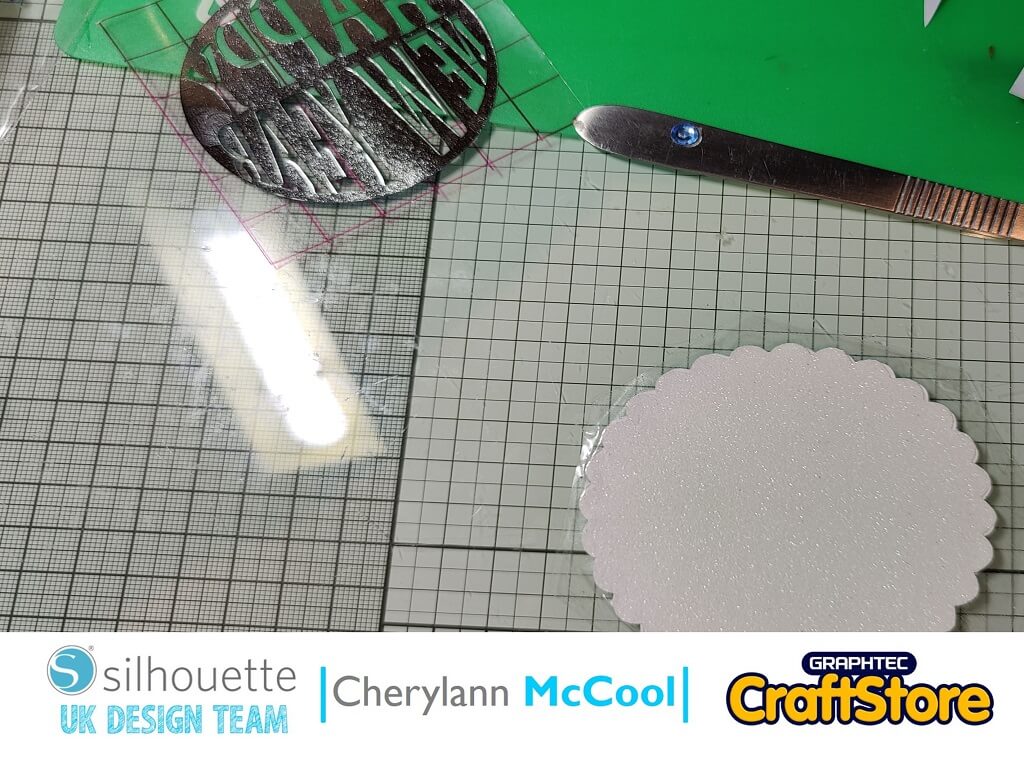
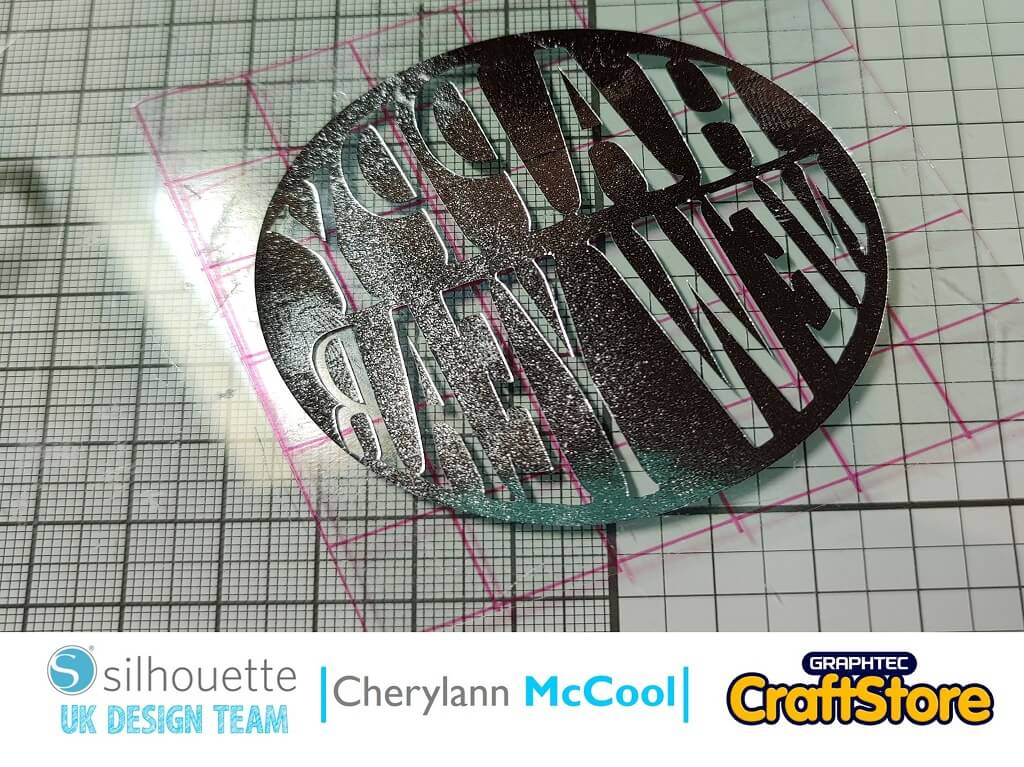
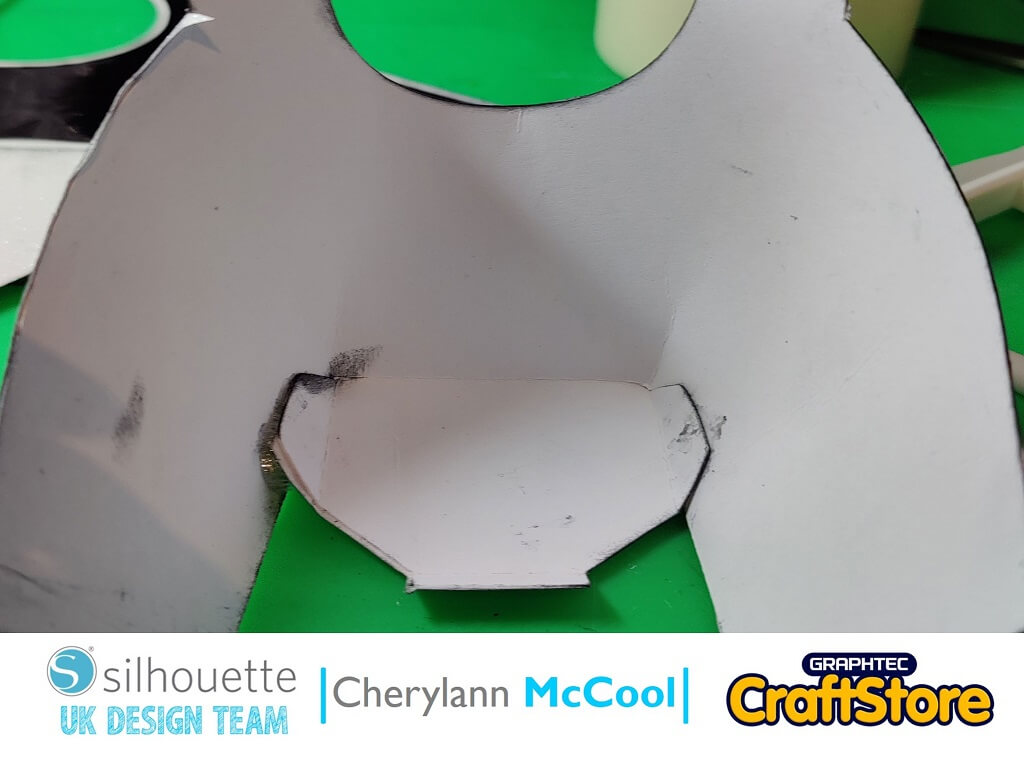
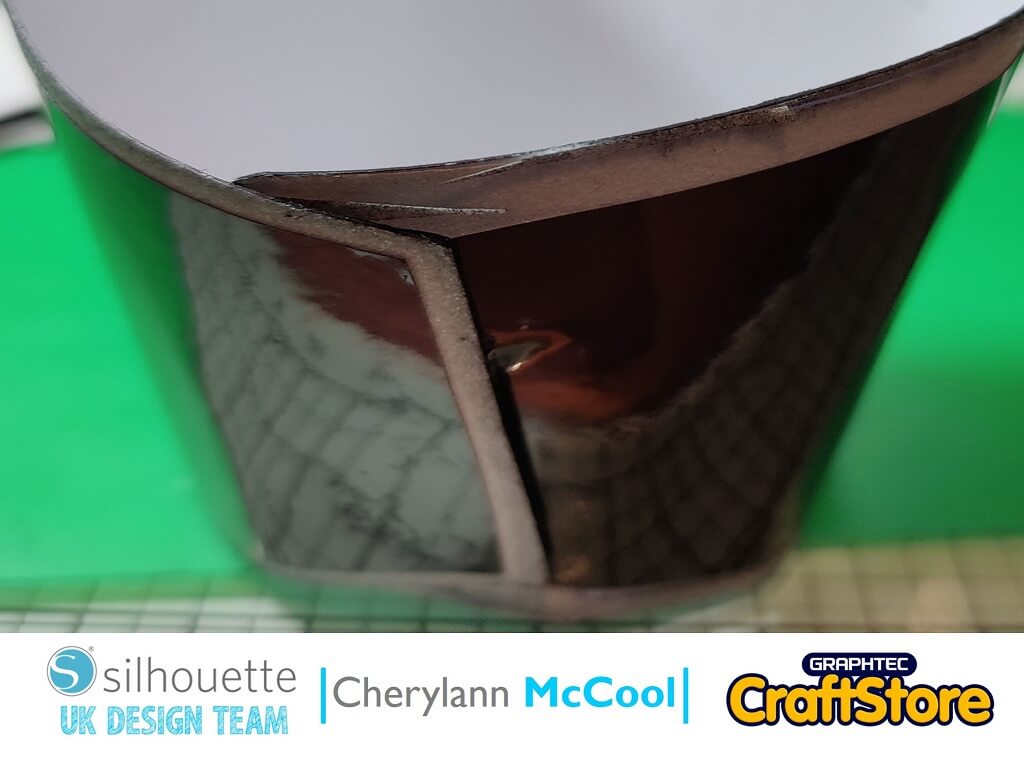
Now you want to remove the yellow pieces and move the 3 grey pieces on to the mat and when happy hit send and then select vinyl, glitter and when happy hit send.
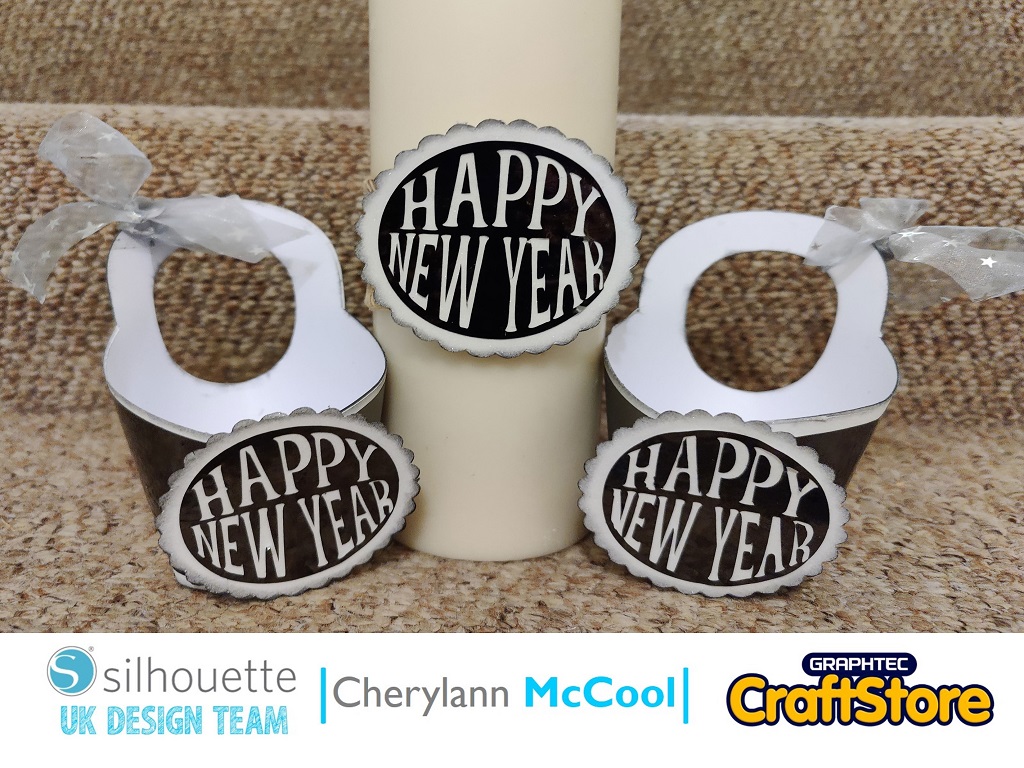
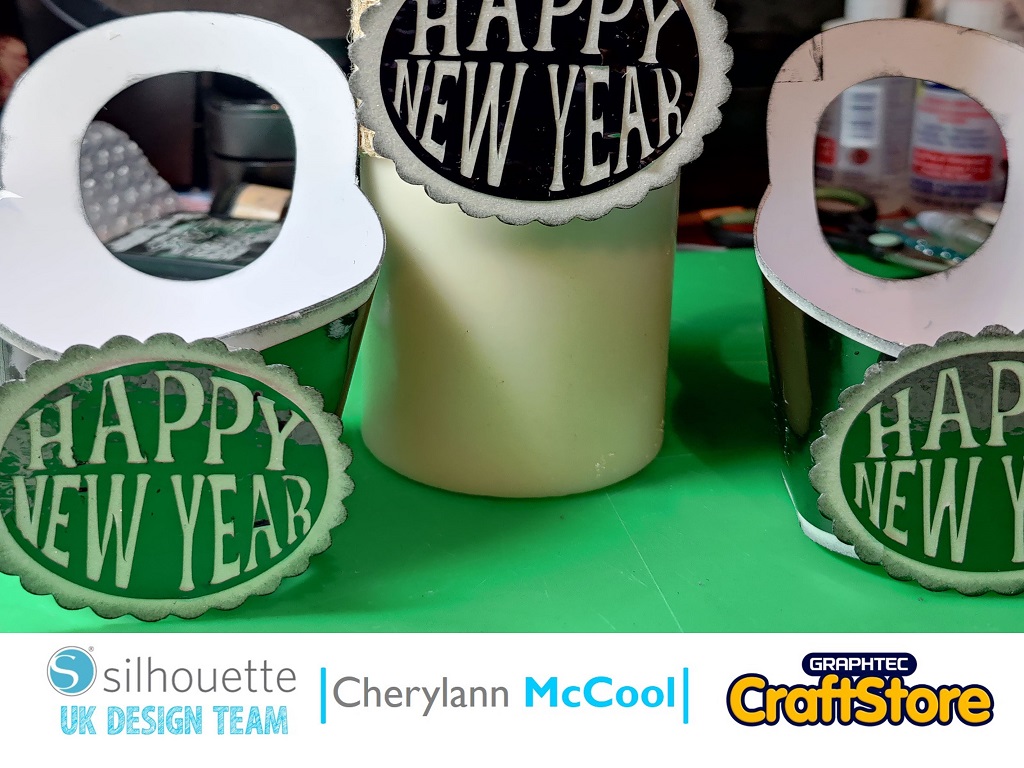
Now with the second circle once put together I stuck some jute around a candle then placed the circle at the front using glue and with the wrap box I put some ribbon around the handle and your pieces are complete.
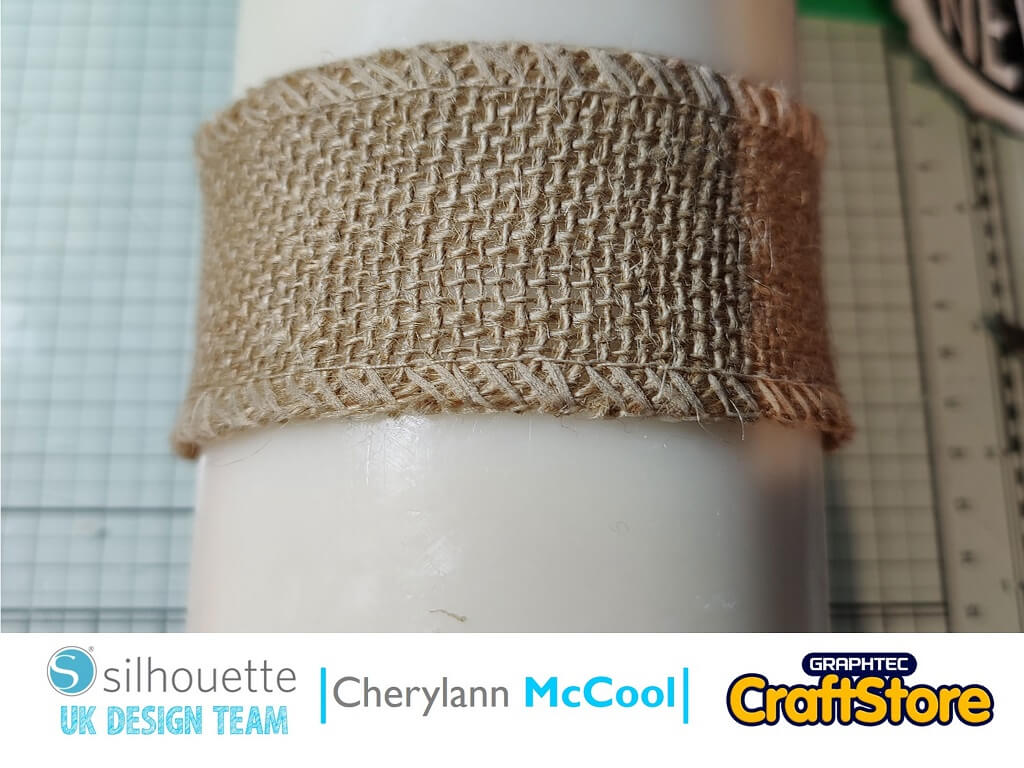
I absolutely loved making this wrap box and candle as with one file you can get a few ideas from it.
I am making these for my New Years Day Dinner and using the wrap boxes as the place settings and I am going to make some shortbread and put it inside or I might even hang them from the backs of the chairs just to be different.
I hope you will enjoy making them as much as I have.
I will be back soon with another project but this is the last for 2020 so I would like to wish you all A Very Merry Christmas And A Happy New Year when it comes.
– Cherylann McCool xx –
• Design Used ‘New Year Wrap Box’
Design Store Artist: Jamie Lane
Design ID:283995> Download