Let’s Draw a Cut File With Brother ScanNCut
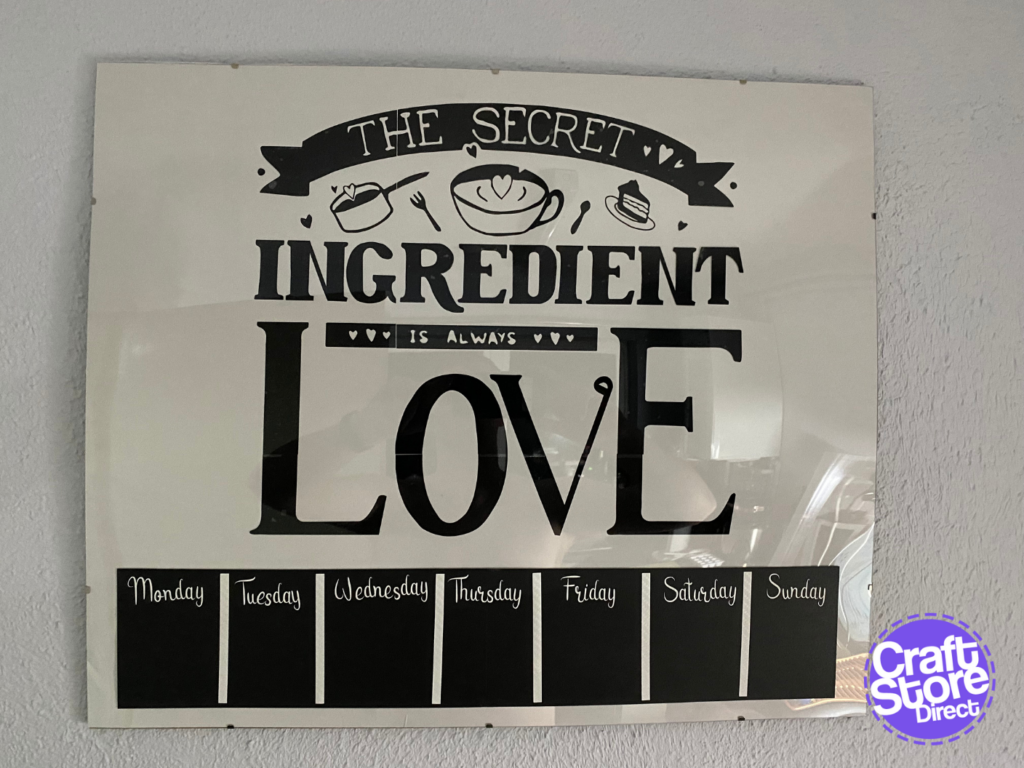
` Let’s Create a Masterpiece with a pencil and paper! The ScanNCut is a great tool for crafters, as it offers a lot of flexibility when it comes to creating…
PLEASE NOTE THAT THE OFFICE WILL BE CLOSED FROM 12PM FRIDAY 20TH DECEMBER 2024 AND WILL RE-OPEN ON THURSDAY 2ND JANUARY 2025
ORDERS FOR DELIVERY PRIOR TO CHRISTMAS WILL NEED TO BE SUBMITTED BY 2.30PM ON THURSDAY 19THDECEMBER 2024.
ORDERS RECEIVED AFTER THIS TIME AND DATE WILL BE DESPATCHED ON THURSDAY 2ND JANUARY 2025.
Merry Christmas & A Happy New Year to all our customers. Thank you for your continued support.

Hi all!
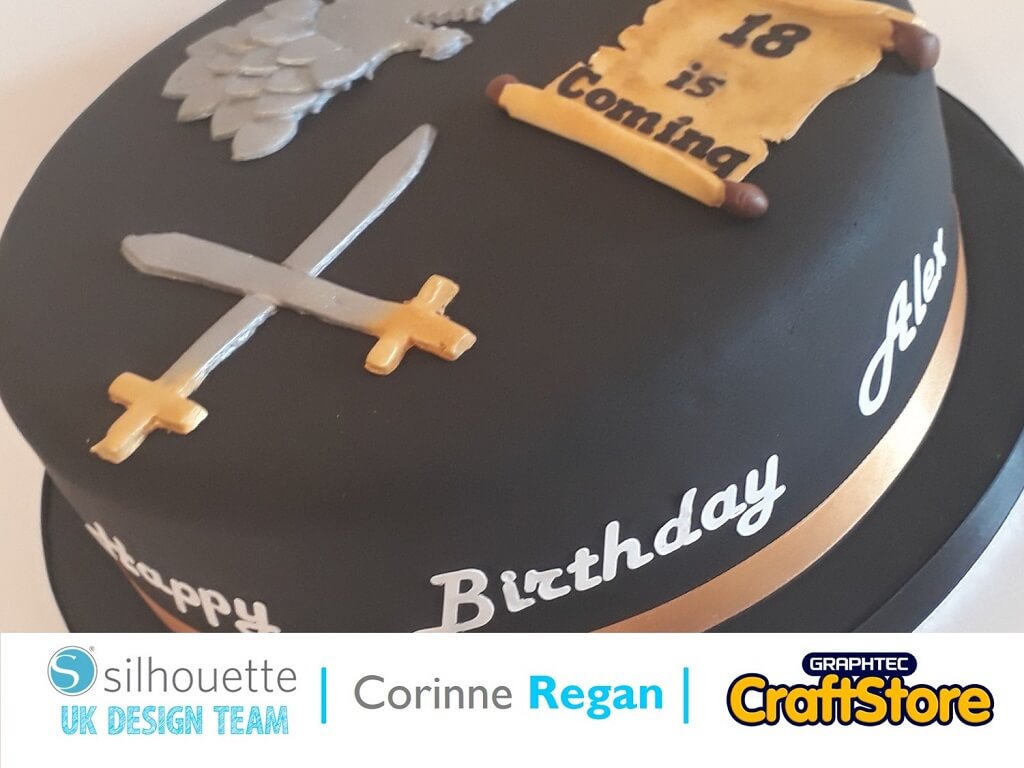
Today I had a Game of Thrones themed birthday cake to make!
First, I brought all my 2D shapes on to my mat in the Silhouette Studio software.
I have coloured them in different colours so you can see them.
I then put them in place where they needed to be to make my sword then used the modify button to weld them together.
When they are all welded together, they go one colour.
Having got my pictures, I used the trace button to trace them.
I then coloured them in so I can see them better when I save them to my file.
I took my 2D design file from the Silhouette Studio software into my Silhouette Alta software and printed it.
I followed the same process to make all the other designs.
I have put them all together so you can see them but I printed them separately.
I used Harlow solid italic and Rockwell Extra Bold fonts for the wording.
I cut it out on an edible icing sheet on the Silhouette food grade mat.
When it was cut out, I airbrushed the ones I wanted in black.
I really enjoy it when I am making a cake with a design I have not tried before.
The Silhouette Alta makes this process so easy and enjoyable and I cannot wait for the next one!
– Corinne Regan –