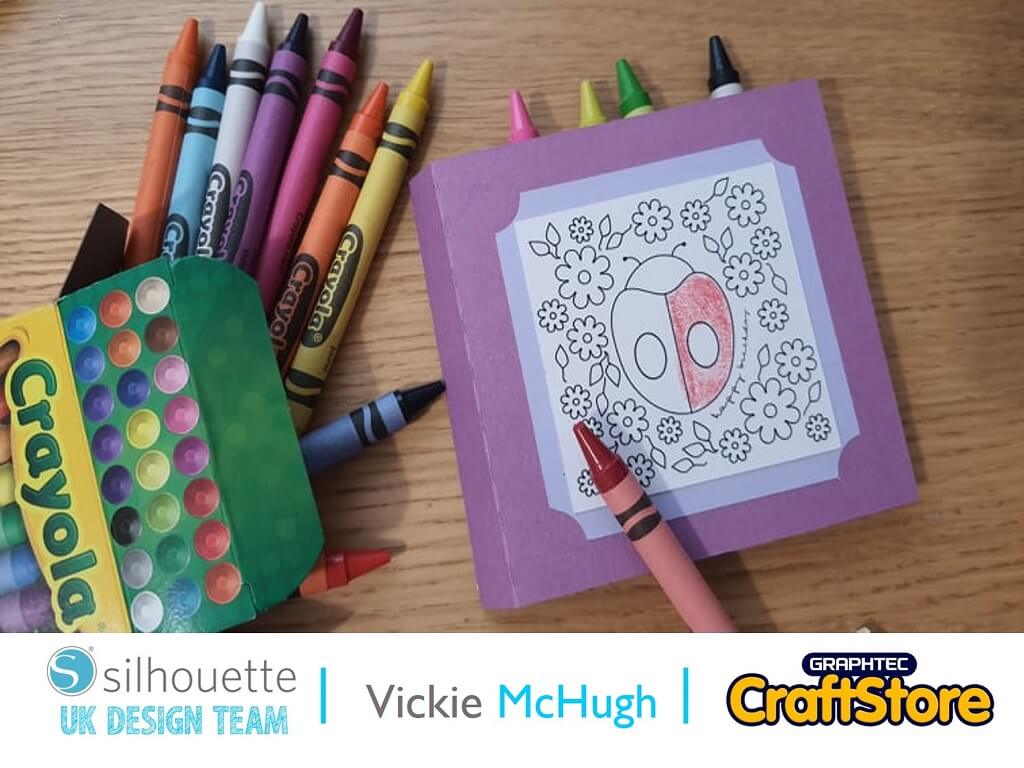
Childrens Crayon Case | Vickie McHugh | Silhouette UK Blog
Childrens Crayon Case | Vickie McHugh | Silhouette UK BlogChildrens Crayon Case With the school holidays coming up, what better thing to make with your Silhouette machine, a colouring card…
PLEASE NOTE THAT THE OFFICE WILL BE CLOSED FROM 12PM FRIDAY 20TH DECEMBER 2024 AND WILL RE-OPEN ON THURSDAY 2ND JANUARY 2025
ORDERS FOR DELIVERY PRIOR TO CHRISTMAS WILL NEED TO BE SUBMITTED BY 2.30PM ON THURSDAY 19THDECEMBER 2024.
ORDERS RECEIVED AFTER THIS TIME AND DATE WILL BE DESPATCHED ON THURSDAY 2ND JANUARY 2025.
Merry Christmas & A Happy New Year to all our customers. Thank you for your continued support.

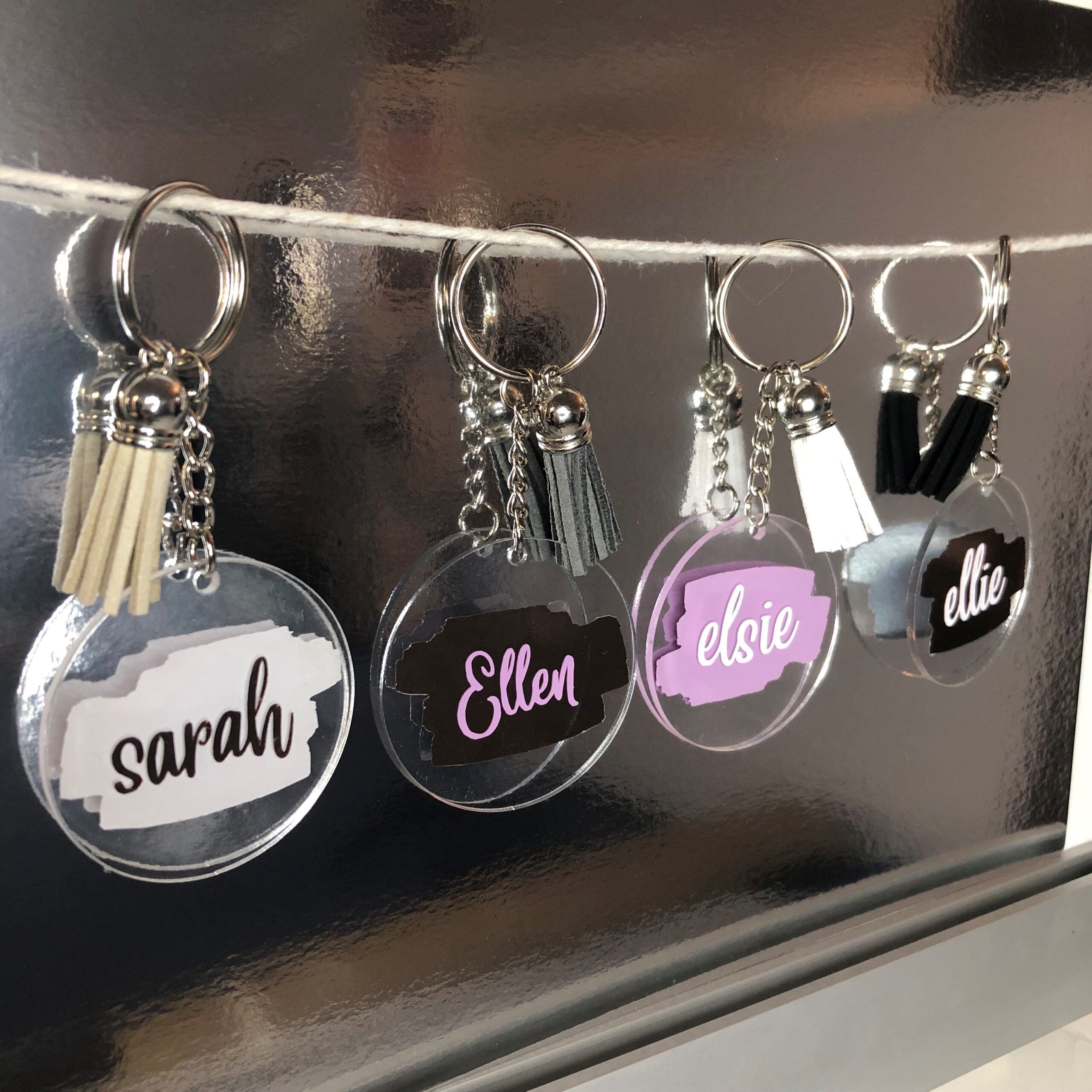
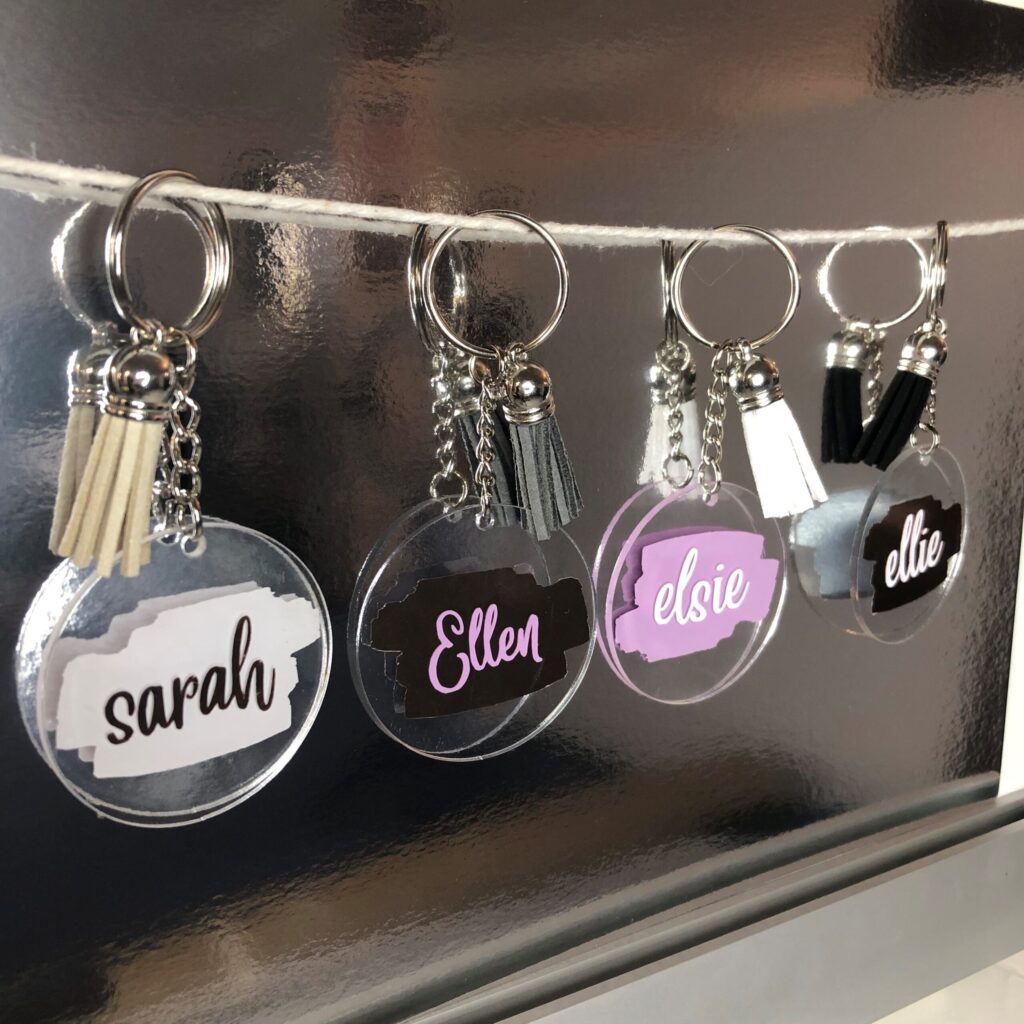
So for this blog, we will be making personalised keyrings! The blog post will show you how to print any design onto your keyrings to personalise them how you want using vinyl.
Items Used
• Silhouette Cameo Machine
• Colour&Shape vinyl
• Transfer Tape
• Universal hook

Open Silhouette Studio and import your image.
Once imported, adjust the size of the page in Page Setup to match the size of your vinyl, this will enable you to size your image accordingly.
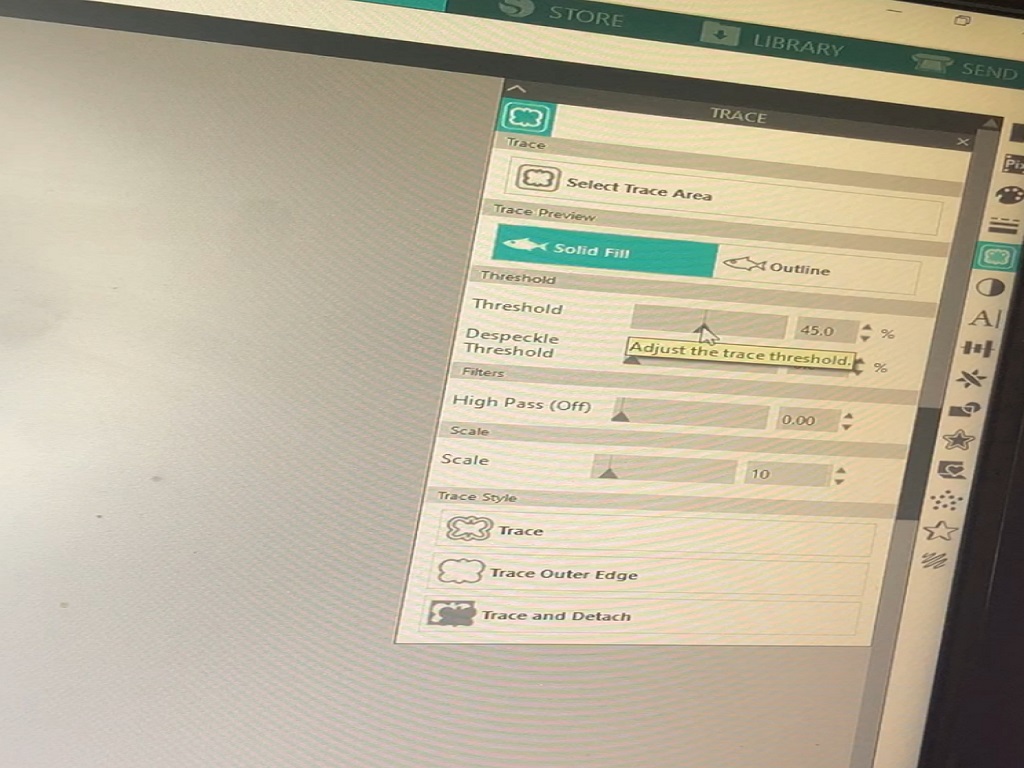
Click trace and drag the box around your image.
Next, adjust the threshold so that your image is entirely traced to ensure precision.
When the image has been traced, when you delete the original picture a red outline should be left behind. This is what the machine will cut.
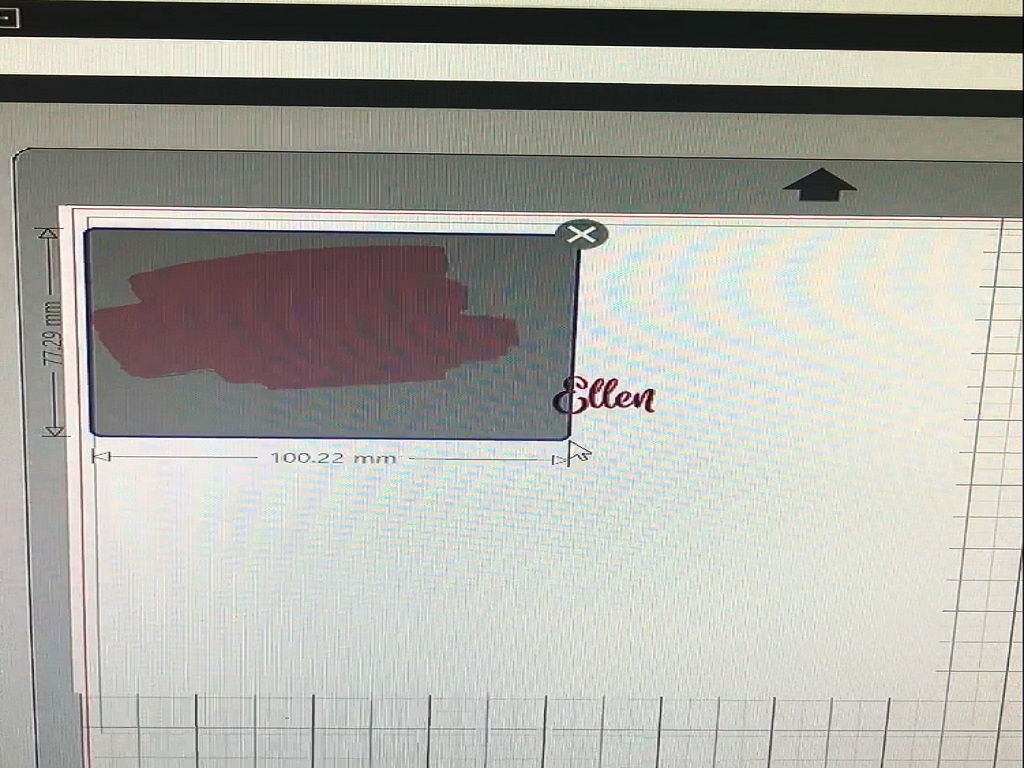
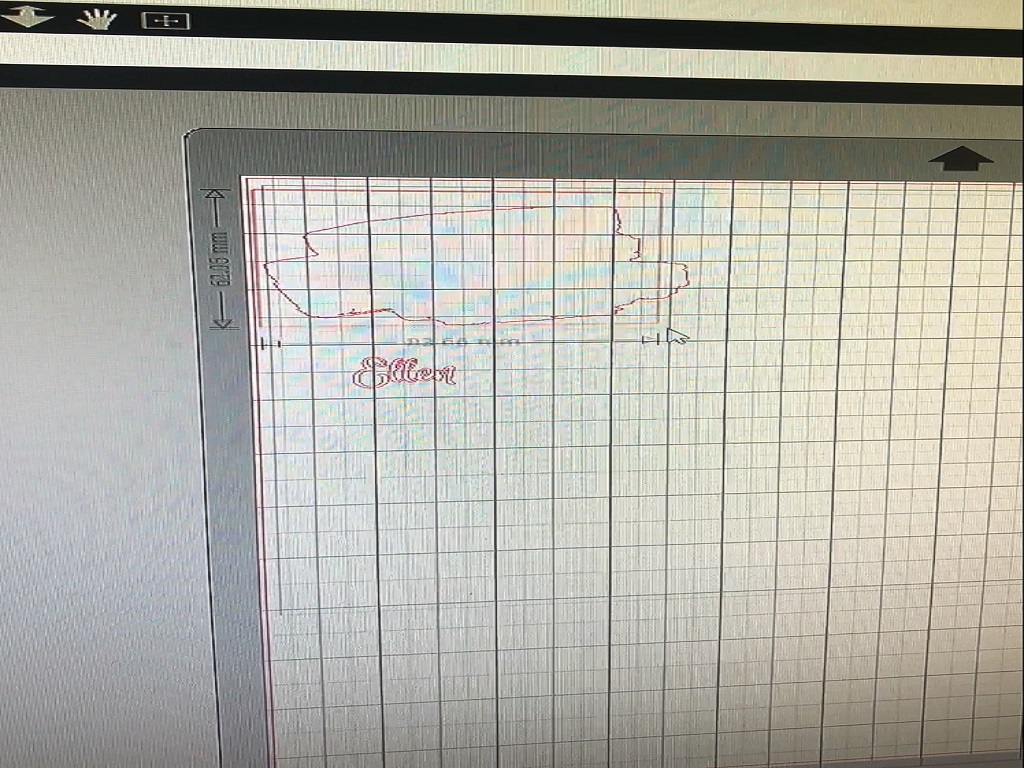
Draw a box around the image to make it easy to weed out.
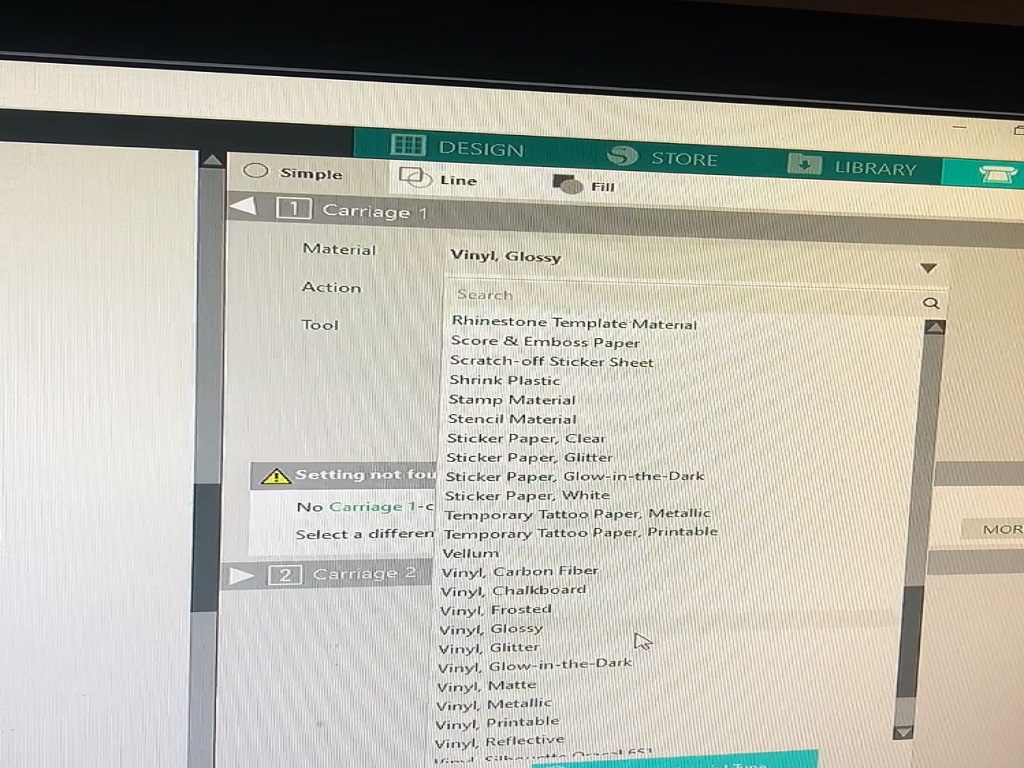
One you are happy with the size of your image, hit send and adjust the material to the vinyl you are using, if you wish you can do a test cut to ensure the settings on the blade are accurate before clicking send again to cut out your design.
Insert your vinyl into your Silhouette machine for it to cut.
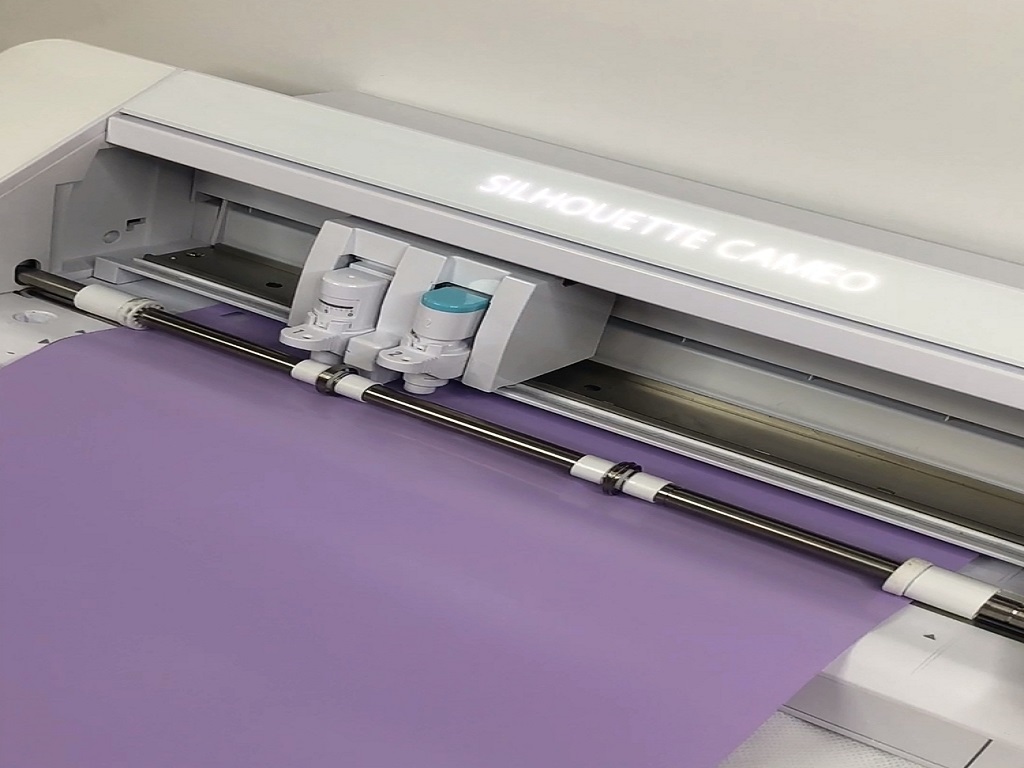
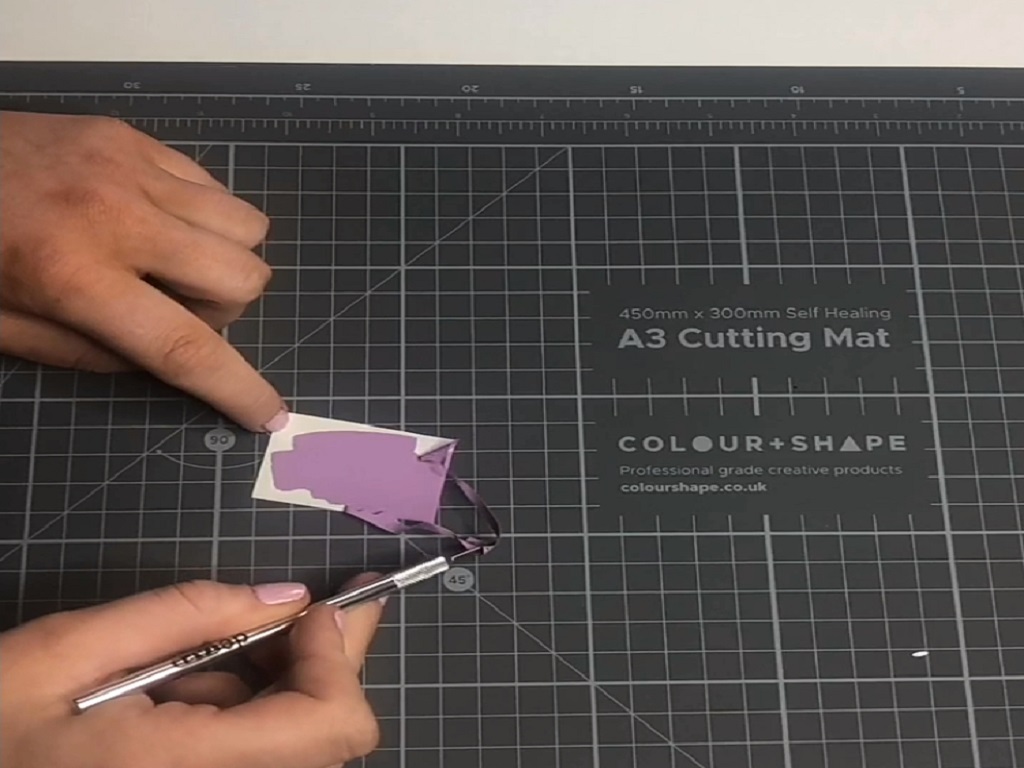
Weed out your design of the paint brush stroke if you are using the same design and apply transfer tape.
Peel off the backing of the disk so that it is ready to apply the vinyl.
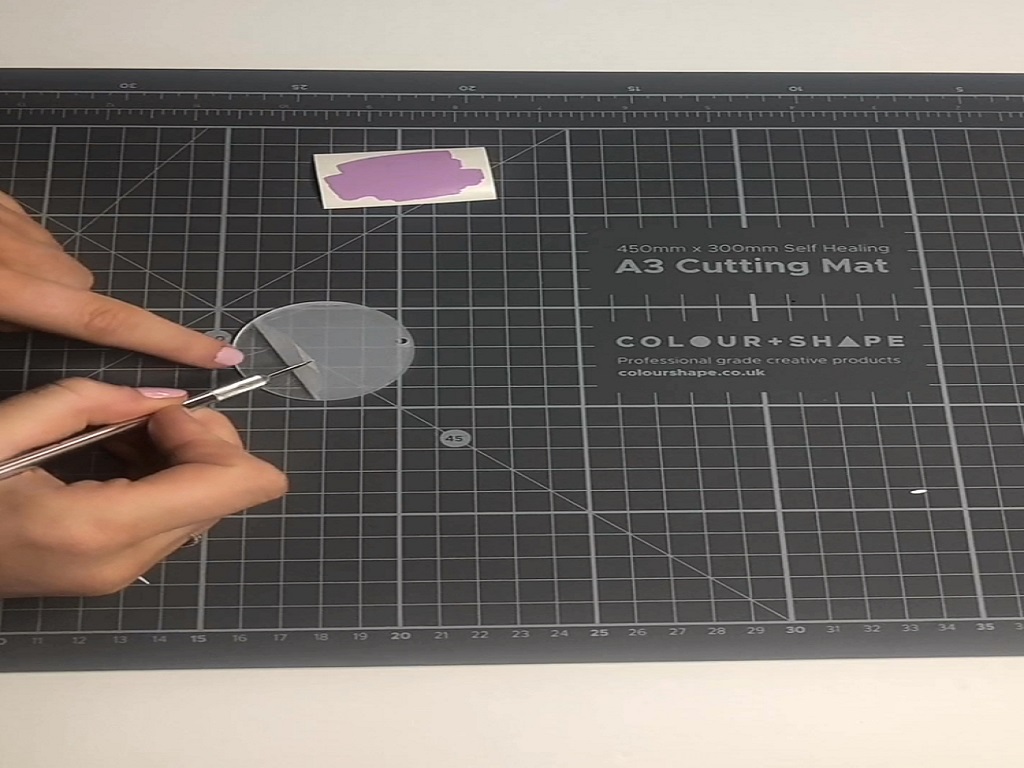
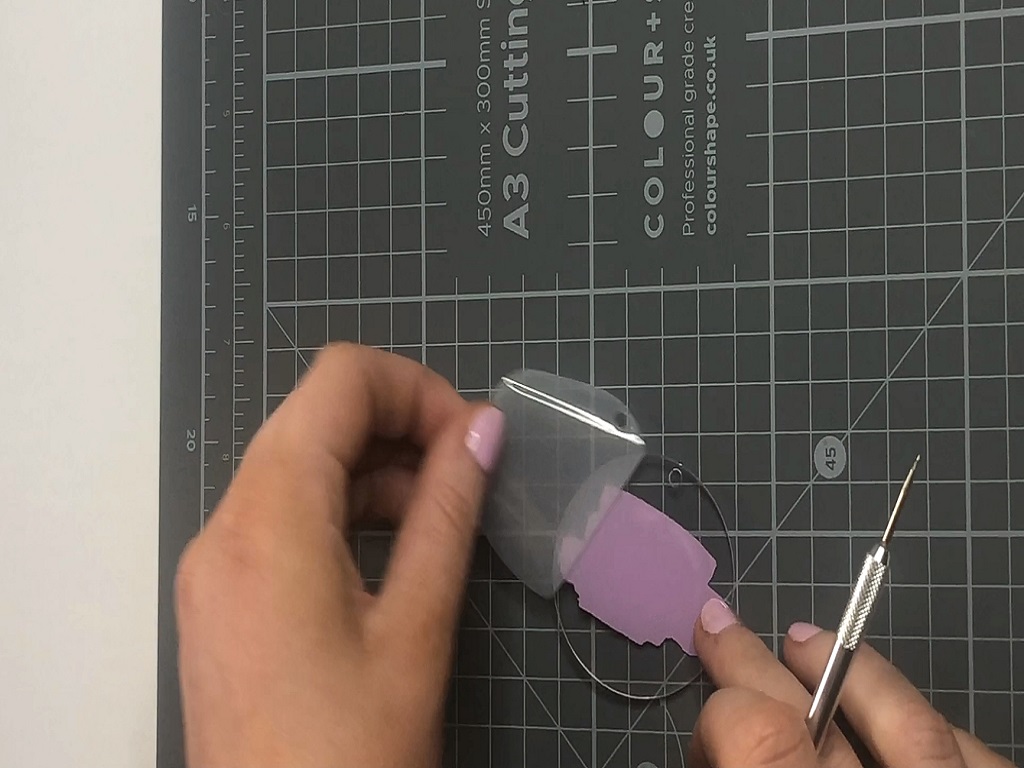
Position the vinyl to your preference and then apply it using a squeedgee and carefully remove the transfer tape from the vinyl ensuring that the design has transferred properly onto the disk.
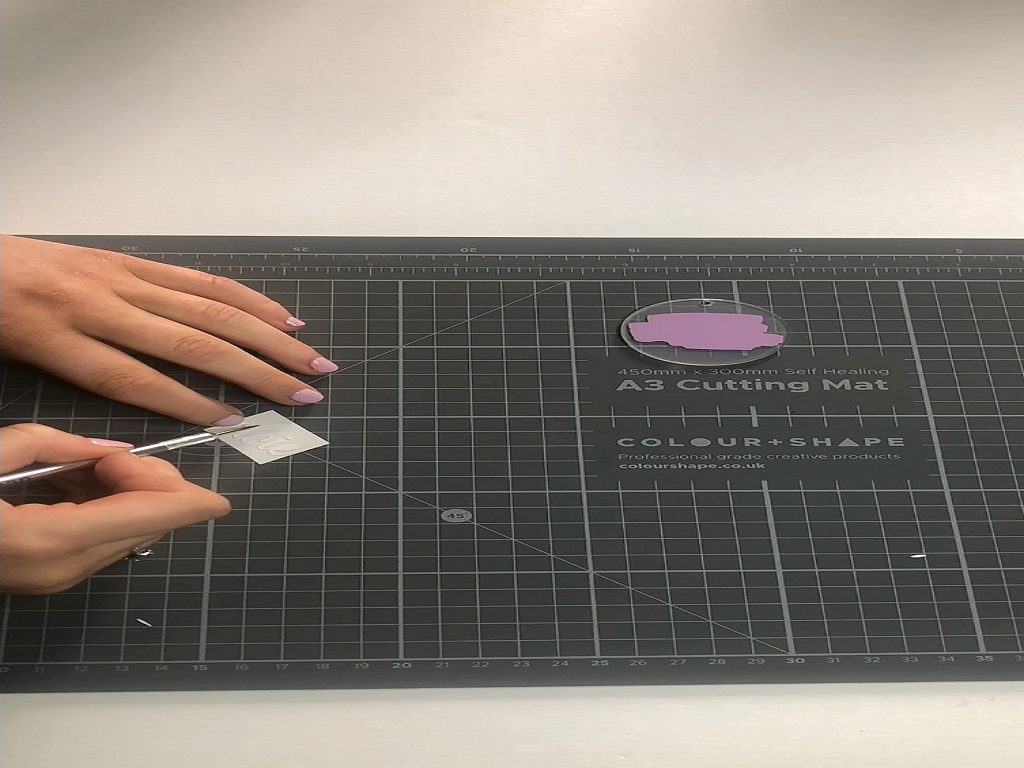
Weed away the excess vinyl so that you are left with just the name.
Apply transfer tape to the name.
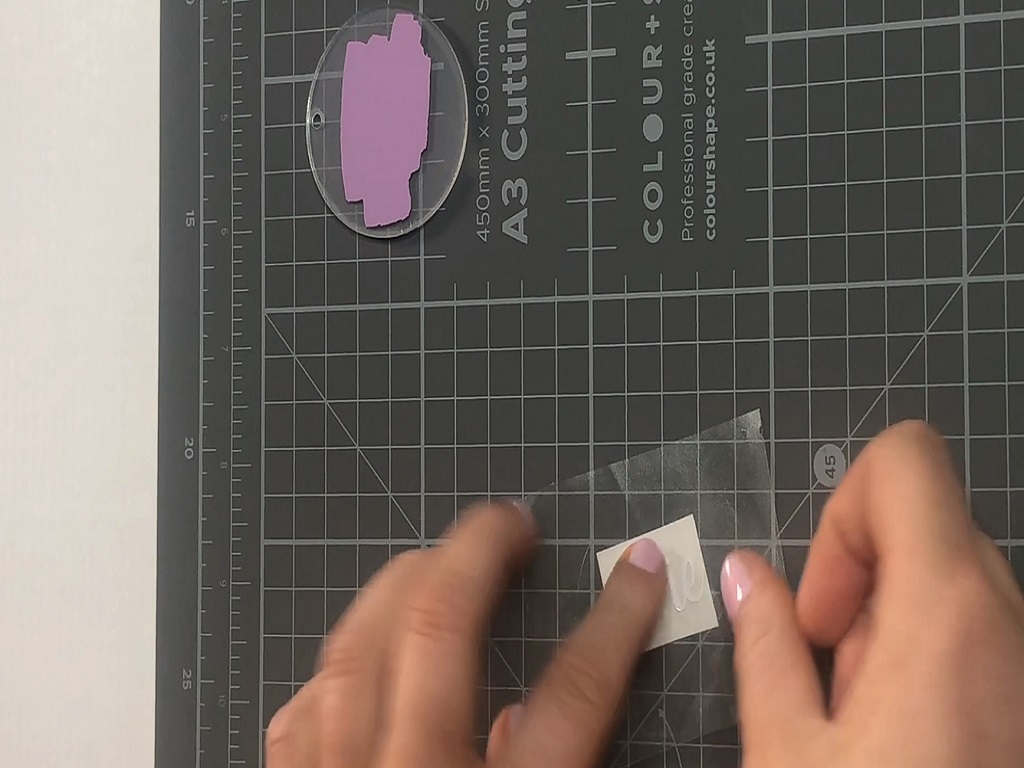
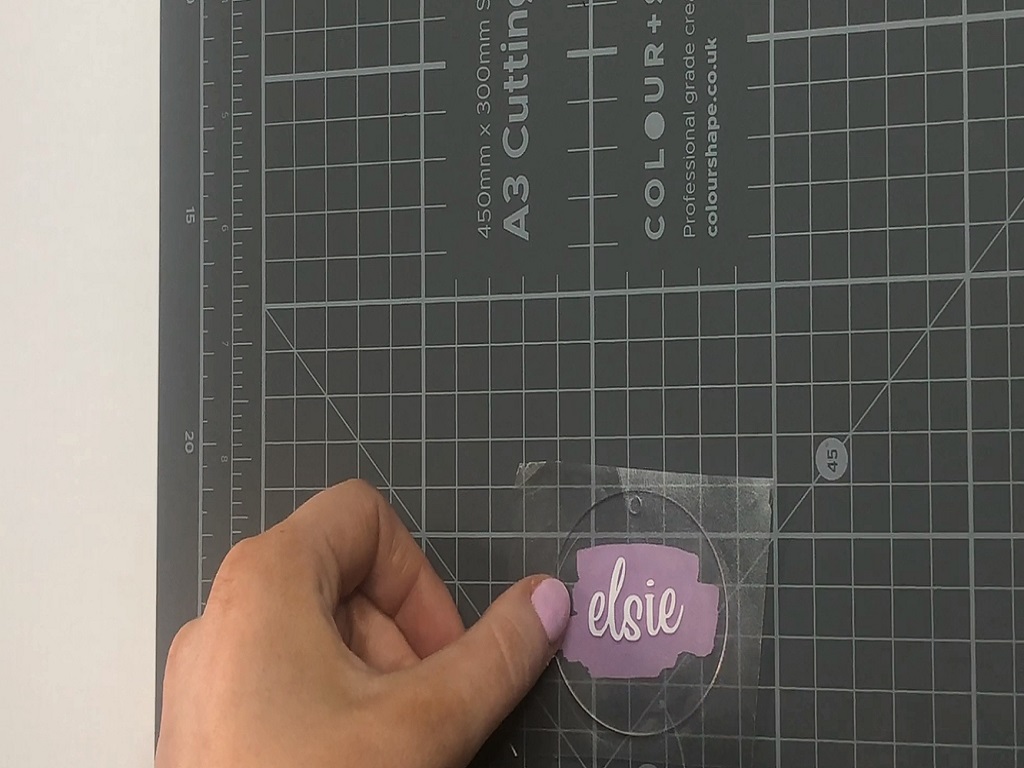
Remove the backing from the other side of the disk.
Position the name vinyl onto the other side of the disk to your preference and then apply it using a squeedgee and carefully remove the transfer tape from the vinyl ensuring that the design has transferred properly onto the disk.
Using plyers, connect the disk to the actual keyring and add on your colour preference tassle.
There are endless possibilities for this project!
You can customise your keyrings however you want, and even make them as gifts for your friends and family!
Make sure to tag us @silhouette_uk on Instagram when you post your designs!