Getting Started
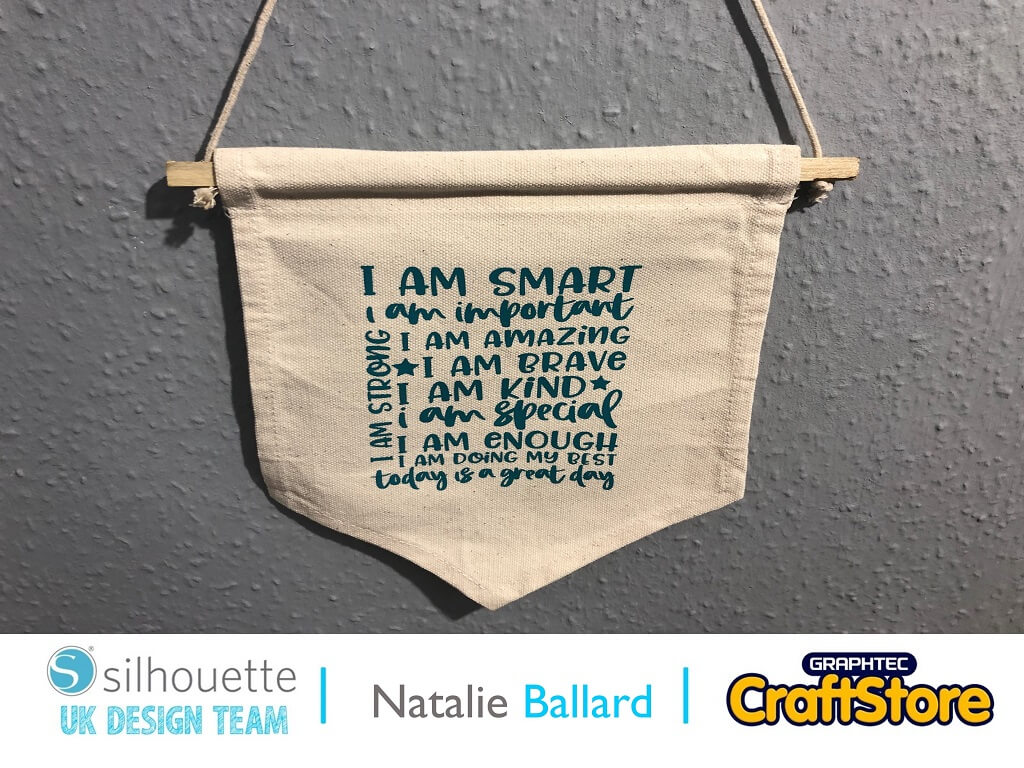
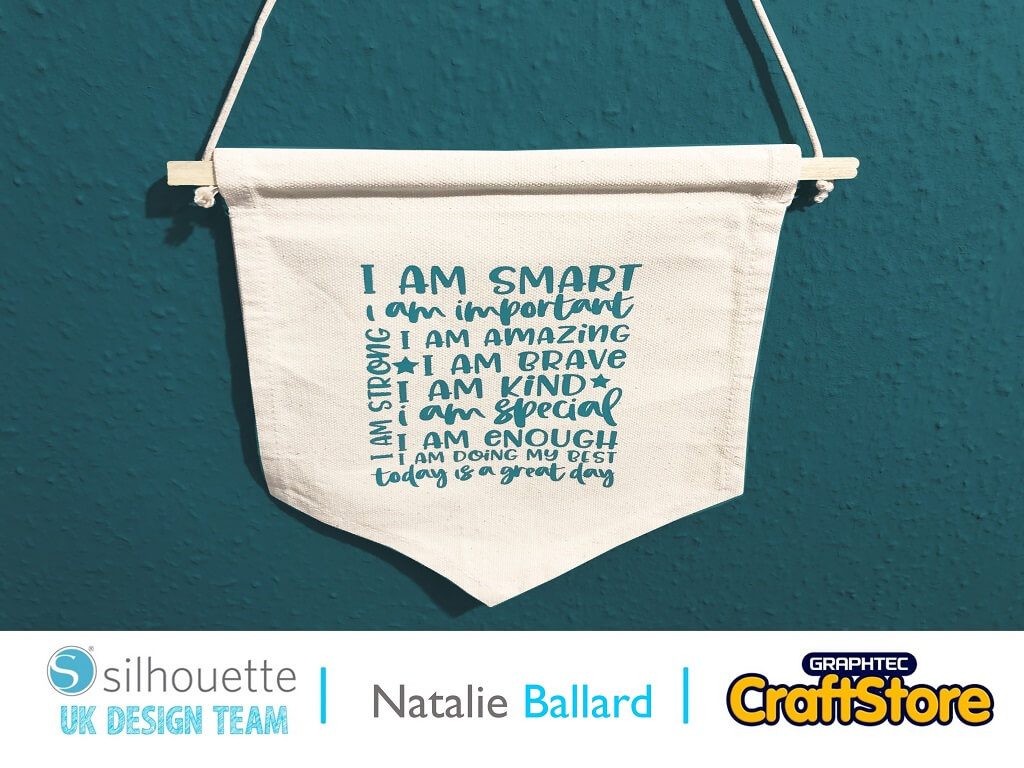
As we start 2022, now is the time for new décor and positive statements.
It’s also a time for trying new skills, so the starter packs are a great place to start.
Depending on your hanging, the proportions you want to fill will dictate which designs will work.
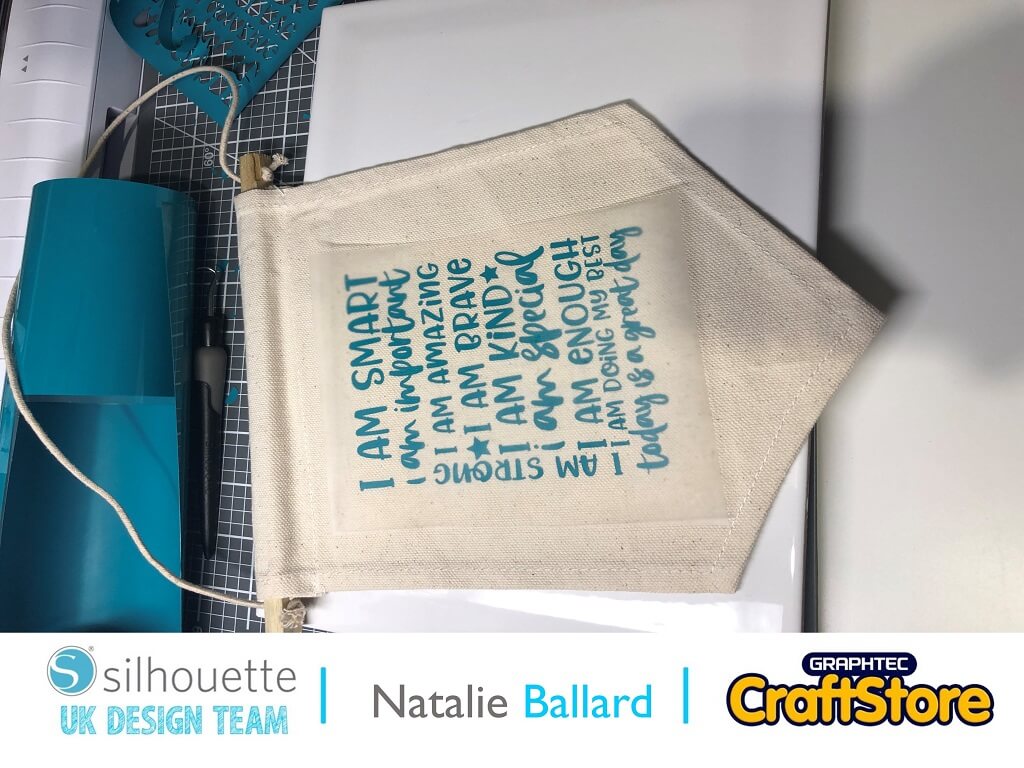
I’ve chosen a block text design as I love to weed.
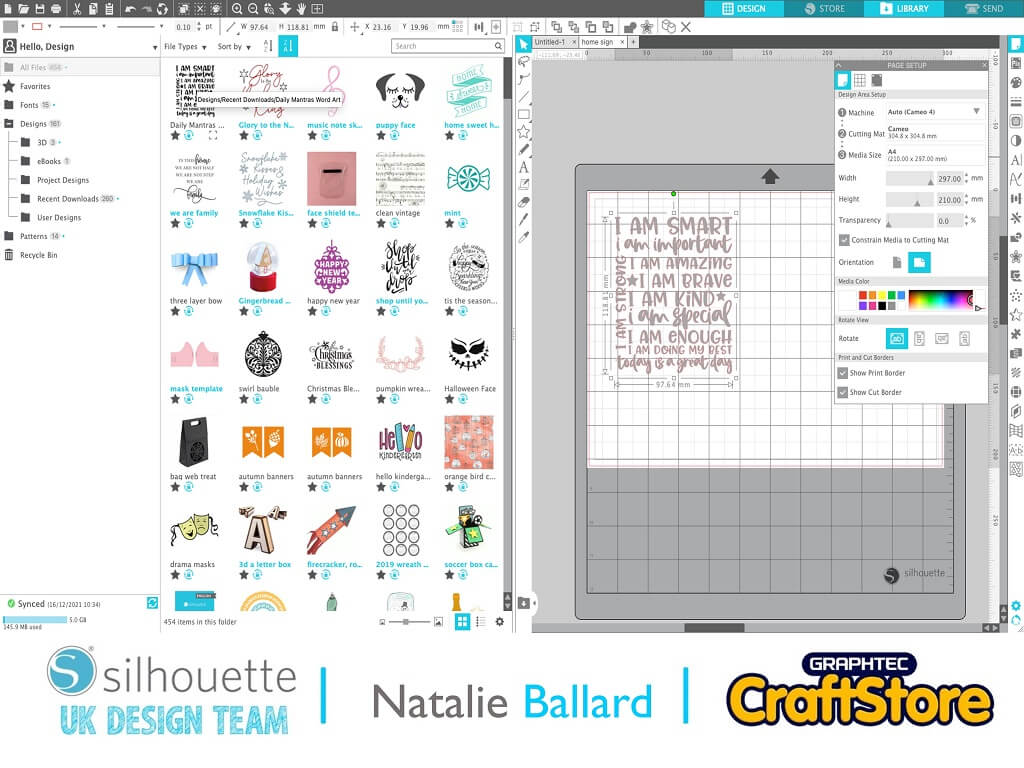
Import your chosen design onto your mat by dragging it from the library onto the page.
First of all, resize the design to your required dimensions.
Next, you will need to add a weeding box to help you remove the waste from your design; beginners can just use a plain rectangle for this around the design.
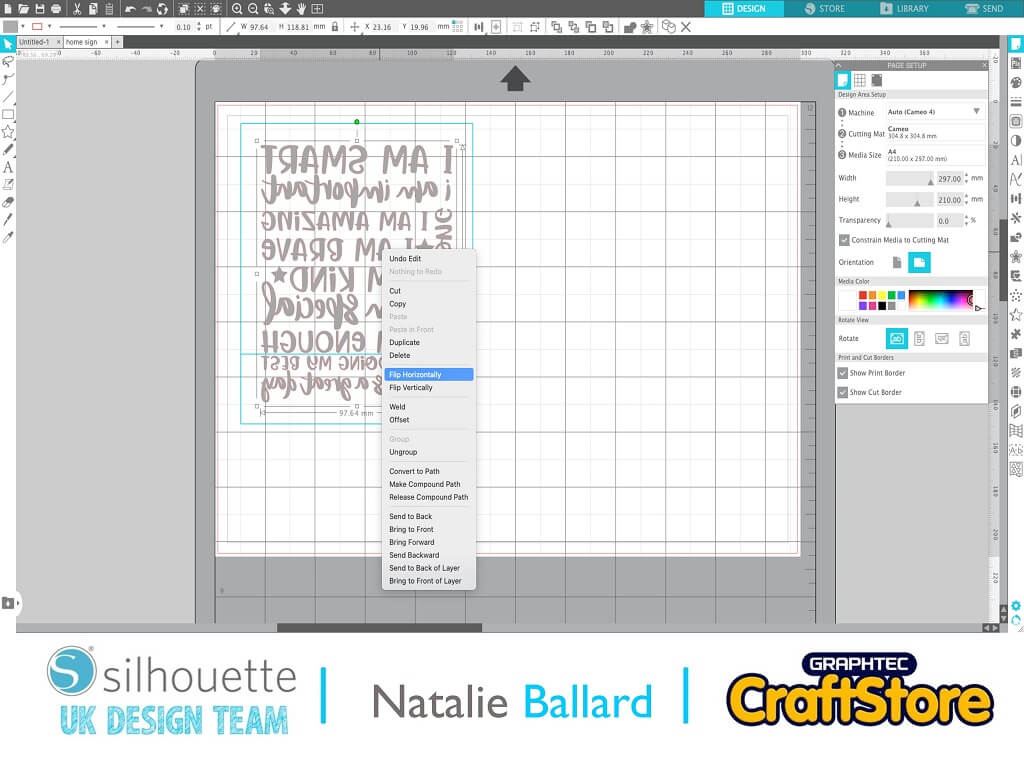
Flip the design and box horizontally as we will be cutting the HTV from the back.
Cut the design using the appropriate settings for the particular HTV you are using (HTV shiny side down to the mat).
I used the HTV smooth setting which did a fantastic job.
Weed the design to remove the vinyl areas you don’t want to transfer.
Flip over the sheet once weeded and align on your project. I work onto a tile to protect my desk surface.
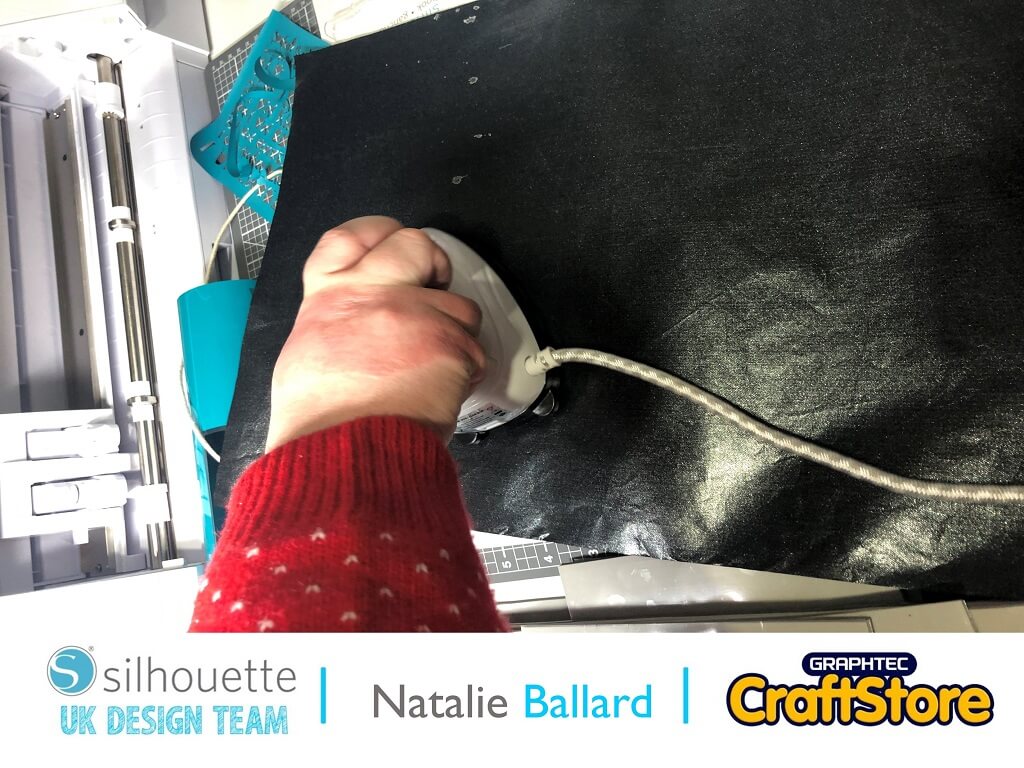
Cover your design with a Teflon sheet to protect your iron or heat press.
Press according to the instructions for your individual HTV.
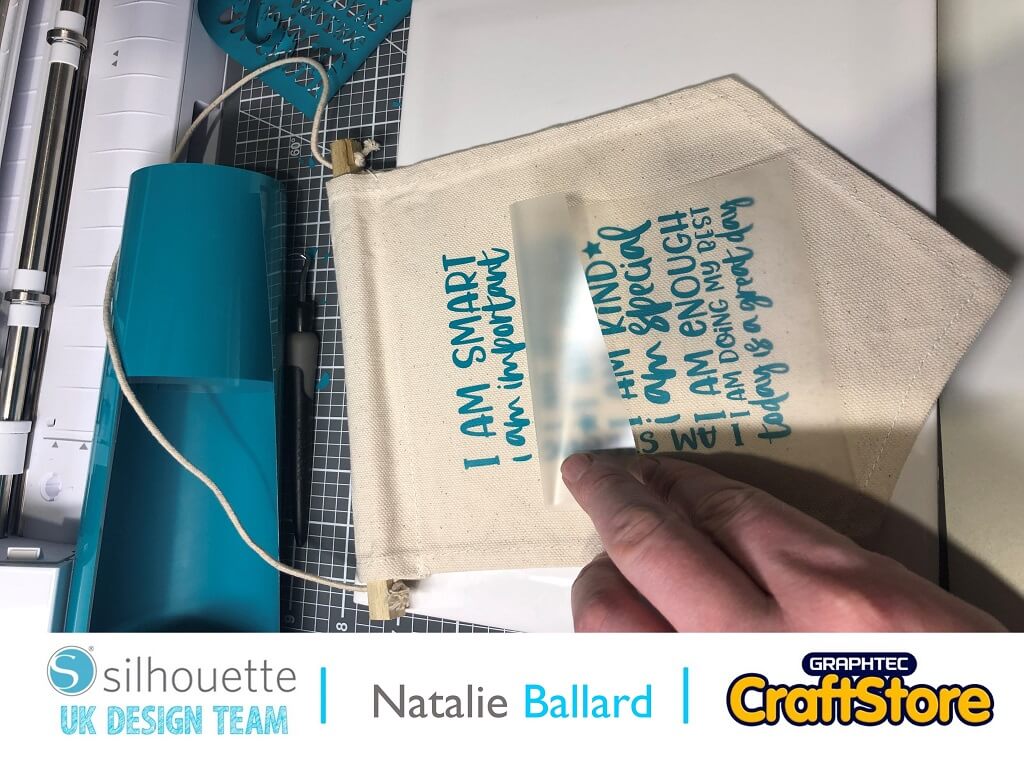
Different HTV materials will have different peeling temperatures so always refer to your HTV instructions.
This one peeled while still warm.
Replace the Teflon sheet and re press for ultimate bonding.
I look forward to showing you more HTV projects including flocking in upcoming blog posts.
– Natalie Ballard –
Designs used:
Design Store Artist: Sarah Hurley
Design Code: 386232