Sale!
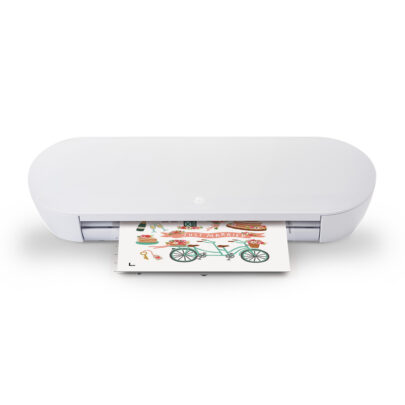
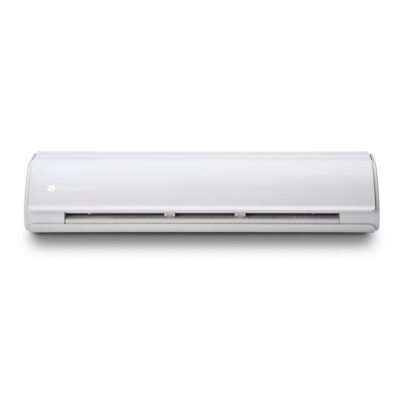
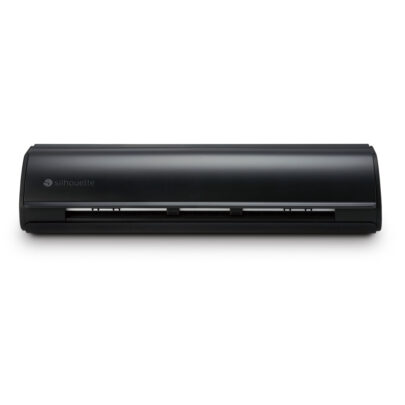
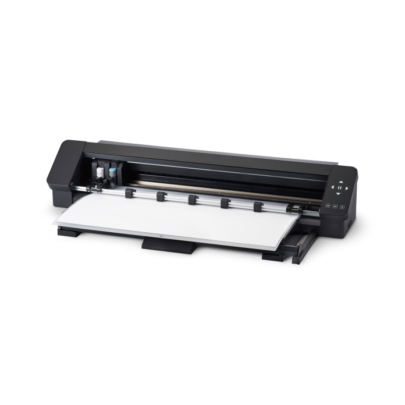
Silhouette Cameo Pro MK-II
Original price was: £579.00.£560.00Current price is: £560.00.
PLEASE NOTE THAT THE OFFICE WILL BE CLOSED FROM 12PM FRIDAY 20TH DECEMBER 2024 AND WILL RE-OPEN ON THURSDAY 2ND JANUARY 2025
ORDERS FOR DELIVERY PRIOR TO CHRISTMAS WILL NEED TO BE SUBMITTED BY 2.30PM ON THURSDAY 19THDECEMBER 2024.
ORDERS RECEIVED AFTER THIS TIME AND DATE WILL BE DESPATCHED ON THURSDAY 2ND JANUARY 2025.
Merry Christmas & A Happy New Year to all our customers. Thank you for your continued support.

£20.00
[clearpay_paragraph]
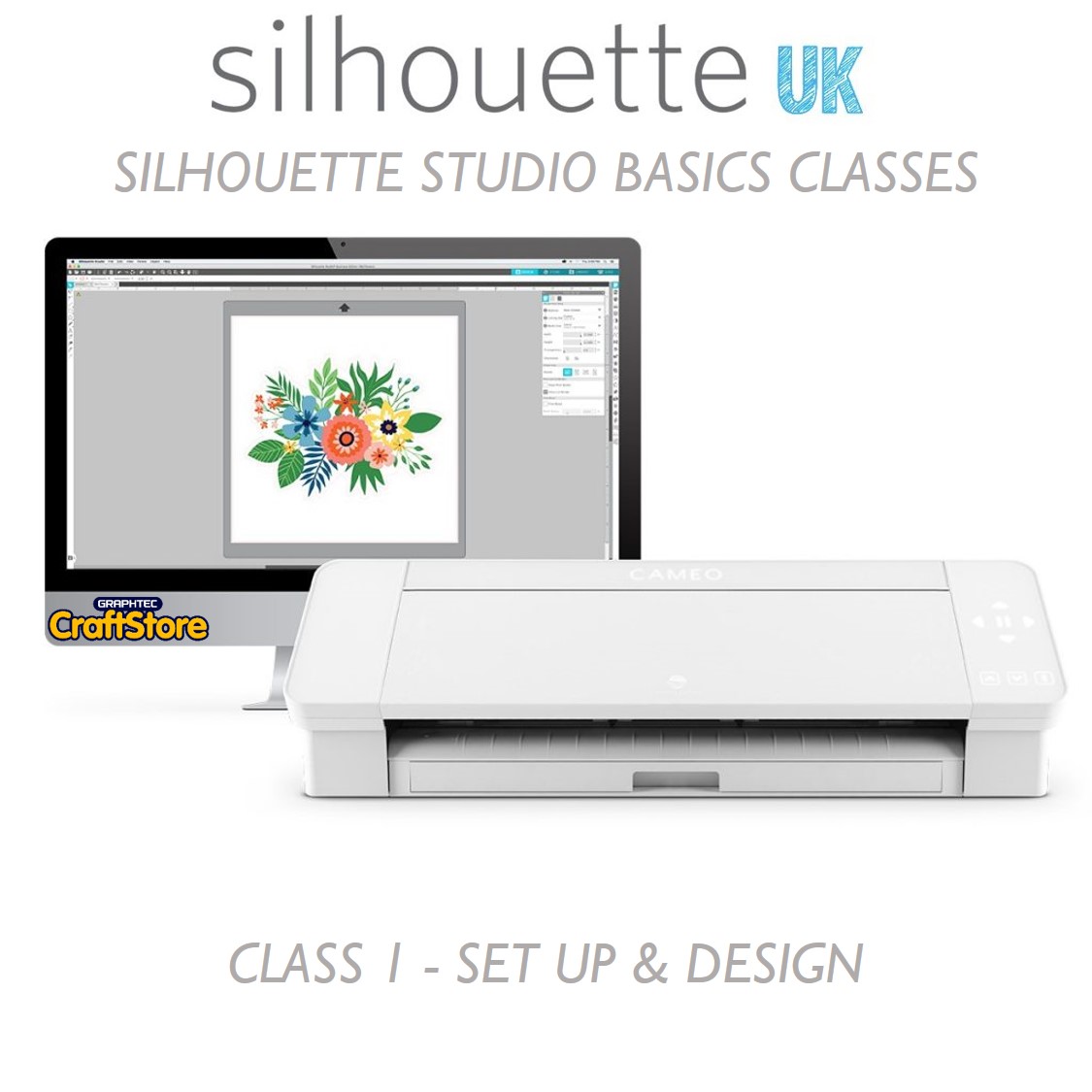
“Our Set Up & Design class is the first stage of a 3 part class series to get you up and running with Silhouette Studio. If you are new to your Silhouette machine or software or even if you want to refresh your knowledge our Set Up & Design class will put you on the right track.”
• Setting Up Personal Preferences With Silhouette Studio
• How To Backup Your Files & Update Your Machine Firmware
• Getting To Know Silhouette Studio
• Creating Your Own Design
• Adding & Manipulating Text
• Importing & Working With Library Designs
• Tuition Supplied By Hayley West
• Maximum Of 10 Candidates Per Class
• Class Duration: Approximately 1.5 hours
• Q&A Session At The End Of The Session: Approx. 30mins
• Detailed Follow Up Pack To Take Away
Out of stock



If you are new to the wonderful world of digital cutting tools and design software then our Online Basics Class is the perfect place to learn the fundamentals and get you up and running with both your Silhouette machine and the Silhouette Studio Software from the comfort of your own home.
The classes are lead by our Official Digital Media Presenter Hayley West who you may recognise from Hochanda TV and our Facebook Live videos.
The Basics Class is designed to cover the absolute basics of the getting to grips with the Silhouette Studio Software and how it controls your Silhouette Digital Cutting Tool.
Classes are hosted virtually and are limited to a maximum of 10 participants so that when it comes to the Questions & Answer session everyone will have the opportunity to ask the questions you need answering so that you can get the most from the class.
At the end of the class, each candidate will be given a walk through pack which will contain the key points covered within the class so you refer back to it in the future for a handy reminder.
As this class concentrates on the Silhouette Studio Software every cutting machine owner is welcomed as these fundamentals are required to operate all of the machines successfully.
In order to participate fully in the class every candidate will need to make sure they have performed these steps:
• Ensure You Are Available At The Date & Time Of The Class – Booking Is Non-Transferable
• Ensure Your Computer’s Operating System Is Fully Updated
• Ensure Your Silhouette Studio Is Updated To The Most Current Version
• Provide & Confirm Your Email Address In Order For The Class Invite To Be Sent to You Directly
• Have Your Machine Installed, Set Up And Turned On Prior To The Class Starting
Handy
If you are able to sign into the class using a separate device such as a tablet this will mean that you can follow the steps on the screen and copy what Hayley is doing within your software on your computer.
Please Note: No time will be given from the class to update candidates software or computers. Please ensure you have followed the above points to allow you to take the most from the class.
Disclaimer: Classes need at least 4 participants to be able to run successfully. Should there not be enough candidates attending the class you will be offered an alternative date or a refund. We withhold the right to amend class dates up until the day the class is scheduled to run.
Page Information Disclaimer
• Images for illustration purposes only.
• All details are correct at time of page production.
• Product specifics may change without warning.
Comments are closed.
Original price was: £579.00.£560.00Current price is: £560.00.
Original price was: £229.00.£179.00Current price is: £179.00.
Original price was: £349.00.£275.00Current price is: £275.00.